1: Schemaless vs. schemafull
The first thing to know about schemas in SurrealDB is that, strictly speaking, you don't need one. SurrealDB at its most basic state is a schemaless document database, and that still covers most of what people build apps with. Here is a small sample of what you can do without ever touching a schema:
CRUD -
CREATE,SELECT,UPDATE,DELETE, plusUPSERTandINSERTwhen you need themRelations -
RELATEfor graph edges, and ordinary record IDs stored in fields when a simple link is enoughJoins and graph queries - traverse with
->/<-, pull related records with dot syntax, or nest subqueriesFiltering and aggregation -
WHERE,GROUP BY,ORDER BY,LIMIT, and math helpers such asmath::sumandmath::meanDatabase functions - string, array, time, crypto, HTTP, geo, and the rest of the built-in library
Query logic -
LETparameters,IF/ELSE,FORloops, and closures inside queriesManual transactions - multi-statement work that commits or rolls back together
Live queries -
LIVE SELECTso clients get pushed updates when matching records change
So if that's all you need, then so long! 👋 You're already "done" the course.
But since you've come all the way to a course devoted to SurrealDB schemas, you're probably interested in learning how their internals work. After all, even a few DEFINE statements can unlock advantages such as greater type safety, automated events, table views, and indexes.
Let's start with the first point to know about schema.
Schemaless means defined for you, not undefined
Not defining a schema doesn't mean that SurrealDB doesn't make use of DEFINE statements under the hood. All it means is that SurrealDB just populates them automatically in the most flexible way the first time you write to a table.
Let's demonstrate this by creating a couple of person records and relating them with a ->knows-> edge. These are followed up by a final INFO FOR DB statement that shows why the first statements worked in the first place: because SurrealDB has quietly run a DEFINE statement for each table.
Both tables are TYPE ANY, and SCHEMALESS. Here's what that means:
TYPE ANY: The table can be used both as a regular table or a graph edge.SCHEMALESS: You don't need to define any fields to set them.
That's why running INFO FOR TABLE person and INFO FOR TABLE knows won't show any DEFINE FIELD definitions, because they were never needed.
-- surreal start --user root --pass secret
-- surreal sql   --user root --pass secret

CREATE person:rand;

CREATE person:asmodean CONTENT {
    name: "Asmodean",
    age: 3050
};

RELATE person:asmodean->knows->person:rand;

INFO FOR DB.tables;

INFO FOR TABLE person; -- No content
INFO FOR TABLE knows;  -- No content
{
	knows: 'DEFINE TABLE knows TYPE ANY SCHEMALESS PERMISSIONS NONE',
	person: 'DEFINE TABLE person TYPE ANY SCHEMALESS PERMISSIONS NONE'
}
SurrealDB's philosophy is to provide a maximum of flexibility by default, with the option to add as much strictness and type safety as you like. (The main exceptions are those related to security that must be strict by default unless chosen otherwise.)
You can use the STRICT clause when defining a database if you don't want these DEFINE statements to be created for you when first writing to a table. Let's give that a try: start from the default namespace main and database main, then switch to a namespace called new_ns and define a new database called new_db with STRICT.
-- surreal start --user root --pass secret
-- surreal sql   --user root --pass secret

DEFINE NS new_ns;
USE NS new_ns;
DEFINE DB new_db STRICT;
USE DB new_db;

CREATE person:rand;

CREATE person:asmodean CONTENT {
    name: "Asmodean",
    age: 3050
};

RELATE person:asmodean->knows->person:rand;

INFO FOR DB.tables;
This time the CREATE and RELATE statements refuse to run, because a STRICT database won't let you use anything you haven't explicitly defined yourself.
-------- Query 1 --------

NONE

-------- Query 2 --------

{
	database: 'main',
	namespace: 'new_ns'
}

-------- Query 3 --------

NONE

-------- Query 4 --------

{
	database: 'new_db',
	namespace: 'new_ns'
}

-------- Query 5 --------

"The table 'person' does not exist"

-------- Query 6 --------

"The table 'person' does not exist"

-------- Query 7 --------

"The table 'knows' does not exist"

-------- Query 8 --------

{  }
Types of DEFINE statements
The opening chapters of this course are about how to work with DEFINE statements, and their counterparts ALTER and REMOVE.
There are quite a few DEFINE statements to choose from. To keep from being overwhelmed by them all, you can think of them as being divided into three categories:
Defining tenancy & shape: NAMESPACE, DATABASE, TABLE, FIELD, SEQUENCE, INDEX (especially UNIQUE)
Defining add-ons: FUNCTION, PARAM, API, MODULE, BUCKET, ANALYZER, USER, ACCESS, CONFIG
Defining reactive behaviour:
On record CREATE/UPDATE/DELETE:
EVENTAt the boundary (HTTP/auth calls):
ACCESS,API,CONFIG API
Think of this as a rough grouping rather than a hard rule. A DEFINE INDEX statement, for example, can exist purely for performance, in which case it plays no role in the shape of a table's data.
After choosing schemaless or schemafull
The main distinction between tables is whether they're schemaless or schemafull, after which you can adjust the behaviour if you like.
A schemaless table starts out completely flexible, after which you can add type safety piece by piece. A schemafull table starts out completely strict, to which you can add flexibility piece by piece. Here is a quick summary and a visual aid to understand how this works, and where to go after choosing -full vs. -less.
SCHEMALESS: any non-defined field can be set. You can think of these as free slots in a machine. However, type safety can be bolted on with additional DEFINE FIELD statements, after which the table becomes schemafull for those fields alone.
SCHEMAFULL: no field can be set unless it is defined, so DEFINE FIELD statements are required unless you're happy with a table that only has an
idfield. To make a schemafull table more flexible, you can use the FLEXIBLE clause for fields containing objects, or define fields that can take a variety of types.
SCHEMALESS record                    SCHEMAFULL record
┌────┬────┬─────┬────┬ ─ ─ ─        ┌────┬──────────────────┐
│name│age │email│ ?? │ ??  │        │name│     payload      │
│ ▓▓ │ ▓▓ │ ▓▓  │ ·· │ ··  │        │ ▓▓ │  ┌───┬───┬───┐   │
└────┴────┴─────┴────┴ ─ ─ ─        └────┴──│ ? │ ? │ ? │ ──┘
  ▓ = defined + validated              only 2 top-level slots;
  ·· = free slots, no validation       inside payload: FLEXIBLE
  ─ ─ = open frontier
In short, SCHEMALESS gives you unlimited flexibility with optional field-level safety, and SCHEMAFULL gives you the opposite by default.
Type flexibility
Type definitions themselves also vary in flexibility. Here are three examples of how this can vary:
Most strict: a single type such as
string. No other type can be set.More flexible: a literal/multiple type such as
int | floator a multi-table record type. A variety of types can be set.Most flexible:
TYPE any. Any type can be set.
On top of this, other clauses can be added to field definitions such as ASSERT.
Some examples
To begin acquiring some schema muscle memory, let's take a look at some concrete but quick examples of the variety of flexibility introduced above.
SCHEMALESS with no defined fields
Any fields can be set for this table.
DEFINE TABLE person SCHEMALESS;

CREATE person SET
  name = "Asmodean",
  age = 3050,
  birth_name = "Joar Addam Nessosin";
SCHEMALESS with defined fields
Here the name and age fields must be present and of a certain type. But birth_name (here a string) could have been anything.
DEFINE TABLE person SCHEMALESS;
DEFINE FIELD name ON person TYPE string;
DEFINE FIELD age ON person TYPE int;

CREATE person SET
  name = "Asmodean",
  age = 3050,
  birth_name = "Joar Addam Nessosin";
SCHEMAFULL with defined fields
Here we see two failed attempts to create a person record, followed by one that succeeds.
DEFINE TABLE person SCHEMAFULL;
DEFINE FIELD name ON person TYPE string;
DEFINE FIELD age ON person TYPE int;
DEFINE FIELD birth_name ON person TYPE string;

-- Fails: `birth_name` must be set
CREATE person SET
  name = "Asmodean",
  age = 3050;

-- Fails: no top-level field `nickname` has been defined
CREATE person SET
  name = "Asmodean",
  age = 3050,
  nickname = "Dean";

-- Succeeds: all defined fields and no others are present
CREATE person SET
  name = "Asmodean",
  age = 3050,
  birth_name = "Joar Addam Nessosin";
SCHEMAFULL with a flexible field
Here we have a schemaless microcosm inside a schemafull table thanks to the FLEXIBLE keyword:
DEFINE TABLE person SCHEMAFULL;
DEFINE FIELD name ON person TYPE string;
DEFINE FIELD metadata ON person TYPE object FLEXIBLE;

CREATE person SET
    name = "Asmodean",
    metadata = {
      age: 3050,
      birth_name: "Joar Addam Nessosin",
      tags: ["musician"]
    };
A field with a single type
DEFINE FIELD age ON person TYPE int;A field with multiple possible types
DEFINE FIELD score ON person TYPE int | float;A field that can take any type
DEFINE FIELD payload ON person TYPE any; Adding an ASSERT on a field
DEFINE FIELD email ON person TYPE string ASSERT $value.is_email();General security notes
The main exception to “flexible by default” is, naturally, when security comes into play. That's why you need to pass flags when starting a server via the surreal start command to override the secure defaults, such as:
The
unauthenticatedflag to turn off authentication and thereby give anonymous users root accessThe
--allow-netflag to allow the server to use HTTP functionsThe
--allow-scriptingflag to allow JavaScript functions to be used inside SurrealQL
And many more. For more on this, see our Security best practices page where you can learn how to balance functionality and security such as denying by default followed by allowing access to only certain functions and URLs.
surreal start --deny-all --allow-funcs "array, string, crypto::argon2, http::get" --allow-net api.example.com:443That covers the main dials: schemaless vs schemafull tables, and how strict a field's type can be. The next chapter looks at what the database actually stores for those definitions, how to read it with INFO, and how SurrealDB Studio shows the same catalog visually.
THE PLATFORM
Everything an application and its agents know. Five surfaces, one engine.
Database
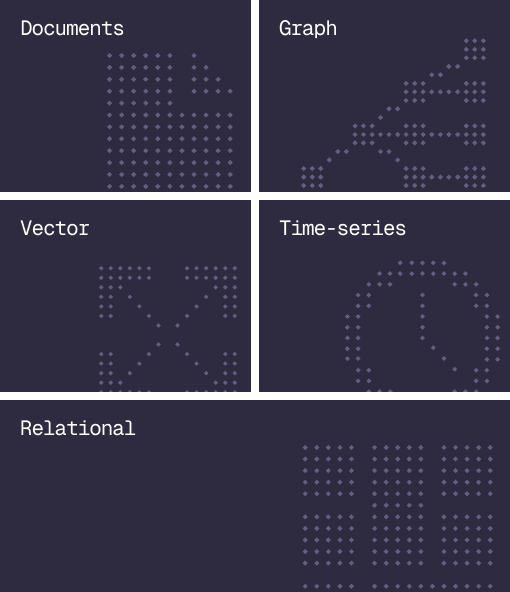
Document, graph, vector, time-series and relational in one engine.
Agent Memory
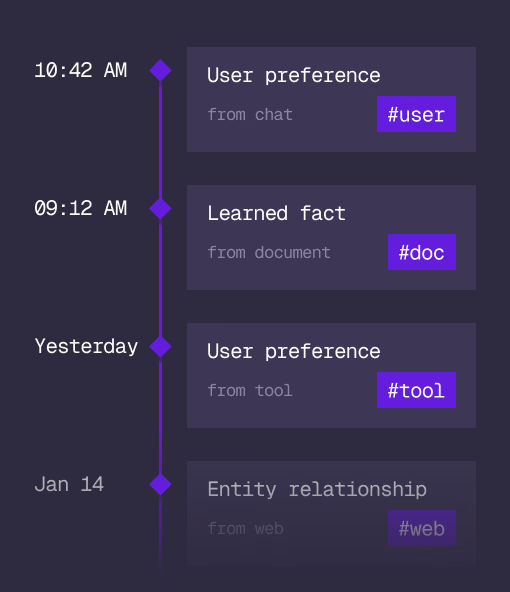
What an agent learns, with its source and its time, in the same engine.
Cloud
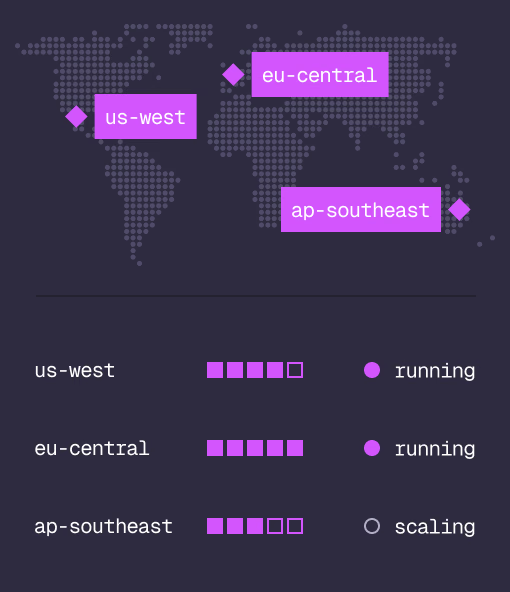
Managed clusters in the regions you choose, scaled on demand.
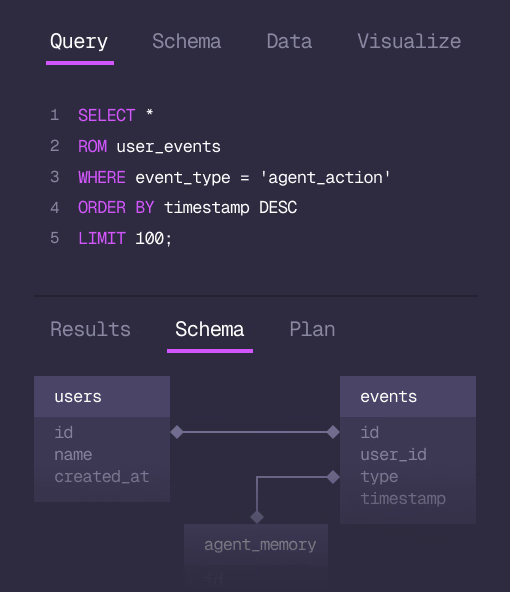
Studio
Query, explore and design the schema from the browser.
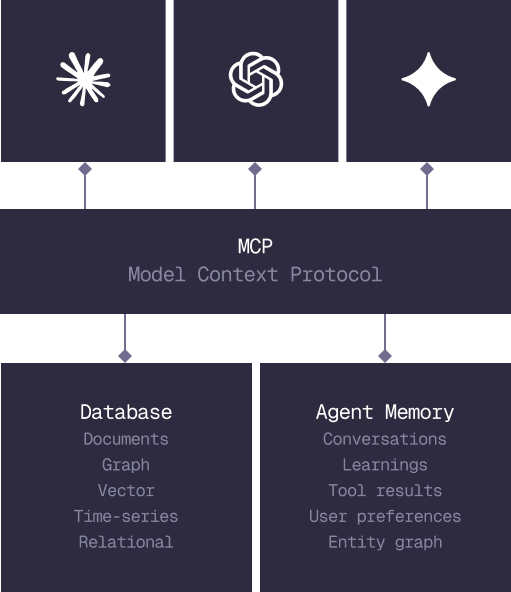
MCP
Every model that speaks MCP reaches the database and the memory directly.
IN PRODUCTION
Trusted at scale. Samsung, Nvidia, Verizon, Tencent, and Walmart run on SurrealDB.
14,000+
Developers building on SurrealDB Cloud
4M+
Developers building on SurrealDB worldwide
FROM THE TEAMS
SurrealDB gives us a foundation where we can unify semantic search, knowledge graphs, and AI-driven decision making without stitching together multiple systems. Collapsing responsibility into SurrealDB has become our default engineering posture.
VP of Engineering, Later