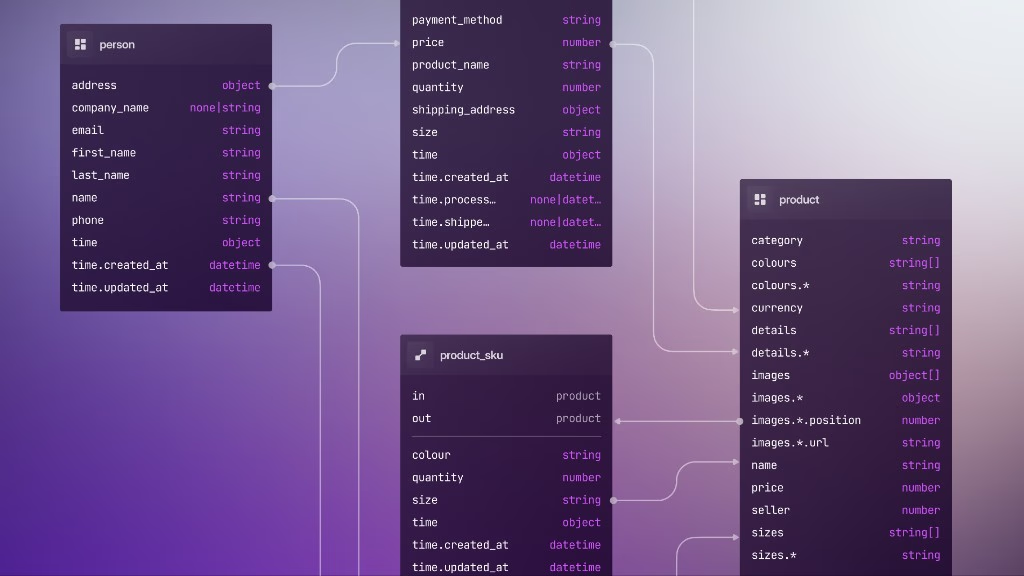
8: Computed and asserted fields
Part 5 introduced these field clauses in isolation. Here they land in committed schema files for the planning domain, matching the project planning sample activity table.
As you go through this chapter, add each DEFINE statement to database/schema/activity.surql. You'll apply all of them together with a single surrealkit sync at the end.
COMPUTED duration
Duration shouldn't be stored and maintained by application code when both endpoints already live on the record.
DEFINE FIELD duration ON activity COMPUTED end - start;COMPUTED fields are evaluated on read (and during projections that need them), not stored at write time. That avoids stale durations when someone updates end without touching a separate column.
SELECT name, start, end, duration FROM activity;ASSERT progress range
Replace the bare TYPE float line for progress in activity.surql with a constrained range. Don't leave both definitions in the file. SurrealKit treats each DEFINE FIELD as one catalog object keyed by table and field name, so two progress lines share one key: sync reports no error, and the second definition silently replaces the first. Anyone reading the file later can easily miss that the first line has no effect. Use a range ASSERT for numeric bounds, and a literal union when the set is categorical instead (see part 4).
DEFINE FIELD progress ON activity TYPE float ASSERT $value IN 0.0..=1.0;Invalid writes fail at the field layer:
UPDATE activity:concrete SET progress = 1.5;
-- Field assertion failure
For a custom message, use ASSERT with THROW, as in part 5.
VALUE for rolling timestamps (preview)
The milestone table uses VALUE time::now() on last_updated in the docs sample. On activity, you might add:
DEFINE FIELD updated_at ON activity VALUE time::now();VALUE runs on every create and update, which is useful for "last touched" columns. DEFAULT time::now() only fills in missing values on create, unless you add ALWAYS.
Once the three edits above are in activity.surql, apply them with one sync:
surrealkit sync --user root --pass secret --ns main --db mainExisting records pick up COMPUTED duration immediately on the next SELECT. ASSERT only applies to new writes; if legacy data already violates the range, backfill it before you tighten the field (part 3).
Alter vs edit the file
On a shared database, changing a field definition is a migration:
Local dev: edit
activity.surqlandsyncStaging/production:
rollout plan→start→ deploy →complete(parts 10–11)
ALTER FIELD in the shell and editing the .surql file should describe the same end state.
Checkpoint
| Clause | Role on activity |
|---|---|
COMPUTED duration | Derived from start / end |
ASSERT on progress | Enforces 0.0..=1.0 |
VALUE updated_at | Optional audit column |
Next: model the dependency graph between activities and projects with RELATION tables.
THE PLATFORM
Everything an application and its agents know. Five surfaces, one engine.
Database
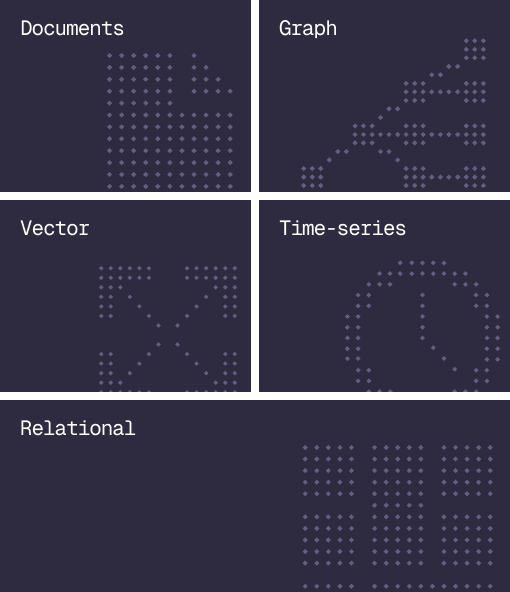
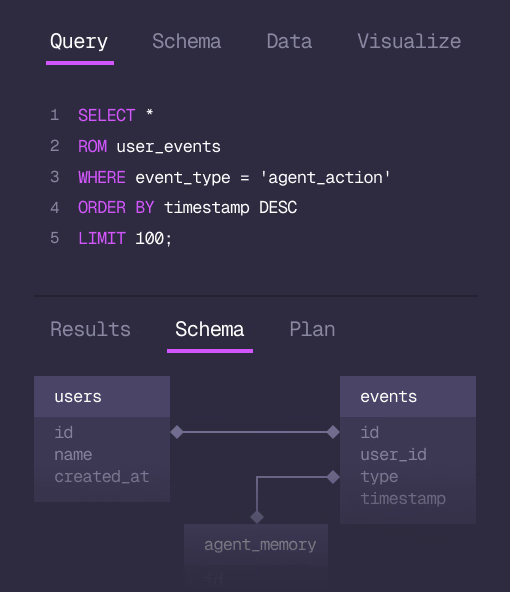
Document, graph, vector, time-series and relational in one engine.
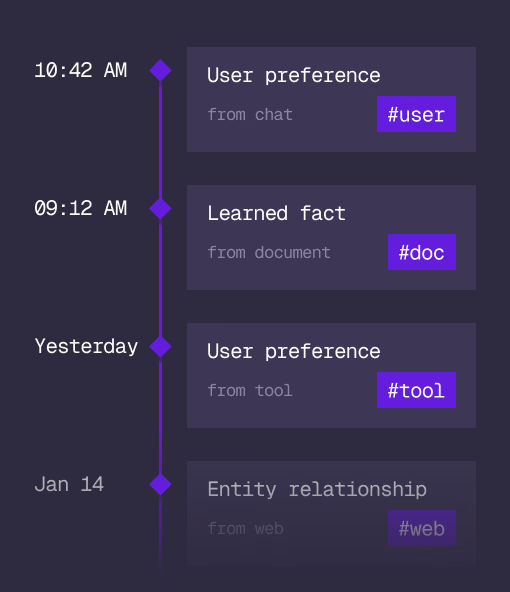
Agent Memory
What an agent learns, with its source and its time, in the same engine.
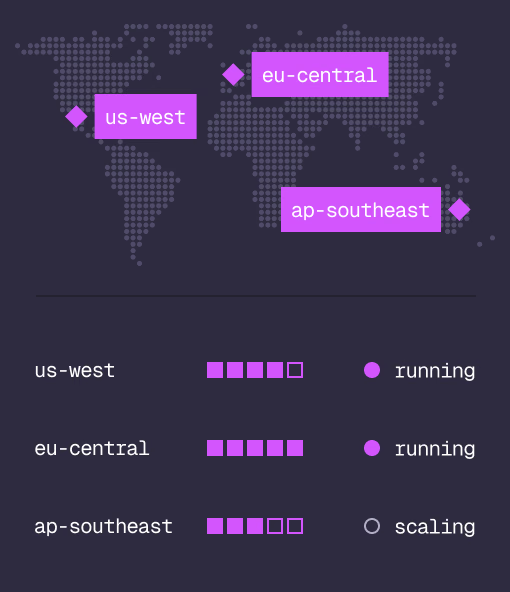
Cloud
Managed clusters in the regions you choose, scaled on demand.
Studio
Query, explore and design the schema from the browser.
MCP
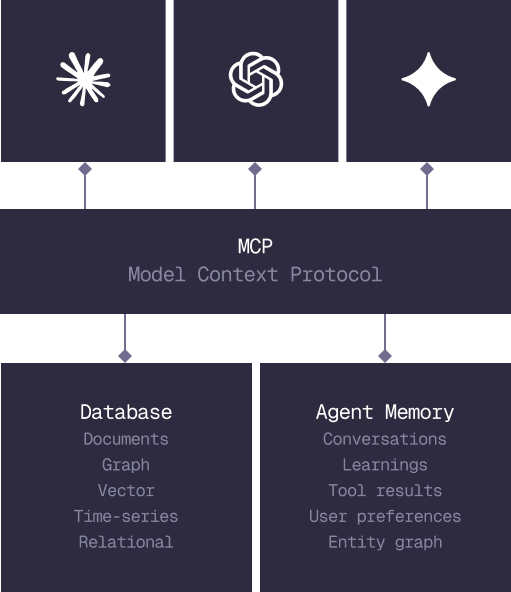
Every model that speaks MCP reaches the database and the memory directly.
IN PRODUCTION
Trusted at scale. Samsung, Nvidia, Verizon, Tencent, and Walmart run on SurrealDB.
14,000+
Developers building on SurrealDB Cloud
4M+
Developers building on SurrealDB worldwide
FROM THE TEAMS
SurrealDB gives us a foundation where we can unify semantic search, knowledge graphs, and AI-driven decision making without stitching together multiple systems. Collapsing responsibility into SurrealDB has become our default engineering posture.
VP of Engineering, Later