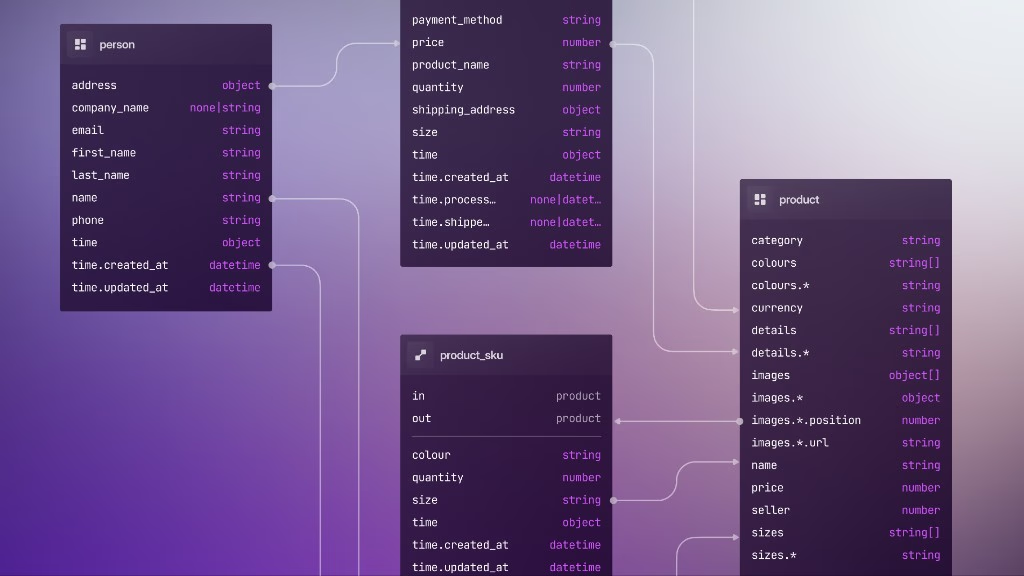
3: Migrations
In this chapter we will look at DEFINE and ALTER statements when you have a database that already holds data. This is important to understand, because DEFINE and ALTER only change what the database expects, but don't make any modifications to the data.
The only statements that do modify data are REMOVE statements, because there is no longer any reason to maintain it.
Migrating data
The convenience of having DEFINE statements only change the expected shape of your data is that you can make as many changes to your schema as you like, only modifying the existing data once you are ready.
That said, if you don't have a massive amount of saved data then it can be a good idea to run an UPDATE statement on a table every once in a while if you suspect that old data may not match the new schema.
DEFINE FIELD num ON person TYPE string;

CREATE person SET num = "100";

ALTER FIELD num ON person TYPE int;

-- Works; not a write operation
SELECT * FROM person;

-- Succeeds because 100 matches new field definition
CREATE person SET num = 100;

-- Fails as one record still has `num` as a string
UPDATE person;

UPDATE person SET num = <int>num;
If you are able to modify a field to be more than one possible type then you can avoid updating the data at all. For example, if the num field on person defined as an int also needs to accept numeric strings, you can alter it to TYPE string | int, along with an assertion that checks every character is numeric when the value is a string.
DEFINE FIELD num ON person TYPE int;

CREATE person SET num = 100;

ALTER FIELD num ON person TYPE string | int ASSERT {
    IF $value.is_string() {
        -- Checks if every character is numeric
        -- Note: disallows negative numbers and decimals
        $value.is_numeric()
    } ELSE {
        true
    }
};

CREATE person SET num = 100;
CREATE person SET num = "200";
-- Fails: not numeric
CREATE person SET num = "Three hundred";
Testing data before a migration
Before you ALTER FIELD or tighten a table to SCHEMAFULL, it helps to test the change on a copy of the data instead of learning from failed writes on the live table.
The new_* pattern from part 2 is one approach. With this you can derive bare field names with INFO … STRUCTURE, copy records with INSERT INTO new_person SELECT * FROM person, and apply the stricter schema to new_person first.
You can also probe existing records with read-only queries:
DEFINE FIELD num ON person TYPE string;
CREATE person SET num = "100";
CREATE person SET num = 200;

-- Returns records that would fail after ALTER FIELD num TYPE int
SELECT * FROM person WHERE num IS NOT NONE AND !type::is_int(num);
To rehearse a backfill without committing it, run the UPDATE inside a manual transaction and inspect the result before you COMMIT or CANCEL:
BEGIN TRANSACTION;
UPDATE person SET num = <int>num WHERE type::is_string(num);
-- Inspect affected records, then COMMIT or CANCEL
COMMIT TRANSACTION;
For uniqueness, run deduplication updates before you add DEFINE INDEX … UNIQUE. A failed index creation is often the first sign that duplicate values still exist.
Renaming fields
As there is no ALTER FIELD … RENAME today, "renaming" a field is essentially the same discipline in a different shape: a new DEFINE FIELD, an UPDATE to move the data to the new field, REMOVE to remove the field definition, and finally unsetting that field.
-- Bad field name, has existing data
DEFINE FIELD whoops_wrong_field_name ON person TYPE string;
CREATE person SET whoops_wrong_field_name = "Billy";

-- Rename, update, remove field definition, unset old data
DEFINE FIELD name ON person TYPE string;
UPDATE person SET name = whoops_wrong_field_name;
REMOVE FIELD whoops_wrong_field_name ON person;
UPDATE person UNSET whoops_wrong_field_name;
Gradual migrations
You can use events to gradually migrate data if a full move from one data type to another doesn't need to happen immediately. Take the following example where an app has a created_at field that is of type string.
DEFINE FIELD created_at ON user TYPE string;If the string data can remain in the meantime, first widen the schema to accept either type:
ALTER FIELD created_at ON user TYPE string | datetime;And then use an event to normalise the data every time the user logs in. Here an update is performed every time to change a user's created_at from a string into a datetime every time a login happens. The event also tracks how many changes are happening via a separate datetime_changes table that shows the number of string to datetime changes per day.
DEFINE EVENT normalise_created_at ON TABLE server_event
  WHEN $event = "CREATE"
    AND type::is_string($after.user.created_at)
  THEN {
    UPDATE $after.user.id SET created_at = type::datetime($after.user.created_at);
    -- Track number of changes
    UPSERT datetime_changes:[<datetime>time::format(time::now(), "%Y-%m-%d")] SET changes += 1;
  };
Here is the full pattern demonstrated with some sample data.
DEFINE FIELD created_at ON user TYPE string;

-- Users created with old format
CREATE user:one, user:two SET created_at = "2010-09-11";

ALTER FIELD created_at ON user TYPE string | datetime;


DEFINE EVENT normalise_created_at ON TABLE server_event
  WHEN $event = "CREATE"
    AND type::is_string($after.user.created_at)
  THEN {
    UPDATE $after.user.id SET created_at = type::datetime($after.user.created_at);
    -- Track number of changes
    UPSERT datetime_changes:[<datetime>time::format(time::now(), "%Y-%m-%d")] SET changes += 1;
  };

CREATE server_event SET user = user:one;
CREATE server_event SET user = user:two;

SELECT * FROM user;
SELECT * FROM datetime_changes;
The users now have their created_at changed to a datetime, and the datetime_changes table keeps track of how many records have been changed.
[
	{
		changes: 2,
		id: datetime_changes:[
			d'2026-07-21T00:00:00Z'
		]
	}
]
Once no more changes come in, you can remove the event and tighten up the field to only accept datetimes.
REMOVE EVENT normalise_created_at ON server_event;
ALTER FIELD created_at ON user TYPE datetime;
Tracking migrations
SurrealDB's official tool for migrations is SurrealKit, which upcoming chapters will introduce.
You can of course track schema changes to a certain extent using nothing but SurrealQL. The following example shows a defined function that can be run to show the differences between a previous schema and the current one, as well as setting a time as the point at which the change from one to another was logged.
CREATE schema:person SET
    current = INFO FOR TABLE person,
    history = [];

-- Call this function every time a schema is updated
DEFINE FUNCTION fn::update_schema($table: string) {
    UPDATE type::record("schema", $table) SET
    current = INFO FOR TABLE $table,
    history += {
        at: time::now(),
        diff: (INFO FOR TABLE $table).diff(schema:person.current)
    };
};

DEFINE FIELD name ON person TYPE string;
fn::update_schema("person");

DEFINE FIELD num ON person TYPE int;
fn::update_schema("person");

ALTER FIELD num ON person TYPE int | float;
fn::update_schema("person");

SELECT * OMIT id FROM ONLY schema:person ORDER BY at;{
current: {
events: { },
fields: {
name: 'DEFINE FIELD name ON person TYPE string PERMISSIONS FULL',
num: 'DEFINE FIELD num ON person TYPE int | float PERMISSIONS FULL'
},
indexes: { },
lives: { },
tables: { }
},
history: [
{
at: d'2026-07-01T04:26:25.310791Z',
diff: [
{
op: 'remove',
path: '/fields/name'
}
]
},
{
at: d'2026-07-01T04:26:25.311143Z',
diff: [
{
op: 'remove',
path: '/fields/num'
}
]
},
{
at: d'2026-07-01T04:26:25.311390Z',
diff: [
{
op: 'change',
path: '/fields/num',
value: '@@ -33,16 +33,8 @@\n int \n-%7C float \n PERM\n'
}
]
}
]
}For anything more complicated, though, it is best to automate it using SurrealKit instead. The DIY approach above is useful for understanding what's happening under the hood: storing INFO FOR TABLE output and diffing it yourself. But it only tracks what you remember to call, and it won't help you apply changes safely across environments.
When to reach for SurrealKit
SurrealKit is SurrealDB's official schema management CLI. You keep your DEFINE statements (and related schema) in plain .surql files under database/schema/, commit them with your application, and SurrealKit reconciles live databases against those files. It's worth adopting once manual DEFINE / ALTER in the shell or SurrealDB Studio stops scaling.
Stay on raw SurrealQL when:
You are exploring locally (a few tables, one namespace, disposable
memory)The schema fits in your head and changes are rare
A single developer owns the database and can afford to fix mistakes by hand
Move to SurrealKit when:
| Situation | What SurrealKit gives you |
|---|---|
| Many definitions across files | Schema split into version-controlled .surql files instead of one long script or ad-hoc history records |
| Local iteration | surrealkit sync --watch: edit a schema file, save, and disposable dev database updates right away |
| Multiple environments | The same schema files drive every environment; how they are applied differs (sync locally, rollouts for shared/prod) |
| Shared or production databases | Rollouts: reviewed migration manifests, applied in phases (often by CI), with rollback |
| Expand → contract migrations | rollout start adds new tables/fields/indexes while old app code still runs; you deploy the app; rollout complete removes legacy definitions. Pairs well with gradual data migrations (e.g. the DEFINE EVENT pattern above) |
| Destructive changes | Removing a table, field, or index from a schema file is deliberate in rollouts, not an accident. Sync on a disposable DB can auto-prune, but shared DBs use the rollout path |
| Brownfield adoption | rollout baseline captures what is already in a live database so future plans diff against reality |
| CI and pull requests | surrealkit test: declarative checks against an ephemeral database; deployment pipelines run rollout against staging/prod secrets |
| Seed data | database/seed/*.surql applied on demand alongside schema, useful for fixtures and dev datasets |
| Types for your app | Type generation from the live schema (JSON / TypeScript) so application code matches DEFINE FIELD types |
| Embedded Rust services | The surrealkit crate can run sync (or rollouts) at application startup against an embedded datastore |
This workflow is similar to those you see in Prisma or Eloquent.
SurrealKit itself starts in part 6, where we build a project planning schema with sync and rollouts through part 14. Before that, the next two chapters cover the data types and field automation you will lean on constantly once those files are under version control in order to have the muscle memory needed to choose the data types and statements most applicable to your use case.
For reference while you wait, see the SurrealKit documentation and the project repository.
THE PLATFORM
Everything an application and its agents know. Five surfaces, one engine.
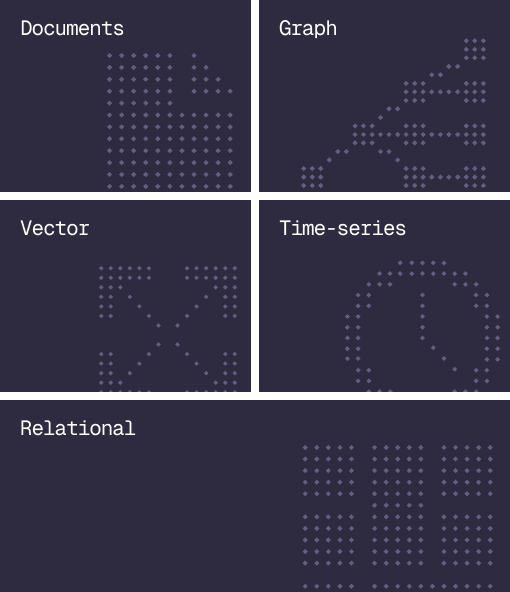
Database
Document, graph, vector, time-series and relational in one engine.
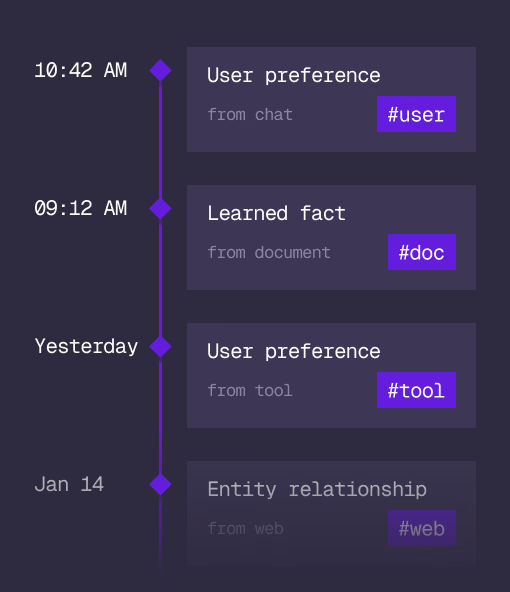
Agent Memory
What an agent learns, with its source and its time, in the same engine.
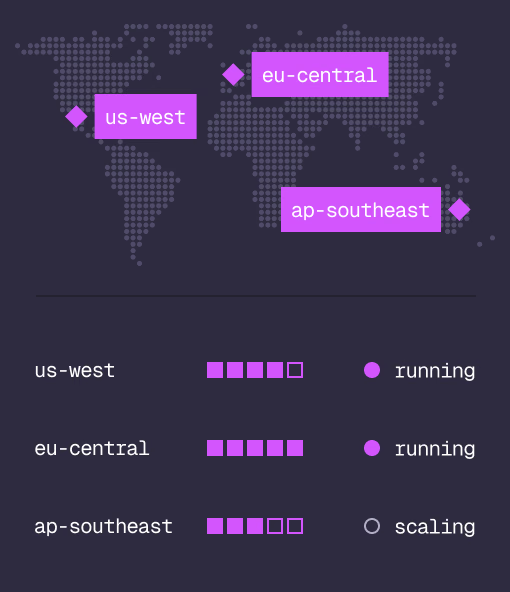
Cloud
Managed clusters in the regions you choose, scaled on demand.
Studio
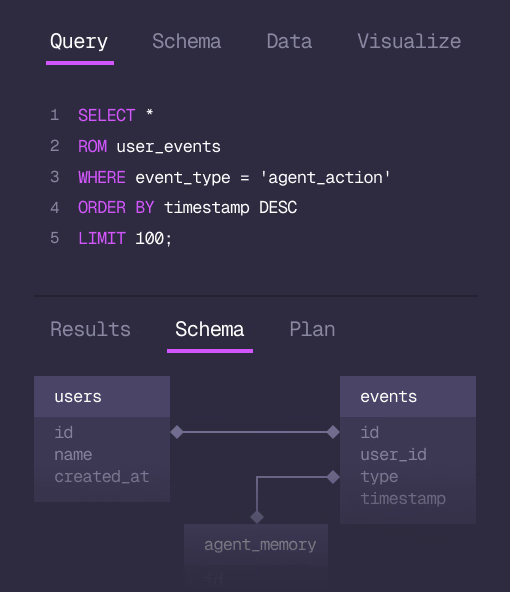
Query, explore and design the schema from the browser.
MCP
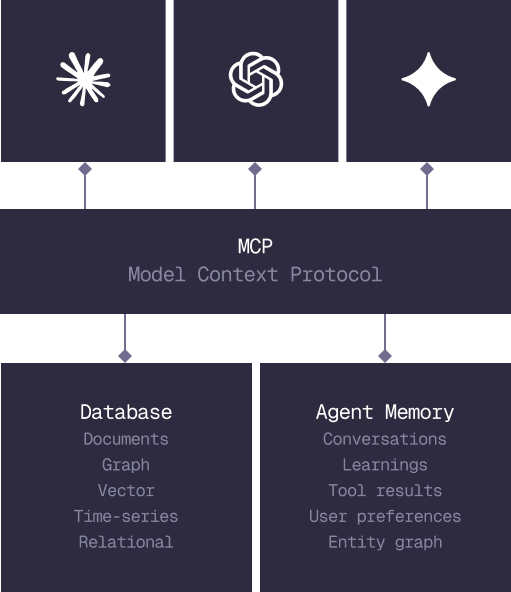
Every model that speaks MCP reaches the database and the memory directly.
IN PRODUCTION
Trusted at scale. Samsung, Nvidia, Verizon, Tencent, and Walmart run on SurrealDB.
14,000+
Developers building on SurrealDB Cloud
4M+
Developers building on SurrealDB worldwide
FROM THE TEAMS
SurrealDB gives us a foundation where we can unify semantic search, knowledge graphs, and AI-driven decision making without stitching together multiple systems. Collapsing responsibility into SurrealDB has become our default engineering posture.
VP of Engineering, Later