11: Milestones
Milestones group activities and expose roll-up progress. You already created database/schema/milestone.surql in part 10 and left it sitting there. Now we will look at what the file does, preview the change with surrealkit sync --dry-run, then apply it once with a rollout, the same path you would use on a shared database.
On a normal day you would just sync this locally. We are skipping that apply on purpose so you can practise plan → start → complete without putting the same definitions in twice.
The parked milestone file
Here is the file again for reference:
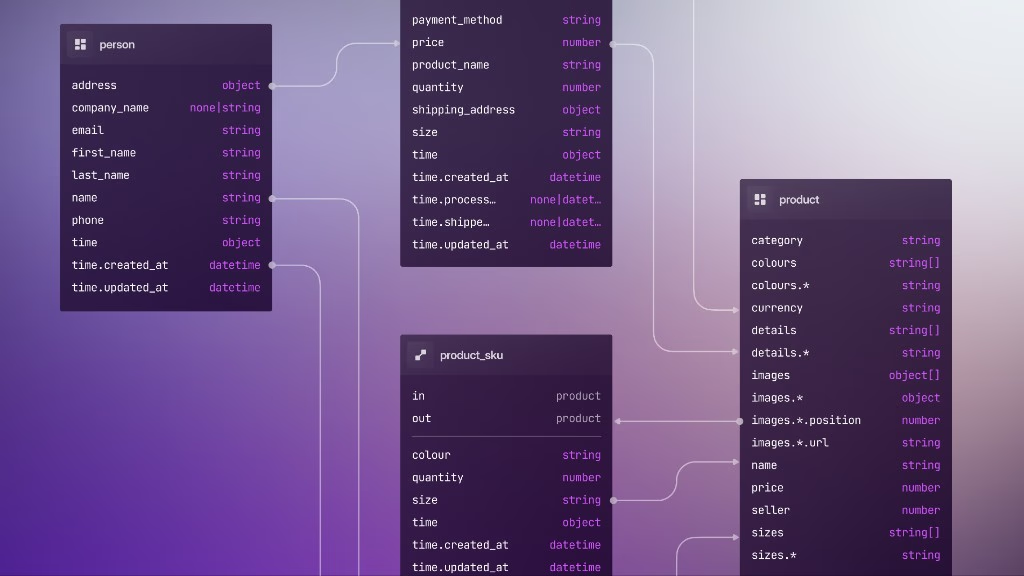
DEFINE TABLE milestone SCHEMAFULL;
DEFINE FIELD project ON milestone TYPE record<project>;
DEFINE FIELD activities ON milestone TYPE array<record<activity>>;
DEFINE FIELD name ON milestone TYPE string;
DEFINE FIELD last_updated ON milestone VALUE time::now();
DEFINE FIELD progress ON milestone COMPUTED math::mean(activities.progress);
DEFINE FIELD is_complete ON milestone COMPUTED activities.all(|$a| $a.progress > 0.95);| Field | Mechanism |
|---|---|
last_updated | VALUE time::now() on every write |
progress | COMPUTED mean over linked activities |
is_complete | COMPUTED threshold across the group |
If the file is missing, create it with the statements above before continuing. Still do not sync it: dry-run first, then rollout.
Preview with sync --dry-run
Do not run a normal surrealkit sync yet. Ask what sync would do:
surrealkit sync --dry-run --user root --pass secret --ns main --db mainYou should see milestone.surql (and maybe other files whose hashes have changed) listed as pending applies. The live catalog stays the same. If something looks wrong, fix the file and dry-run again.
One item to keep in mind is that dry-run output is fairly coarse. Applies are reported per file, not per field. Prunes only show up when SurrealKit has stale managed entities to remove. For a detailed expand/contract list, open the rollout manifest after you plan.
After a clean dry-run, leave the catalog alone until rollout start. A real sync (or sync --watch) would apply milestone immediately, and the later rollout would have little or nothing left to expand.
Plan and apply with a rollout
1. Plan
From the SurrealKit project root (the folder that contains database/):
surrealkit rollout plan --name add_milestonesGenerated rollout manifest ./database/rollouts/20260302153045__add_milestones.toml
Froze 1 schema file(s) into ./database/rollouts/20260302153045__add_milestones
Updated ./database/snapshots/catalog_snapshot.json
Commit the manifest, its directory and the snapshots together; reverting means reverting all three.The manifest id is that filename without .toml:
database/rollouts/20260302153045__add_milestones.toml
→ manifest id: 20260302153045__add_milestones
Your timestamp will differ. Planning compares database/schema/ to snapshots under database/snapshots/ (part 14 covers rollout baseline when you adopt a brownfield database).
Open the manifest and the diff should be exactly one file, because part 10's probe left the snapshots matching everything else:
[[steps]]
id = "apply_expand_schema"
phase = "start"
kind = "apply_files"

[[steps.files]]
path = "schema/milestone.surql"
hash = "63c13afa06104270ac0a377ee7e9865025c0bb531692e60720ec2a0c194c8a94"
If yours lists all five schema files, you skipped the probe in part 10; that is harmless here, since re-applying an unchanged definition is a no-op, but the rest of this chapter is easier to follow with a one-file plan.
If you edit a schema file after planning, start still applies the copy frozen into database/rollouts/20260302153045__add_milestones/, so the edit is not part of this rollout. surrealkit rollout lint without an id reports it as a change that no rollout plans yet, so here you should plan another rollout to include it.
Optional check before start:
surrealkit rollout lint 20260302153045__add_milestonesRollout 20260302153045__add_milestones is valid (checksum e6d2adfc13c4c86db8633974fbc7c378282d5f9a3c767240470ac1c135c84545).2. Commit the plan (when this is real work)
On a team project, commit the schema diff, the new database/rollouts/*.toml file with its directory along with the updated snapshots. Reviewers should see the intended apply, not only the .surql changes. For this course exercise you can keep going without a git commit.
3. Start (this is the apply)
Use your manifest id from step 1:
surrealkit rollout start 20260302153045__add_milestones --user root --pass secret --ns main --db mainRollout 20260302153045__add_milestones is ready to complete.start applies the non-destructive steps: new tables, new fields, new indexes (part 12). Check that milestone shows up in INFO FOR DB, and peek at the fields with INFO FOR TABLE milestone.
surrealkit rollout status now shows the rollout sitting between its two phases:
__rollout:20260302153045__add_milestones [ready_to_complete] add_milestones
  started_at: 2026-03-02T15:31:12.694795Z
  - apply_expand_schema [start:apply_files] completed
Below the rollout records, status also prints where the database sits in the chain of rollouts and which rollouts it has not run yet.
In production you would deploy the app that uses milestones while the old and new code can still coexist, then run complete.
surrealkit rollout complete 20260302153045__add_milestones --user root --pass secret --ns main --db mainCompleted rollout 20260302153045__add_milestones.complete is where destructive steps live: REMOVE FIELD, REMOVE TABLE, dropped indexes, and so on. Adding milestone only adds things, so this manifest has no complete step at all and the command simply moves the status to completed. Running it anyway is a habit worth keeping, because the moment a change does remove something, that becomes the phase in which it lands.
If something goes wrong after start:
surrealkit rollout rollback 20260302153045__add_milestones --user root --pass secret --ns main --db mainAfter a rollback, rollout status lists the rollout as rolled back, and rollout up stops at it rather than running it again by itself. There are two ways on:
If the rollout itself was fine and the problem was elsewhere, run it again with
surrealkit rollout start 20260302153045__add_milestones.If the change needs to be different, drop the rollout with
surrealkit rollout discard 20260302153045__add_milestones. This deletes the manifest and its directory and putsdatabase/snapshots/back to where they were before the plan. Then fix the schema file and plan again.
Only discard a rollout that no database has completed. A database that has already run it has nowhere in the chain to stand once the manifest is gone.
Once a rollout is completed, that door is shut:
Error: rollout '20260302153045__add_milestones' is already completed Dry-run answered “what would sync do?” Rollout start answered “apply the expand.” On a shared host, CI holds the credentials for start / complete. Your laptop .env should keep pointing at disposable databases for everyday sync.
Seed data
Run these statements now in SurrealDB Studio or surreal sql so your current database has the milestones. Also append them to database/seed/demo_project.surql so a later fresh database gets the same records on first seed. Do not re-run surrealkit seed here: appending to the file changes its hash, so seed would replay the whole thing, starting with CREATE project:one and the earlier activities, and fail with “already exists” (part 7).
CREATE milestone:start SET
    project = project:one,
    activities = [activity:kickoff],
    name = "Project start";

CREATE milestone:construction SET
    project = project:one,
    activities = [activity:concrete],
    name = "Initial construction";
Then inspect the roll-ups:
SELECT name, progress, is_complete FROM milestone;Expand-contract without renaming
Part 3’s gradual migration pattern (union types, backfill, tighten) is about data. Rollouts are about catalog changes:
| Data (SurrealQL scripts) | Catalog (SurrealKit) |
|---|---|
UPDATE to backfill | rollout start adds milestone |
DEFINE EVENT normaliser | Deploy app |
ALTER FIELD tighten | rollout complete removes deprecated defs |
SurrealDB has no field-rename statement, and SurrealKit will not ask “did you mean rename?” when one DEFINE FIELD disappears and another appears. If you REMOVE FIELD description and DEFINE FIELD class in one go, existing values under description stay on the records as orphaned data (or vanish from a SCHEMAFULL view) unless you copy them first.
Treat a rename the same way as promoting a string field to record<table>: add the new field (expand), UPDATE to copy or map values (data script / seed), then remove the old field on rollout complete (contract). Do not fold “new name + drop old name” into a single sync on a shared database.
Checkpoint
milestonewithCOMPUTEDroll-upsPreviewed with
sync --dry-run, applied once withrollout start(thencomplete)Seed records by hand, and the same statements appended to
demo_project.surqlA real
manifest idfromdatabase/rollouts/forstart/complete/rollback
THE PLATFORM
Everything an application and its agents know. Five surfaces, one engine.
Database
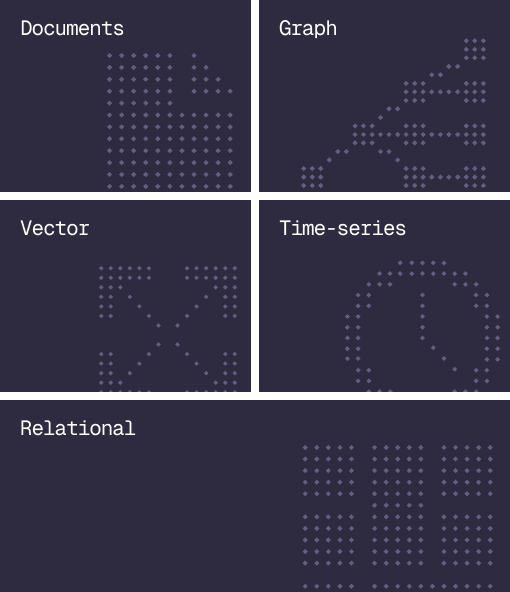
Document, graph, vector, time-series and relational in one engine.
Agent Memory
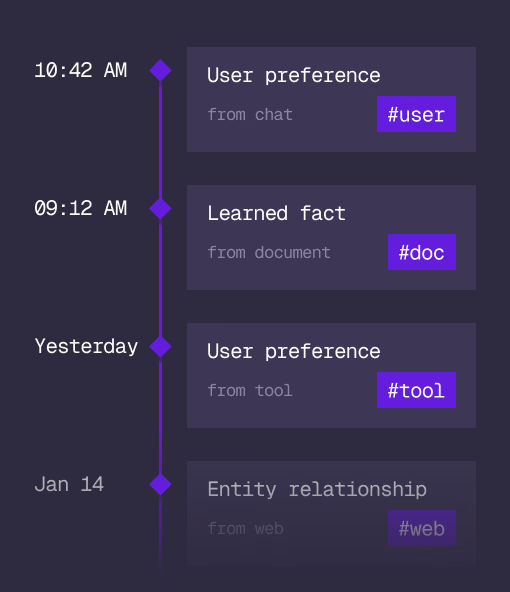
What an agent learns, with its source and its time, in the same engine.
Cloud
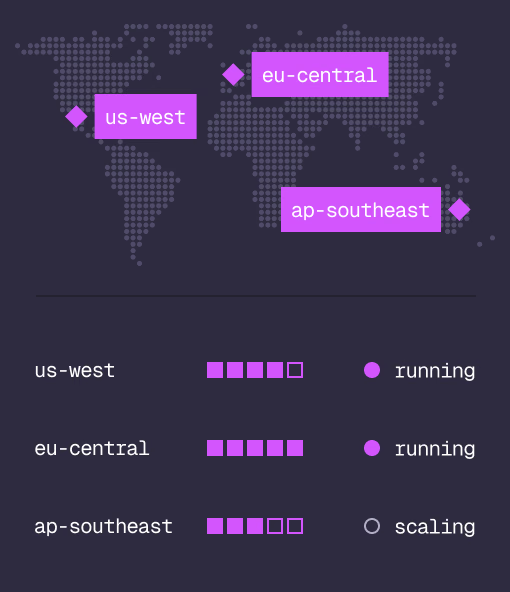
Managed clusters in the regions you choose, scaled on demand.
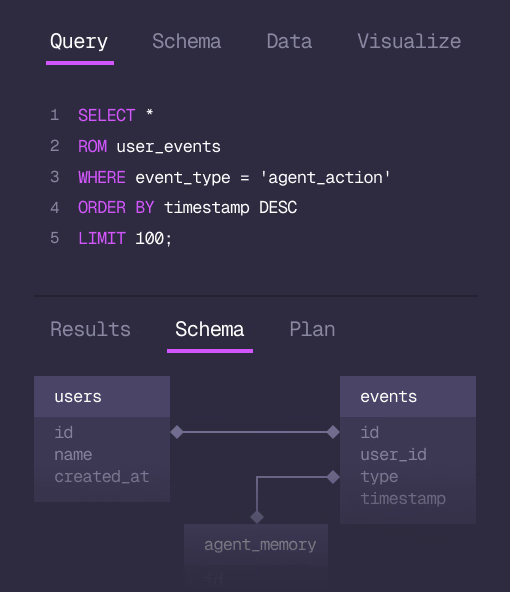
Studio
Query, explore and design the schema from the browser.
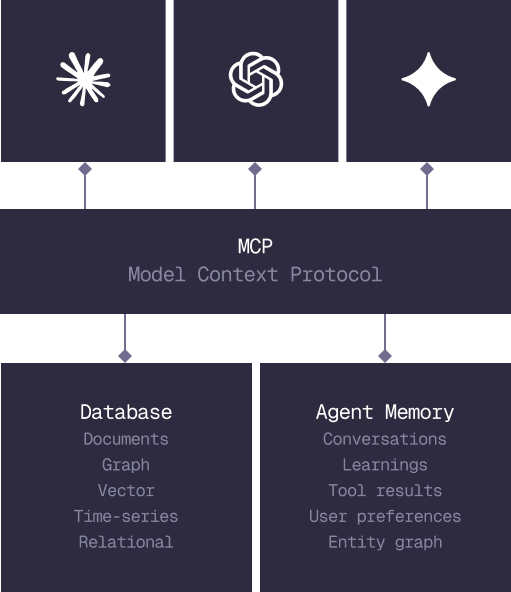
MCP
Every model that speaks MCP reaches the database and the memory directly.
IN PRODUCTION
Trusted at scale. Samsung, Nvidia, Verizon, Tencent, and Walmart run on SurrealDB.
14,000+
Developers building on SurrealDB Cloud
4M+
Developers building on SurrealDB worldwide
FROM THE TEAMS
SurrealDB gives us a foundation where we can unify semantic search, knowledge graphs, and AI-driven decision making without stitching together multiple systems. Collapsing responsibility into SurrealDB has become our default engineering posture.
VP of Engineering, Later