



















01 |CAPABILITIES
What you can do. One connection reaches Cloud, your data and Agent Memory.
Deploy and manage instances
Create, pause, resize or upgrade an instance.
Work with your data
Ask in plain language and let the assistant write and run the SurrealQL, or seed tables while you build.
Look into problems
Instance status, metrics and logs next to the query you were writing.
Manage your team
Invite people to an organisation, change their roles, withdraw invitations.
Keep an eye on cost
Check usage and invoices, and estimate an instance's cost before creating it.
Give agents long-term memory
Create Agent Memory contexts, then store and recall memories from them.
02 |CONNECT
Connect your AI tool. One URL, then sign in with your Surreal ID.
Default configuration
Add https://mcp.surrealdb.com as a remote MCP server and sign in when prompted.
Personal access token
For a client that cannot open a browser, or anything unattended. Create one in the account portal.
Query from the same connection
Manage an instance, then ask it questions: the assistant turns them into SurrealQL over the connection it already holds.
03 |AGENT MEMORY
Agent Memory has its own MCP server. Seven tools, served at /mcp on a context.
The tools are remember, recall, context, reflect, forget, upload and inspect. Each call runs with the grants of its API key, which can only narrow access. Create a context in Start in Studio, or read the documentation.
Claude Desktop and Cursor
Add the block to claude_desktop_config.json (in ~/Library/Application Support/Claude on macOS) or to ~/.cursor/mcp.json, replacing each placeholder with your own value.
Claude Code
One command registers the server over HTTP with your API key.
Embedded MCP for databases you run yourself
SurrealDB Cloud
Agent Memory
Embedded MCP
Your questions,answered
THE PLATFORM
Everything an application and its agents know. Five surfaces, one engine.
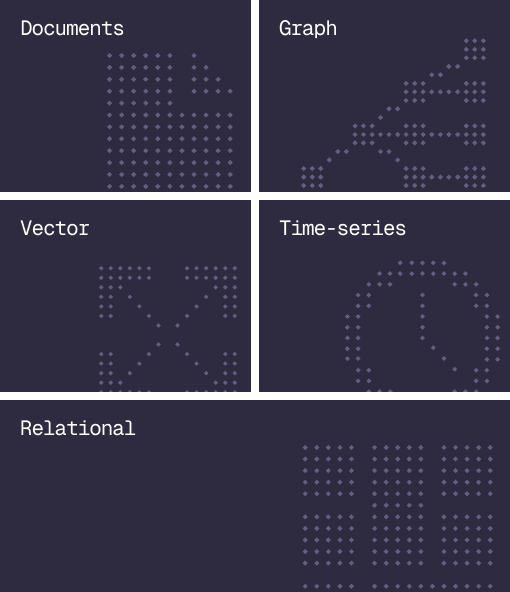
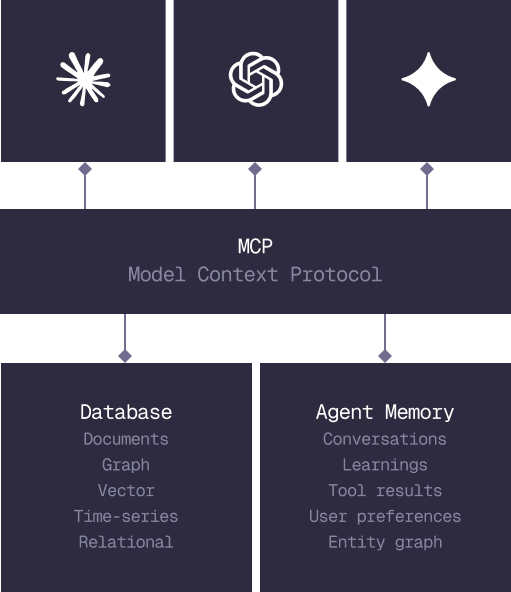
Database
Document, graph, vector, time-series and relational in one engine.
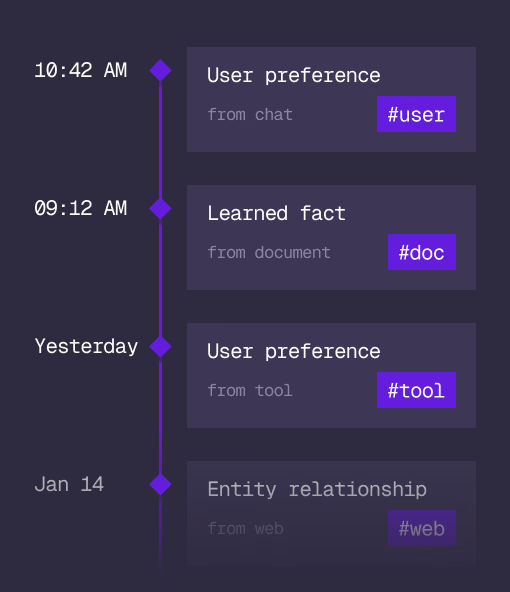
Agent Memory
What an agent learns, with its source and its time, in the same engine.
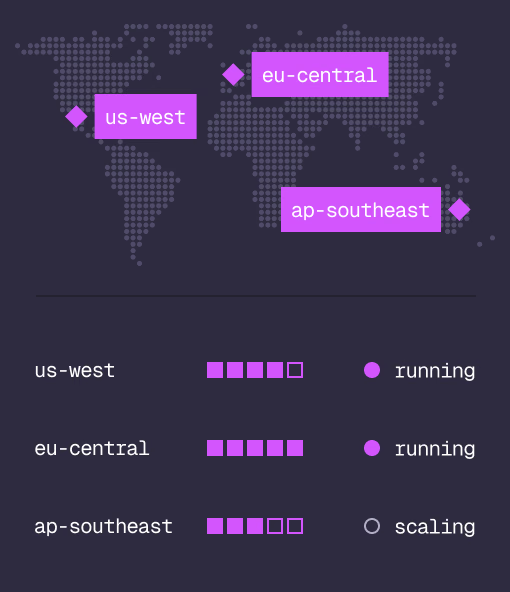
Cloud
Managed clusters in the regions you choose, scaled on demand.
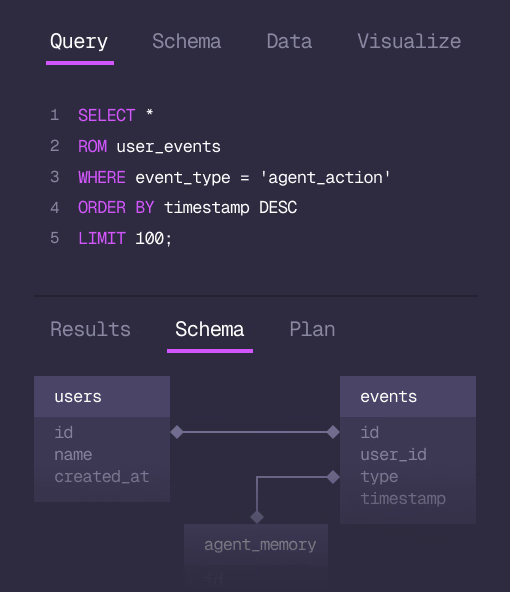
Studio
Query, explore and design the schema from the browser.
MCP
Every model that speaks MCP reaches the database and the memory directly.
IN PRODUCTION
Trusted at scale. Samsung, Nvidia, Verizon, Tencent, and Walmart run on SurrealDB.
14,000+
Developers building on SurrealDB Cloud
4M+
Developers building on SurrealDB worldwide
FROM THE TEAMS
SurrealDB gives us a foundation where we can unify semantic search, knowledge graphs, and AI-driven decision making without stitching together multiple systems. Collapsing responsibility into SurrealDB has become our default engineering posture.
VP of Engineering, Later
GET STARTED