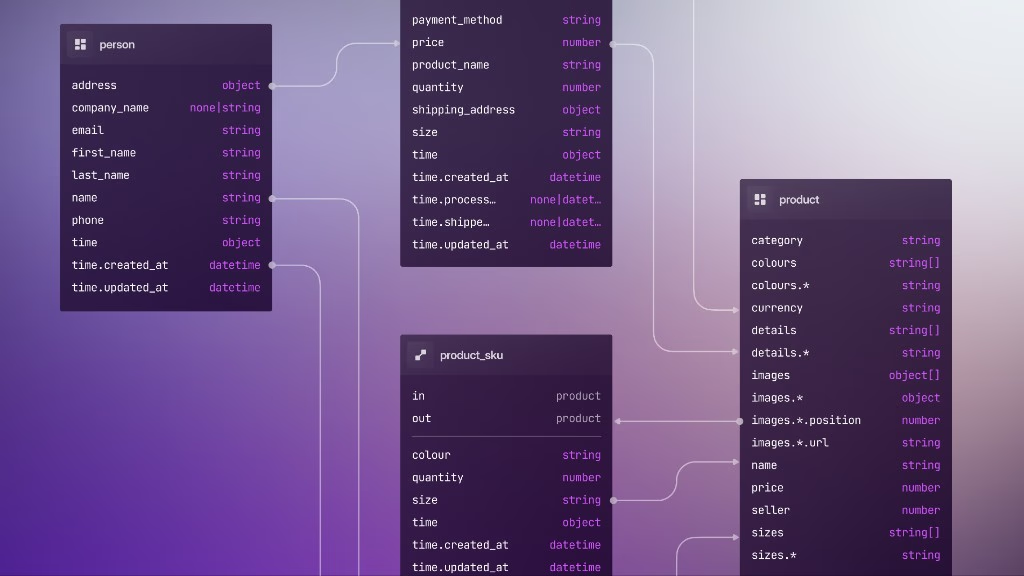
7: Activities and seed data
We'll now add a new activity table to track tasks with a start and end time. This chapter also splits schema into multiple files, and introduces seed data kept separate from catalog definitions.
Activity table (first cut)
You could append the next DEFINE statements to database/schema/project.surql and run sync again. SurrealKit would apply the new definitions the same way. A single growing file works fine for tiny schemas, but gets hard to scan once you have many tables, fields, indexes, and events.
This course keeps one file per table (or per small domain), so each chapter’s diff stays obvious and the tree stays easy to navigate. Create database/schema/activity.surql:
DEFINE TABLE activity SCHEMAFULL;
DEFINE FIELD name ON activity TYPE string;
DEFINE FIELD description ON activity TYPE option<string>;
DEFINE FIELD start ON activity TYPE datetime;
DEFINE FIELD end ON activity TYPE datetime;
DEFINE FIELD progress ON activity TYPE float;
We don't have any COMPUTED or ASSERT clauses yet. Part 8 adds those, so you can watch the schema grow file by file.
Run sync (or keep watch running, covered below):
surrealkit sync --user root --pass secret --ns main --db mainYou should see something like applied schema/activity.surql. Unchanged files (like project.surql) get skipped.
What sync actually does
The sync command does more than paste DEFINE statements into the shell:
- 1.
Ensure bookkeeping: apply
database/setup.surqlif needed (__entity,__rollout,__seed). - 2.
Hash each schema file and compare it to what
__entityalready recorded for that path. - 3.
Run only changed files. SurrealKit adds
OVERWRITEto everyDEFINE(and turnsIF NOT EXISTSintoOVERWRITE), so re-applying a file is idempotent and a changed definition replaces the old one.DEFINE SEQUENCEis the exception: overwriting a sequence resets its counter, so SurrealKit applies it withIF NOT EXISTSand warns when its definition has changed. - 4.
Update
__entityso the next sync knows those files are current. - 5.
Prune: if a definition SurrealKit previously managed is missing from your files, it emits
REMOVE … IF EXISTS(table, field, index, and so on). Deleting aDEFINEfrom a.surqlfile is therefore not a no-op. The next sync makes the live catalog match the files.
That prune step is why sync belongs on a disposable database, one you're happy to wipe or reshape freely: local memory, a throwaway data folder, a personal preview, or a CI ephemeral instance. Don't point everyday sync at staging or production, where other apps or teammates depend on the catalog.
Rollouts (part 10) treat removals differently: rollout plan records them in a reviewed manifest, rollout start applies non-destructive changes first, and only rollout complete runs the destructive REMOVEs after you deploy. Shared databases use that path instead of sync prune.
File hashes are SHA-256 of the file’s UTF-8 bytes, hex-encoded, computed when SurrealKit reads database/schema/*.surql. The helper lives in SurrealKit’s sha256_hex (crates/surrealkit/src/core.rs); disk sync builds each SchemaFile { path, hash, sql } in collect_schema_files (crates/surrealkit/src/schema_state.rs), then compares hash to __entity in sync.rs.
So after this chapter, INFO FOR DB lists both project and activity (plus __entity / __rollout). INFO FOR DB only summarises tables; field detail still lives under INFO FOR TABLE activity.
Reading the second sync in __entity
Part 6 left __entity with one syncrecord (project.surql) and schema records for table::project plus its fields. After this sync, inspect by namespace instead of dumping everything unordered:
SELECT key, val.hash AS hash, updated_at
	FROM __entity
	WHERE ns = 'sync'
	ORDER BY key;

SELECT key, val.source_path AS source_path, val.file_hash AS file_hash
	FROM __entity
	WHERE ns = 'schema'
	ORDER BY key;

SELECT val FROM __entity WHERE ns = 'meta' AND key = 'last_sync';
What you should notice:
| Signal | Typical after adding activity.surql |
|---|---|
| CLI output | applied schema/activity.surql only; project.surql is skipped |
ns = 'sync' | New record for schema/activity.surql with a new content hash |
ns = 'sync' | Same schema/project.surql hash as in part 6 (file untouched → not re-applied) |
ns = 'schema' | New keys: table::activity, field:activity:name, field:activity:start, and the other activity fields |
ns = 'schema' | Project keys still present; their file_hash / statement_hash stay the part-6 values |
ns = 'meta' | last_sync moves forward to this run’s timestamp |
Example shape (hashes abbreviated):
-- sync
schema/activity.surql  hash: 48d70d6f…1629   ← new
schema/project.surql   hash: 15966cde…aa3a   ← unchanged

-- schema (activity only)
table::activity
field:activity:name | description | start | end | progress
	source_path: schema/activity.surql
	file_hash:   48d70d6f…1629   ← same as the new sync record
That’s the whole point of file-level hashing: one new .surql file becomes one new sync hash plus one schemarecord per definition inside it, without replaying every other file.
Prefer those filtered SELECTs over something like old.diff(new) on two full SELECT * FROM __entity results. Array .diff lines up records by index, and __entity order isn’t a stable changelog. The patch often ends up looking like last_sync “became” activity.surql, or project fields “changed” into activity fields, when the real story is just “new records were added.” Filter by ns / key / source_path instead.
If you snapshot __entity before and after for your own notes, compare sets of keys:
-- After sync: keys that belong to the new file
SELECT key FROM __entity
	WHERE ns = 'schema' AND val.source_path = 'schema/activity.surql';
Splitting schema by domain
A common layout for this course:
database/schema/
├── project.surql
└── activity.surql
That split is a practice choice, not a SurrealKit rule. You can also group by layer (tables/, relations/) or keep a single file until it hurts. SurrealKit applies every .surql file under database/schema/ together; file order doesn’t matter as long as referenced tables exist before fields that need them. Use whatever layout keeps the catalog easy to scan as it grows.
Sync watch during development
While you're iterating on a schema, you can set SurrealKit to check for changes every second and apply sync whenever one happens. SurrealKit runs until you stop it with Ctrl+C.
surrealkit sync --watch --user root --pass secret --ns main --db mainLet's give this a try by adding an unneeded field to the project table, saving the file, then removing it and saving the file again.
DEFINE FIELD hi ON project TYPE any;You should see the following output:
Watch mode active (1000ms interval). Waiting for schema changes... (Ctrl+C to stop)
Change detected and pushed: 1 schema file(s) synced, 0 stale entity(ies) pruned, 0 stale tracking file(s) removed.
Change detected and pushed: 1 schema file(s) synced, 1 stale entity(ies) pruned, 0 stale tracking file(s) removed.
Seed data lives elsewhere
SurrealKit lets you keep catalog statements like DEFINE separate from write statements like CREATE. Seed data goes in database/seed/, not database/schema/.
Init left a stub at database/seed/seed.surql (content: --- SEED). SurrealKit runs every .surql file in the seed directory, so that stub counts toward “files found”. Delete database/seed/seed.surql before you add real fixtures so the seed output below matches a single demo file.
Then add the following statements to a file at database/seed/demo_project.surql:
CREATE project:one SET
    name = "Pad 3 expansion",
    description = "Civil and structural work";

CREATE activity:kickoff SET
    name = "Project kickoff",
    start = time::now(),
    end = time::now() + 2d,
    progress = 1.0;

CREATE activity:concrete SET
    name = "Pour concrete",
    start = time::now() + 90d,
    end = time::now() + 100d,
    progress = 0.0;
SurrealKit does not apply seed data during sync. A separate command is used to do that:
surrealkit seed --user root --pass secret --ns main --db mainYou should see the following output.
Seeding from ./database/seed (1 files found)
  executing seed/demo_project.surql
Seeded 1 file(s); 0 unchanged
While similar to the sync command, there are a number of important differences to understand:
sync (schema) | seed (data) | |
|---|---|---|
| Unit of change | Per definition (and per file hash) | Whole .surql file |
| Unchanged file | Skipped | Skipped (hashes tracked in __seed) |
| You edit a file | Re-applies DEFINE changes in the file | Re-runs every statement in that file, not just the new lines |
You delete a DEFINE / CREATE | Sync can REMOVE the definition | No automatic DELETE of records: leftover records stay until you delete them or wipe the DB |
Seed tracks a hash per file in the __seed table, so running surrealkit seed again with nothing changed is a no-op:
Seeding from ./database/seed (1 files found)
  skipping seed/demo_project.surql (unchanged)
Seeded 0 file(s); 1 unchanged
The catch is that the tracked unit is the whole file. Any edits made to demo_project.surql (even to append one new RELATE at the bottom) will change its hash, so the next seed re-runs every statement in it. With fixed ids such as project:one, that fails:
Seeding from ./database/seed (1 files found)
  executing seed/demo_project.surql
Error: executing seed/demo_project.surql

Caused by:
    Database record `project:one` already exists
The error stops the seed command, but it does not undo the file. SurrealKit sends the whole file as one query without a transaction, so every statement after the failing CREATE still runs: an appended RELATE creates its edge even though the command reports an error. The file's new hash is not recorded either, so the next seed runs the whole file again.
To make a seed file survive a re-run, write it so every statement is idempotent (UPSERT instead of CREATE, or DELETE then CREATE), or wipe the database first. surrealkit seed --force re-runs every file regardless of its hash, which hits the same wall for the same reason.
That’s why seed fixtures usually use fixed record ids (project:one, activity:kickoff): a re-run targets the same demo records instead of inventing new random ids each time. Seed doesn’t rewrite those records for you, and won’t turn a failing CREATE into an UPDATE or UPSERT automatically.
Seed-file hash tracking (and the __seed table) arrived after the 0.7.0 release. On 0.7.0 every seed file runs on every surrealkit seed, so the second run fails on project:one immediately rather than being skipped. The practical advice here is the same either way.
Later chapters add more demo records the same way: run the new CREATE / RELATE statements by hand against the live database (or pipe the file through surreal sql against the same namespace), then append them to demo_project.surql so the next from-scratch seed stays complete. Don’t expect a second surrealkit seed to bolt new statements onto an already-seeded database.
Mixed dumps: --allow-all-statements
By default SurrealKit rejects non-DEFINE statements in database/schema/. That's why this course puts CREATE records under database/seed/.
If you already have one large .surql dump that mixes catalog and data, and you're not ready to split it, sync can still apply the file:
surrealkit sync --allow-all-statements --user root --pass secret --ns main --db mainThat path is a migration aid, not the long-term layout. With the flag set, SurrealKit tracks file-level hashes only: it can't reason about individual catalog objects the way normal sync does, and pruning of individual definitions is unavailable for that run. Move CREATE / INSERT / UPDATE into database/seed/ (or into rollout steps later) when you can. REMOVE statements stay rejected even with this flag.
See Sync for the official wording.
Activities aren't linked to the project yet. Graph relations arrive in part 9.
Schemaless data on a schemafull table
If you CREATE activity SET extra = "note" before defining extra, a SCHEMAFULL table rejects the unknown field with Found field 'extra', but no such field exists for table 'activity'. This is the same lesson as part 1: the check happens when the record is written, whether the write comes from a seed file or from your app. Sync only applies the definitions; it does not look at existing records.
Checkpoint
activity.surqlalongsideproject.surqlA second
synconly applies the new file;__entitygains an activitysynchash andschemarecordssync --watchfor local iterationdatabase/seed/for demo records, kept separate fromDEFINE--allow-all-statementsonly if you have to sync a mixed dump before splitting it up
Parts 8 and 9 keep practising the same gradual expansion: edit .surql files, sync, inspect. Part 8 tightens activity with COMPUTED / ASSERT / VALUE and ends with a single surrealkit sync. Part 9 adds RELATION tables and graph COMPUTED while surrealkit sync --watch runs in the background, so each save applies without retyping the command; stop watch with Ctrl+C once that chapter is done. Part 10 then explains rollouts (the other SurrealKit path), before part 11 adds milestones.
THE PLATFORM
Everything an application and its agents know. Five surfaces, one engine.
Database
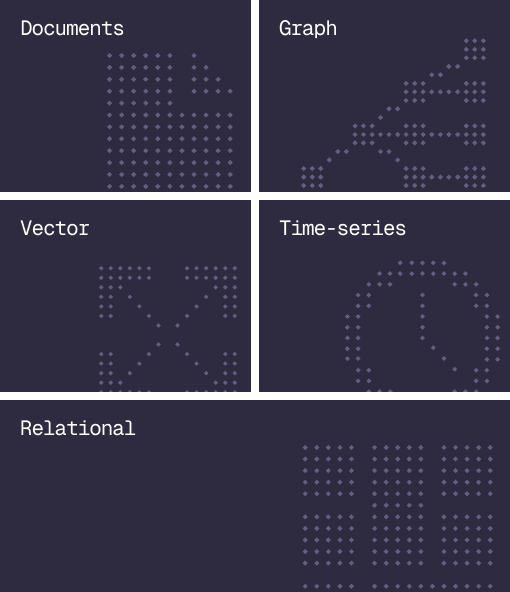
Document, graph, vector, time-series and relational in one engine.
Agent Memory
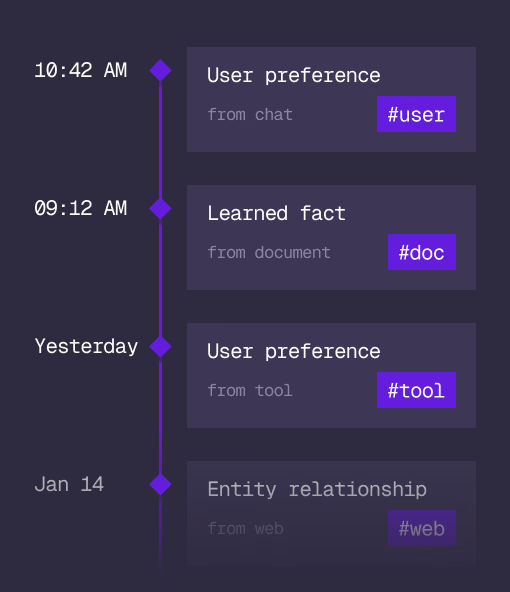
What an agent learns, with its source and its time, in the same engine.
Cloud
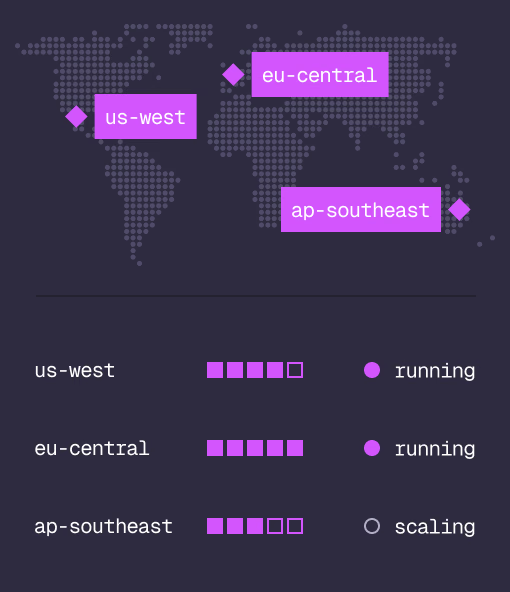
Managed clusters in the regions you choose, scaled on demand.
Studio
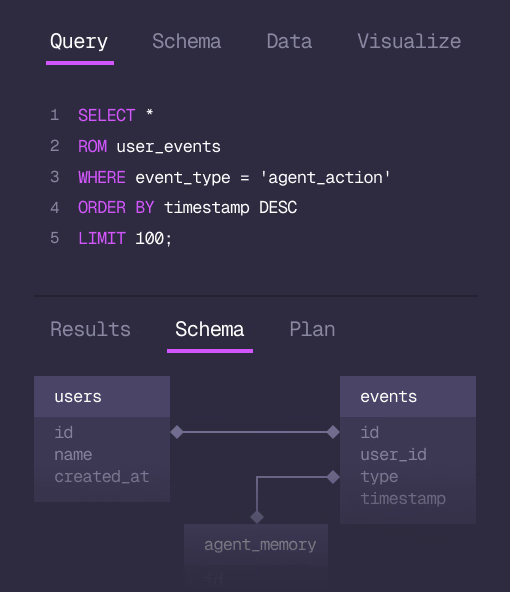
Query, explore and design the schema from the browser.
MCP
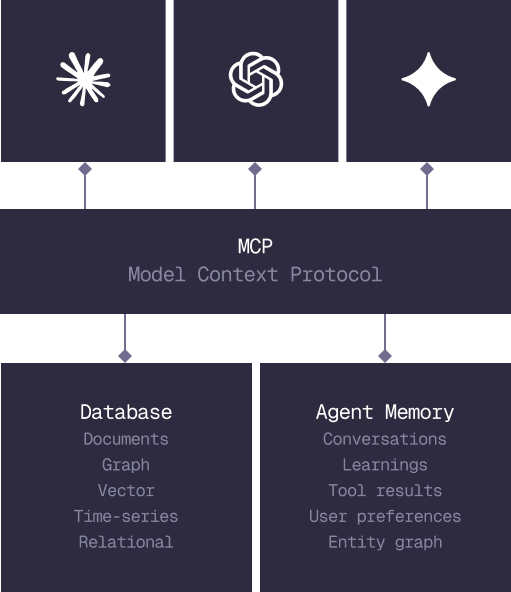
Every model that speaks MCP reaches the database and the memory directly.
IN PRODUCTION
Trusted at scale. Samsung, Nvidia, Verizon, Tencent, and Walmart run on SurrealDB.
14,000+
Developers building on SurrealDB Cloud
4M+
Developers building on SurrealDB worldwide
FROM THE TEAMS
SurrealDB gives us a foundation where we can unify semantic search, knowledge graphs, and AI-driven decision making without stitching together multiple systems. Collapsing responsibility into SurrealDB has become our default engineering posture.
VP of Engineering, Later