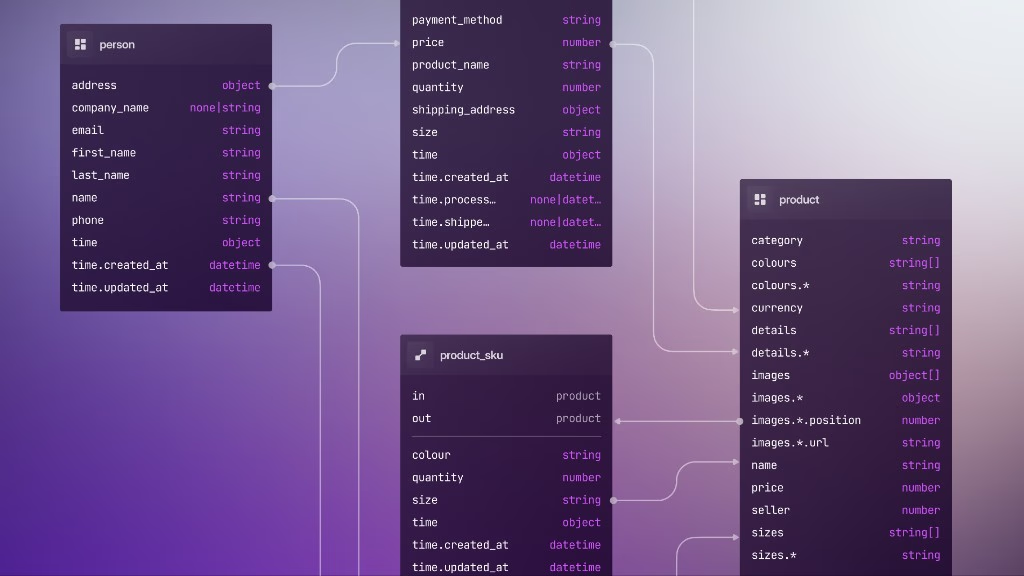
6: SurrealKit and the first table
The previous sections treated schema as SurrealQL you typed by hand. From here we will write the same DEFINE statements into files and let SurrealKit apply them for you. The example running through the rest of this course is a project planning app, the same shape as the project planning sample in the schema design docs. We'll start small, then add graph relations, COMPUTED fields, indexes, and DEFINE EVENT as the chapters go on.
Initialise the repository
In an empty app repository (or your course practice/ folder), run:
surrealkit init --minimal--minimal scaffolds the base SurrealKit layout without any of the optional template features (Organizations, Teams, and so on). That empty database/schema/ folder is what the rest of this course builds on.
You should see something like:
Using template: SurrealKit starter
  Optional building blocks for a new SurrealDB project

Scaffolded project in ./database

  surrealkit.toml
  ./database/
  ├── schema/
  ├── rollouts/
  ├── snapshots/
  ├── tests/
  │   ├── suites/
  │   └── fixtures/
  ├── seed/
  │   └── seed.surql
  └── setup.surql

No features selected — scaffolded a bare project.
Here is what has been created by the command, and why:
| Path | Role |
|---|---|
surrealkit.toml | Project config (including optional template variables) |
database/schema/ | Your DEFINE statements (desired catalog state); starts empty, you add files next |
database/seed/ | Optional fixture data (init drops a stub seed.surql; replace or delete it before seeds used in part 7) |
database/tests/ | surrealkit test suites under tests/suites/ plus fixtures. The printed tree elides two files that init does write: tests/config.toml (actors and timeouts) and a starter tests/suites/smoke.toml, both used in part 13 |
database/rollouts/ | Generated rollout manifests |
database/snapshots/ | Schema/catalog snapshots for rollout planning |
database/setup.surql | SurrealKit’s own metadata tables (see below) |
Plain surrealkit init (without --minimal) shows a feature checklist. Selecting items copies ready-made org/permission schema, seeds, and tests into database/. That's handy for a real app starter, but a distraction here. If you already ran the interactive init and enabled features, delete database/ and re-run surrealkit init --minimal, or remove the extra feature files by hand. See Templates in the SurrealKit README for --feature, -y, and custom --from templates.
Start SurrealDB and sync
It's now time to start our database with a single root user.
surreal start --user root --pass secretNext, create database/schema/project.surql with a few definitions for the project table:
DEFINE TABLE project SCHEMAFULL;
DEFINE FIELD name ON project TYPE string ASSERT $value.len() > 0;
DEFINE FIELD description ON project TYPE option<string>;
DEFINE FIELD created_at ON project TYPE datetime DEFAULT time::now();
This is deliberately small, holding one SCHEMAFULL table, a required name, an optional description, and a DEFAULT timestamp from part 5.
With that file present, we are now ready to sync the schema.
The sync command is for local and other disposable databases. These are instances you're happy to wipe or reshape freely, such as a local memory database, a throwaway data directory, a CI ephemeral DB. Sync makes the live catalog match your files immediately, including REMOVE for definitions you deleted from those files. Parts 10–14 cover rollouts for shared staging and production, where destructive steps wait for an explicit complete phase. Don't point everyday sync at a database you share with other people or services.
In another terminal, from the project root, apply the schema:
surrealkit sync --user root --pass secret --ns main --db mainYou should see a message like this:
applied schema/project.surqlSurrealKit reads every file under database/schema/ and runs the DEFINE statements against your namespace and database. It prints each path relative to the database/ folder, so database/schema/project.surql appears as schema/project.surql. Check that the table came through with a one-shot query (or run the same SurrealQL in SurrealDB Studio):
echo 'INFO FOR TABLE project;' | surreal sql --user root --pass secret --ns main --db main --pretty --hide-welcomeYou should see the three field definitions for this schemafull table.
What SurrealKit added beside project
Note that database/setup.surql isn't product schema. Sync applies it so SurrealKit can keep track of its own work. After your first successful sync, list the tables:
echo '(INFO FOR DB).tables;' | surreal sql --user root --pass secret --ns main --db main --pretty --hide-welcome{
__entity: 'DEFINE TABLE __entity TYPE NORMAL SCHEMAFULL PERMISSIONS NONE',
__rollout: 'DEFINE TABLE __rollout TYPE NORMAL SCHEMAFULL PERMISSIONS NONE',
__seed: 'DEFINE TABLE __seed TYPE NORMAL SCHEMAFULL PERMISSIONS NONE',
project: 'DEFINE TABLE project TYPE NORMAL SCHEMAFULL PERMISSIONS NONE'
}All three __-prefixed tables come from database/setup.surql, so they exist from the first sync onwards even though only __entity has anything in it yet.
Take a look at the metadata SurrealKit just wrote:
echo 'SELECT * FROM __entity; SELECT * FROM __rollout;' | surreal sql --user root --pass secret --ns main --db main --pretty --hide-welcome__rollout should come back empty for now. __entity is where the interesting data lives at this point:
| Field | Meaning |
|---|---|
id | SurrealDB record id for this metadata record |
ns | Which kind of bookkeeping this is (sync, schema, or meta) |
key | Identity inside that namespace |
val | Payload (hash, paths, state, …) |
updated_at | When SurrealKit last wrote the record |
ns: 'sync': file-level hashes
Example (your hashes will differ):
{
	ns: 'sync',
	key: 'schema/project.surql',
	val: { hash: '15966cde…aa3a' },
}| Piece | Meaning |
|---|---|
key | Path of the schema file SurrealKit applied, relative to the database/ folder |
val.hash | SHA-256 of that file’s contents |
On the next sync, SurrealKit re-hashes each file on disk. If the hash still matches this record, it skips re-running that file’s DEFINE statements.
ns: 'schema': one record per managed definition
Examples:
{ ns: 'schema', key: 'table::project', val: { … } }
{ ns: 'schema', key: 'field:project:name', val: { … } }
{ ns: 'schema', key: 'field:project:description', val: { … } }
{ ns: 'schema', key: 'field:project:created_at', val: { … } }| Piece | Meaning |
|---|---|
key | Stable id for a catalog object (table::…, field:table:name, and later indexes, and so on) |
val.source_path | Which .surql file owns this definition |
val.file_hash | Hash of that whole file (same as the syncrecord for the file) |
val.statement_hash | Hash of this definition’s normalised statement. Used to detect “this field changed” even when other lines in the file didn’t |
val.state | Lifecycle flag; active means SurrealKit currently expects this object to exist |
These records are what let prune and rollouts reason about individual tables and fields, not just whole files.
ns: 'meta': sync bookkeeping
{
	ns: 'meta',
	key: 'last_sync',
	val: '2026-07-16T03:49:09.93826Z',
}
last_sync records when the last sync finished. A second record, setup, holds the hash of database/setup.surql, so SurrealKit only re-applies its own metadata tables when that file changes. Other meta keys (like shared-database markers) can show up later once you configure shared or multi-writer setups.
Why this matters
Part 3’s DIY schema:person history table was a manual version of the same idea. SurrealKit keeps that history for you in __entity: which file last won, which definitions it manages, and whether the file on disk still matches. That's why sync can skip unchanged files and still know what to remove when you delete a DEFINE from a disposable database.
Why files instead of the shell?
Hand-written DEFINE in SurrealDB Studio | SurrealKit database/schema/ |
|---|---|
| Fine for exploration | Same statements, committed with your app |
| Easy to lose track of what ran where | Content hashes and per-definition records in __entity |
| Hard to reproduce on staging | Same files drive every environment |
As this course grows the planning schema, you'll mostly edit the .surql files and run sync again (or leave sync --watch running, which part 7 introduces). You won't re-paste every DEFINE by hand when you add activity, relations, or indexes later.
That same file tree is what rollouts will plan from in part 10: once the database is shared, you still change the files first, then generate a reviewed manifest instead of letting sync apply (and prune) immediately.
Optional: connection env vars
You can store local and disposable credentials in .env so you can run surrealkit sync without flags:
SURREALDB_HOST=http://localhost:8000
SURREALDB_NAMESPACE=dev
SURREALDB_NAME=planning
SURREALDB_USER=root
SURREALDB_PASSWORD=secret
Use a different host, namespace, or secret store for staging and production. The CLI flags and env vars have the same shape for sync and rollout; what changes is which database those variables point at, and which command you run. Until CI owns production secrets, keep shared-database credentials out of the same .env you use for local sync.
Checkpoint
You should have:
A
database/schema/project.surqlfile with the schema you definedA database that answers
INFO FOR TABLE projectwith your field definitionsA sense of
syncas “make the live catalog match these files”, with__entityexplaining how SurrealKit remembers what it applied
Next: add activities on a schedule, split schema across files, and use sync --watch while you iterate.
THE PLATFORM
Everything an application and its agents know. Five surfaces, one engine.
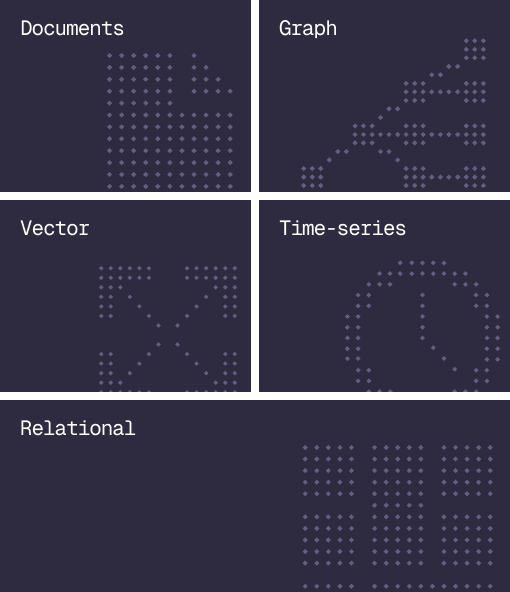
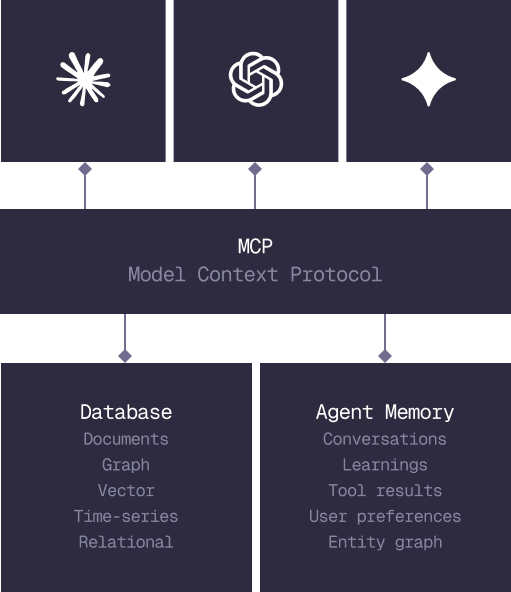
Database
Document, graph, vector, time-series and relational in one engine.
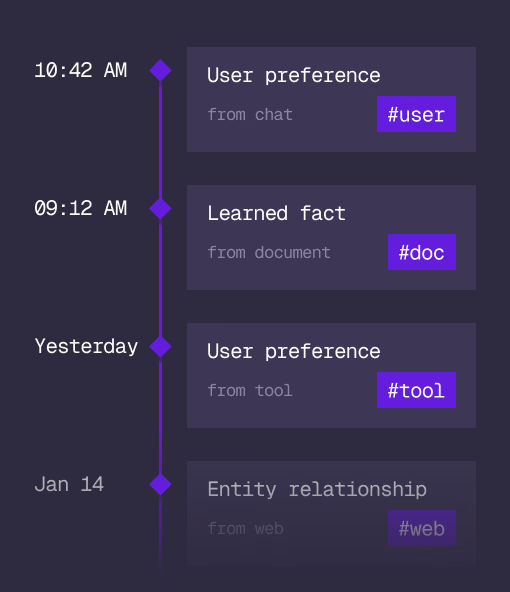
Agent Memory
What an agent learns, with its source and its time, in the same engine.
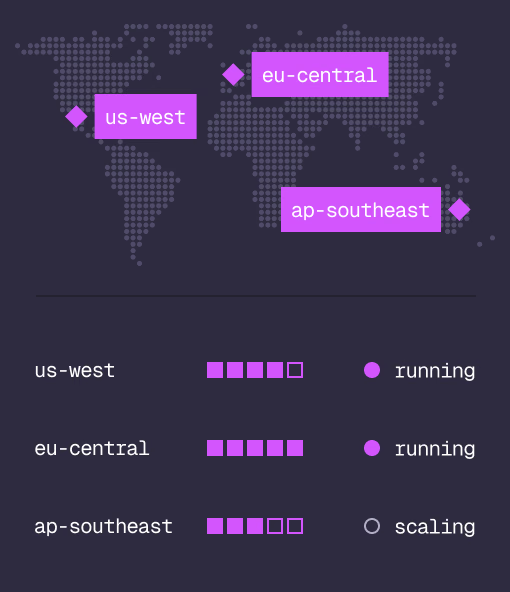
Cloud
Managed clusters in the regions you choose, scaled on demand.
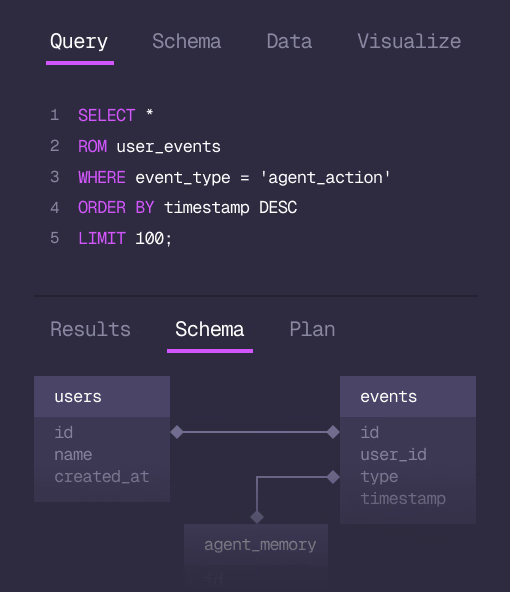
Studio
Query, explore and design the schema from the browser.
MCP
Every model that speaks MCP reaches the database and the memory directly.
IN PRODUCTION
Trusted at scale. Samsung, Nvidia, Verizon, Tencent, and Walmart run on SurrealDB.
14,000+
Developers building on SurrealDB Cloud
4M+
Developers building on SurrealDB worldwide
FROM THE TEAMS
SurrealDB gives us a foundation where we can unify semantic search, knowledge graphs, and AI-driven decision making without stitching together multiple systems. Collapsing responsibility into SurrealDB has become our default engineering posture.
VP of Engineering, Later