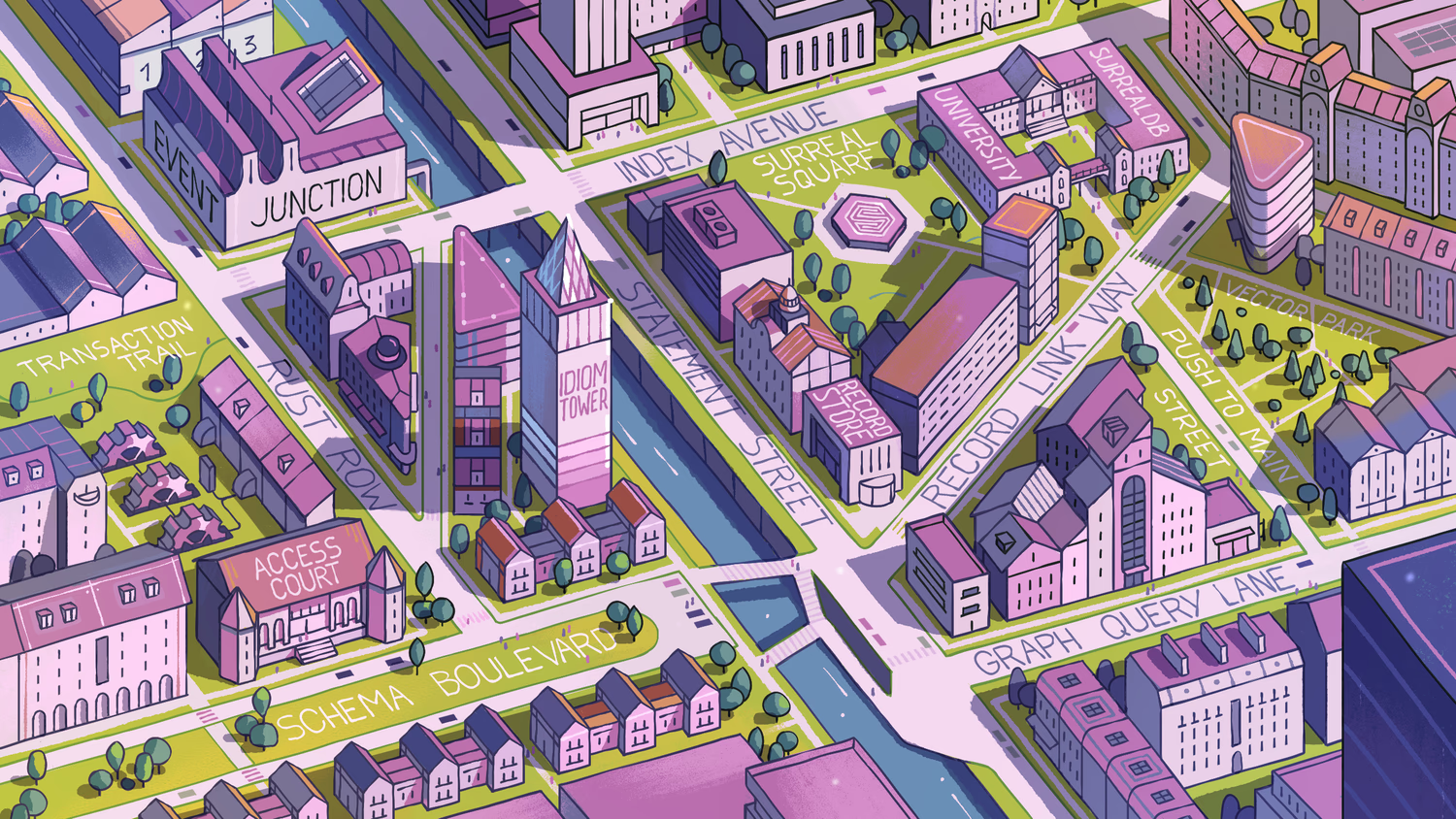
30: More on recursive queries
We saw that you can recursively traverse a record ID in this sort of way.
place:idiom_tower.{2+collect}.connected_to;Inside the left side of a SELECT statement though, the current record ID isn't specified so we need a symbol to refer to it. This is what the @ symbol is used for.
[
  {
    connected_to: [
      street:bowler_hat_alley,
      street:rust_row,
      street:schema_boulevard,
      street:index_avenue,
      place:idiom_tower,
      street:transaction_trail,
      place:access_court,
      street:recursive_crossing
    ]
  }
]
And to get the same result as the first query, add VALUE to remove the key name, and ONLY to return a single object instead of an array.
Nested recursive queries
The @ symbol is also used when you want to put together a nested query that collects the fields of records as it goes. This syntax is a bit interesting so we'll construct it one step at a time.
First is a query that returns the id and name. As before, you can do this directly from a record ID or via a SELECT statement.
{
  id: place:idiom_tower,
  name: 'Idiom Tower'
}
Then add the connected_to field to see the connected records.
{
  connected_to: [
    street:bowler_hat_alley,
    street:rust_row,
    street:schema_boulevard
  ],
  id: place:idiom_tower,
  name: 'Idiom Tower'
}
To include further levels of depth, we'll need to put a number like {3} after the record ID. However, this query doesn't work because the database doesn't know which path to choose to recurse.
place:idiom_tower.{3}.{ id, name, connected_to };To fix it, add .@ to the path that you want to go down. We'll give this its own alias, next.
The output is a single object that goes down three levels, showing the id, name, and next paths.
{
  id: place:idiom_tower,
  name: 'Idiom Tower',
  next: [
    {
      id: street:bowler_hat_alley,
      name: 'Bowler Hat Alley',
      next: [
        {
          id: street:index_avenue,
          name: 'Index Avenue',
          next: [
            place:event_junction,
            place:surreal_square,
            place:surrealdb_university,
            street:bowler_hat_alley,
            street:record_link_way,
            street:rust_row,
            street:statement_street
          ]
        },
        {
          id: street:rust_row,
          name: 'Rust Row',
          next: [
            place:idiom_tower,
            street:transaction_trail,
            street:bowler_hat_alley,
            street:index_avenue,
            street:schema_boulevard
          ]
        }
      ]
    },
    {
      id: street:rust_row,
      name: 'Rust Row',
      next: [
        {
          id: place:idiom_tower,
          name: 'Idiom Tower',
          next: [
            street:bowler_hat_alley,
            street:rust_row,
            street:schema_boulevard
          ]
        },
        {
          id: street:transaction_trail,
          name: 'Transaction Trail',
          next: [
            street:rust_row
          ]
        },
        {
          id: street:bowler_hat_alley,
          name: 'Bowler Hat Alley',
          next: [
            street:index_avenue,
            street:rust_row
          ]
        },
        {
          id: street:index_avenue,
          name: 'Index Avenue',
          next: [
            place:event_junction,
            place:surreal_square,
            place:surrealdb_university,
            street:bowler_hat_alley,
            street:record_link_way,
            street:rust_row,
            street:statement_street
          ]
        },
        {
          id: street:schema_boulevard,
          name: 'Schema Boulevard',
          next: [
            place:access_court,
            street:rust_row,
            street:recursive_crossing
          ]
        }
      ]
    },
    {
      id: street:schema_boulevard,
      name: 'Schema Boulevard',
      next: [
        {
          id: place:access_court,
          name: 'Access Court',
          next: [
            street:rust_row,
            street:schema_boulevard
          ]
        },
        {
          id: street:rust_row,
          name: 'Rust Row',
          next: [
            place:idiom_tower,
            street:transaction_trail,
            street:bowler_hat_alley,
            street:index_avenue,
            street:schema_boulevard
          ]
        },
        {
          id: street:recursive_crossing,
          name: 'Recursive Crossing',
          next: street:schema_boulevard
        }
      ]
    }
  ]
}
Be sure not to put {..} instead of a number as then the query will never end! Or to be precise, it will try to reach the maximum level of depth for recursive queries (256), but the almost endless number of paths will make this impossible to compute.
If you're not sure if a recursive query will go on forever, use a SELECT statement instead of working directly from a record because SELECT allows you to specify a timeout.
'The query was not executed because it exceeded the timeout'THE PLATFORM
Everything an application and its agents know. Five surfaces, one engine.
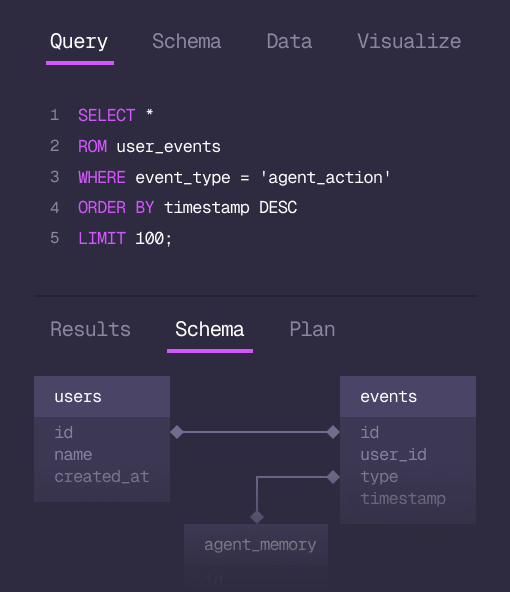
Database
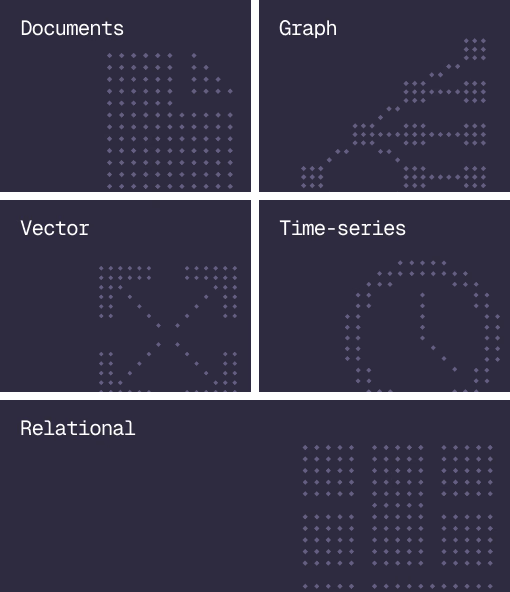
Document, graph, vector, time-series and relational in one engine.
Agent Memory
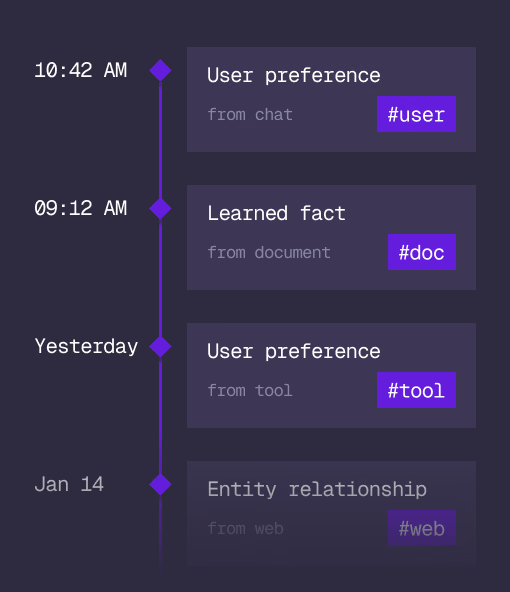
What an agent learns, with its source and its time, in the same engine.
Cloud
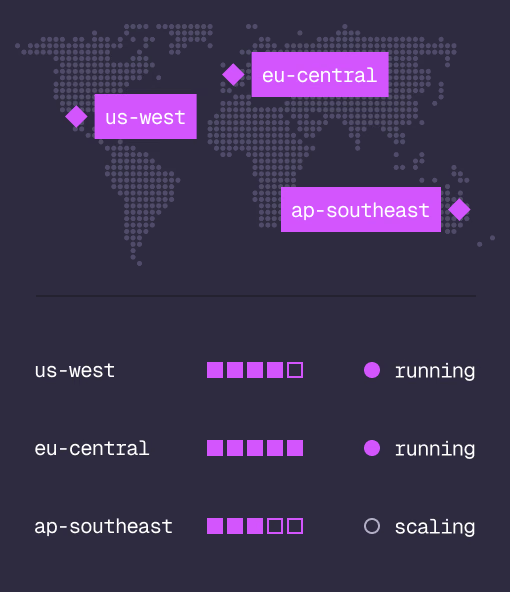
Managed clusters in the regions you choose, scaled on demand.
Studio
Query, explore and design the schema from the browser.
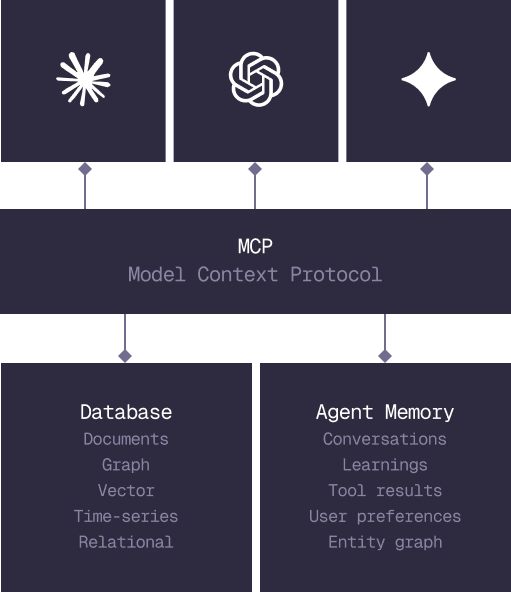
MCP
Every model that speaks MCP reaches the database and the memory directly.
IN PRODUCTION
Trusted at scale. Samsung, Nvidia, Verizon, Tencent, and Walmart run on SurrealDB.
14,000+
Developers building on SurrealDB Cloud
4M+
Developers building on SurrealDB worldwide
FROM THE TEAMS
SurrealDB gives us a foundation where we can unify semantic search, knowledge graphs, and AI-driven decision making without stitching together multiple systems. Collapsing responsibility into SurrealDB has become our default engineering posture.
VP of Engineering, Later