21: Querying graph relations
Querying a relation is usually done using the same arrow syntax used in the RELATE statement to create it.
Here is a query on a single person record which returns its name as well as the path ->works_at->place. The graph query checks to see if the person is linked to the works_at table (the in field, because the arrow at ->works_at is going in to works_at) and if there is a place at the other end (the out field, because the arrow at works_at->place goes out from works_at and looks for a place record at that point).
[
  {
    "->works_at": {
      "->place": [
        place:surreal_library
      ]
    },
    name: 'Lydia Wyndham'
  }
]
Since the place point in the query will look for place records, the .{} destructuring operator can be used to access the fields, such as name and address. We will also give it the alias workplace for readability, and remove the LIMIT to show all the person records.
[
  {
    name: 'Sara Bellum',
    workplace: [
      {
        address: '2025 Statement Street, Riverdale',
        name: 'Surreal Library'
      }
    ]
  },
  {
    name: 'Lydia Wyndham',
    workplace: [
      {
        address: '2025 Statement Street, Riverdale',
        name: 'Surreal Library'
      }
    ]
  },
  {
    name: 'Samm Schwartz',
    workplace: [
      {
        address: '2025 Statement Street, Riverdale',
        name: 'Surreal Library'
      }
    ]
  }
]
You can also use a graph query directly on a record instead of using a SELECT statement.
[
  {
    address: '2025 Statement Street, Riverdale',
    floors: 8,
    name: 'Surreal Library'
  }
]
Turning the -> arrow around to <- makes a graph query in the other direction. From the point of view of the place record, there is no ->works_at->person path because it's not the place that works at the person, it's the person that works at the place. Turning the arrows around will accomplish this.
The relation is still visually easy to follow, because place<-works_at<-person still shows that person leads into works_at and then into place. The only difference is that place is being used as the starting point now.
Output: the names of the people that work at the library.
[
  'Samm Schwartz',
  'Sara Bellum',
  'Lydia Wyndham'
]THE PLATFORM
Everything an application and its agents know. Five surfaces, one engine.
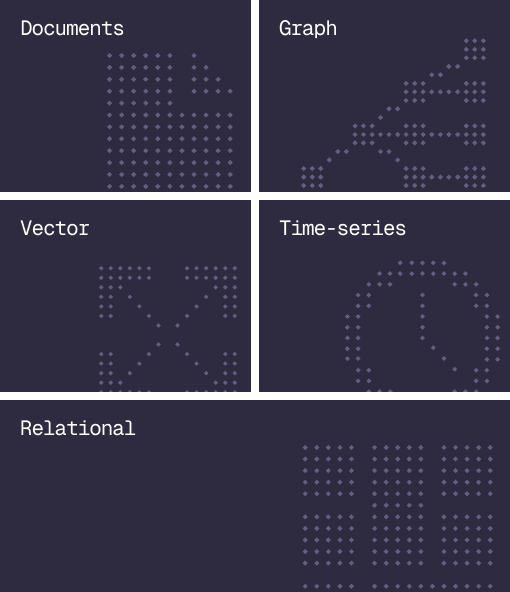
Database
Document, graph, vector, time-series and relational in one engine.
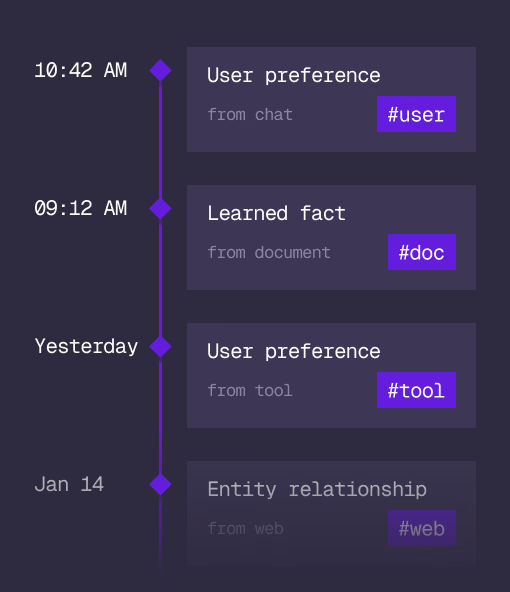
Agent Memory
What an agent learns, with its source and its time, in the same engine.
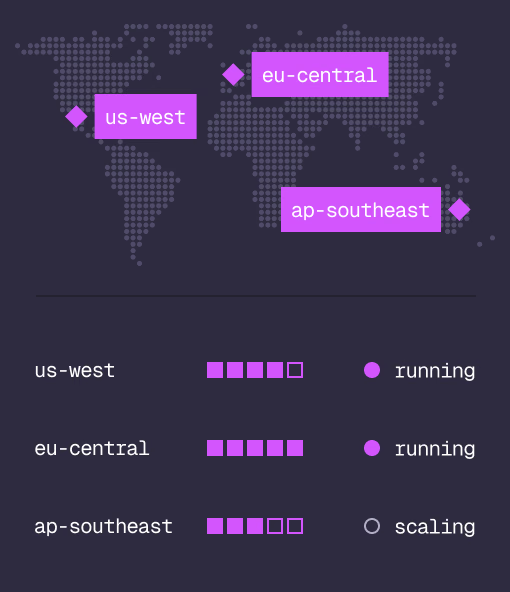
Cloud
Managed clusters in the regions you choose, scaled on demand.
Studio
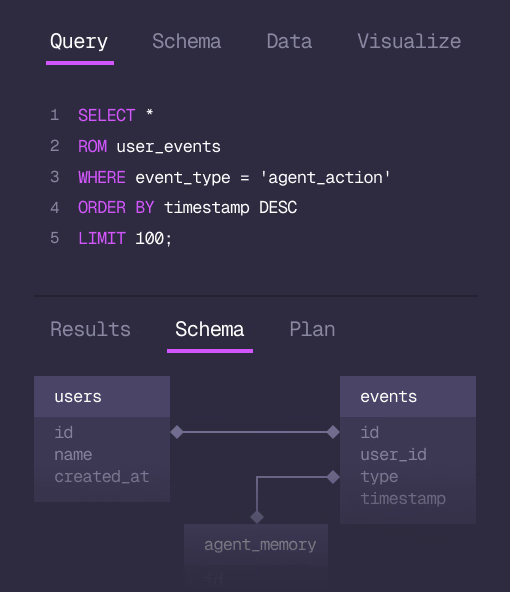
Query, explore and design the schema from the browser.
MCP
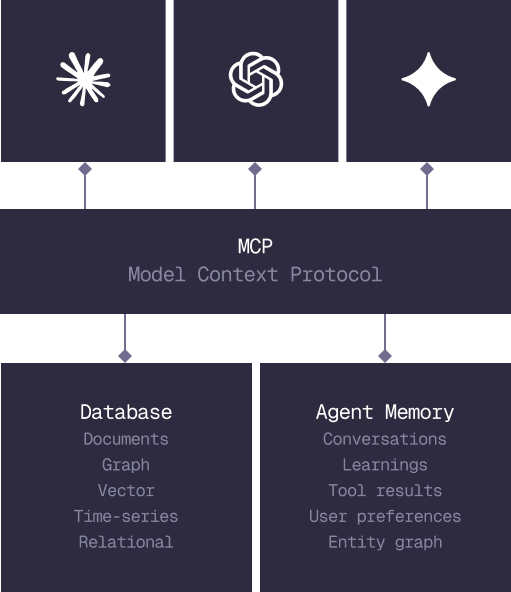
Every model that speaks MCP reaches the database and the memory directly.
IN PRODUCTION
Trusted at scale. Samsung, Nvidia, Verizon, Tencent, and Walmart run on SurrealDB.
14,000+
Developers building on SurrealDB Cloud
4M+
Developers building on SurrealDB worldwide
FROM THE TEAMS
SurrealDB gives us a foundation where we can unify semantic search, knowledge graphs, and AI-driven decision making without stitching together multiple systems. Collapsing responsibility into SurrealDB has become our default engineering posture.
VP of Engineering, Later