
5: Parentheses, indexing, and fields
The first item in an array is at index 0, so you can use [0] to grab it.
'first'Since it's impossible to always know the last index number of an array, the last element uses its own character: [$].
'third'And since statements like CREATE return an array of results, you might want to pull out the result at a certain index too.
But if you just add [0] at the end of a CREATE statement it won't work, because the [0] in place[0] applies to place (which is just a table name), not to the result of CREATE place.
"Can not execute CREATE statement using value 'NONE'"To fix it, surround the whole statement in parentheses first.
Records have an object-like structure that holds keys (fields) and values. You can access a single field by using a dot and then the field name.
place:surreal_libraryAs above, you can surround a statement in parentheses and then choose a field to return.
The output is an array of IDs, because .id tells the database to go through the array and only gather the values of the id field.
[
  place:exqlj50tybc6yb1wjrx3
]
If you want to access more than one field, you can give the output a structure by adding a {} after the dot and putting the field names inside there.
[
  {
    num_books: 10000,
    place_type: 'library'
  }
]THE PLATFORM
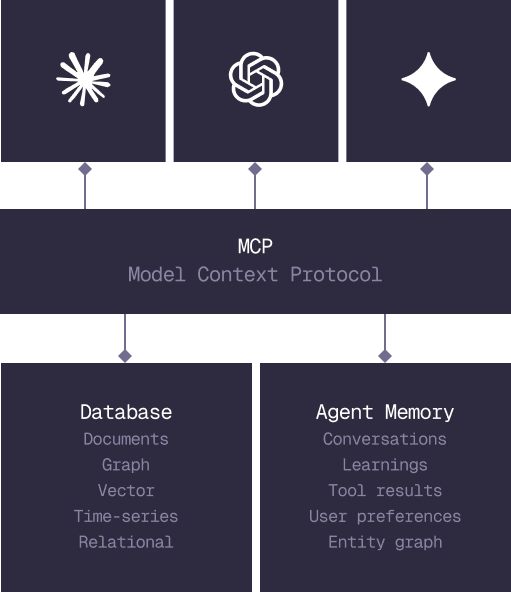
Everything an application and its agents know. Five surfaces, one engine.
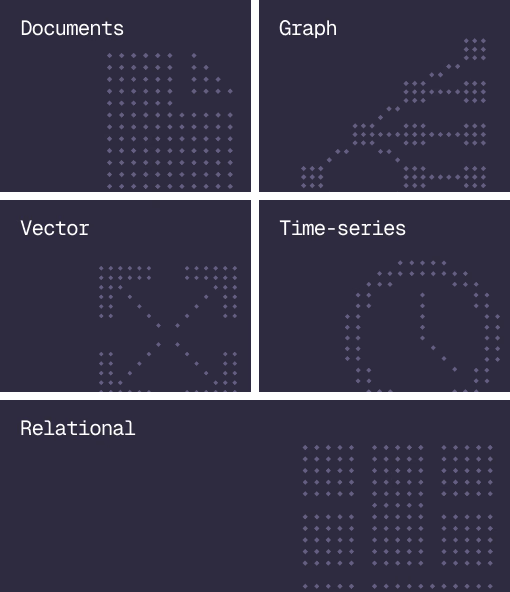
Database
Document, graph, vector, time-series and relational in one engine.
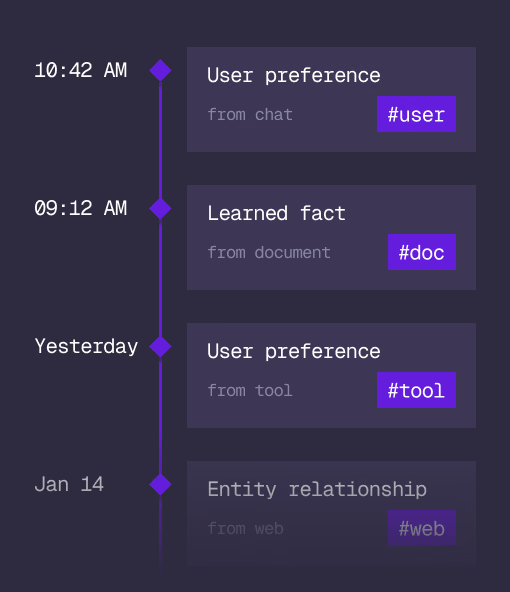
Agent Memory
What an agent learns, with its source and its time, in the same engine.
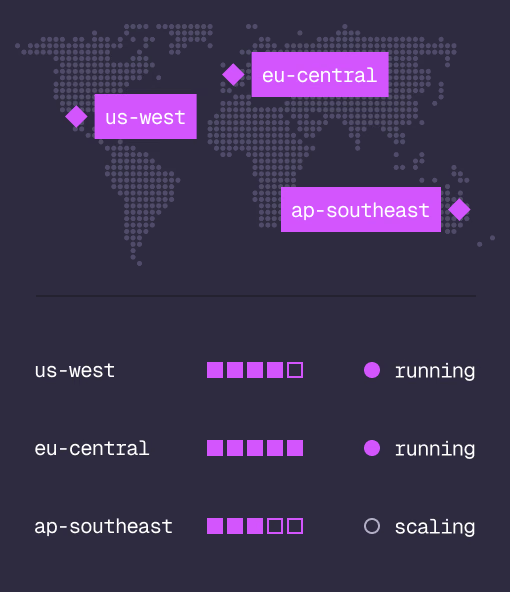
Cloud
Managed clusters in the regions you choose, scaled on demand.
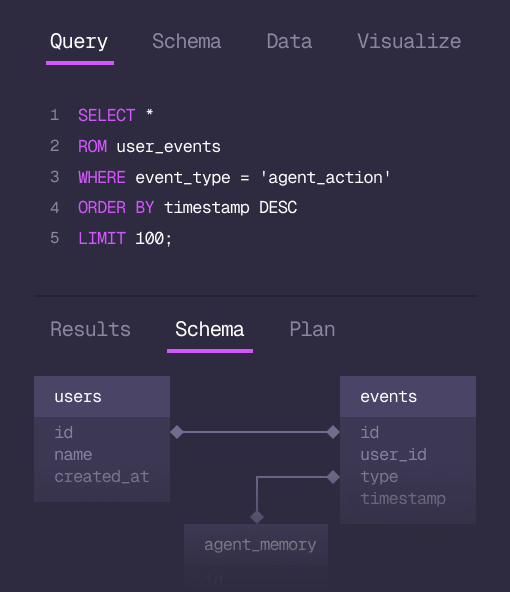
Studio
Query, explore and design the schema from the browser.
MCP
Every model that speaks MCP reaches the database and the memory directly.
IN PRODUCTION
Trusted at scale. Samsung, Nvidia, Verizon, Tencent, and Walmart run on SurrealDB.
14,000+
Developers building on SurrealDB Cloud
4M+
Developers building on SurrealDB worldwide
FROM THE TEAMS
SurrealDB gives us a foundation where we can unify semantic search, knowledge graphs, and AI-driven decision making without stitching together multiple systems. Collapsing responsibility into SurrealDB has become our default engineering posture.
VP of Engineering, Later