14: Schemafull and schemaless
Our database now has two schemaless tables.
{
  accesses: {},
  analyzers: {},
  configs: {},
  functions: {},
  models: {},
  params: {},
  tables: {
    place: 'DEFINE TABLE place TYPE ANY SCHEMALESS PERMISSIONS NONE',
    town: 'DEFINE TABLE town TYPE ANY SCHEMALESS PERMISSIONS NONE'
  },
  users: {}
}
Schemaless means that the table is free to accept any sort of data that we give it. If the tables were SCHEMAFULL, they would have been much stricter. A schemafull table will ignore input for any field except id unless it is defined in advance.
[
  {
    id: schemafull_town:q9olode057qz1vdzruuv,
    population: 75000
  }
]
The INFO FOR command works for other items too, like tables.
{
  events: {},
  fields: {},
  indexes: {},
  lives: {},
  tables: {}
}{
events: {},
fields: {},
indexes: {},
lives: {},
tables: {}
}The empty output shows that place and town are schemaless, without any defined fields. That means that we could create a town whose name is a completely different type, like a number.
[
  {
    id: town:x1hy1y4d21x5dlhndprc,
    name: 9999.999999f
  }
]
We don't want people to create towns with names like 9999.999999, so we will create a schema on the next page to ensure that this won't happen. Let's first delete this unwanted town.
[
  {
    id: town:2ciozta7zj7b8yvqfkpm,
    name: 9999.999999f
  }
]THE PLATFORM
Everything an application and its agents know. Five surfaces, one engine.
Database
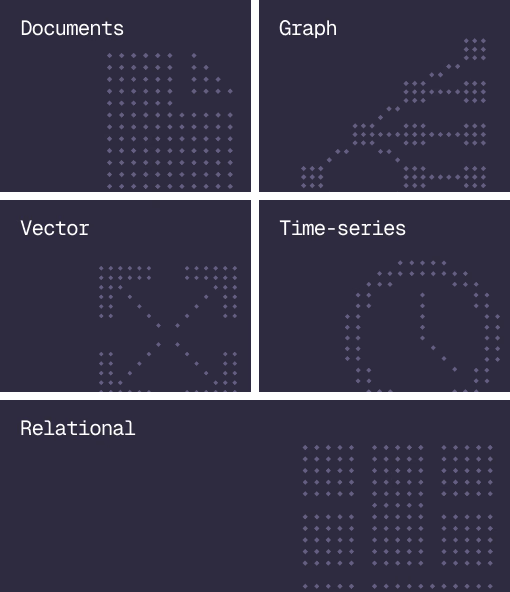
Document, graph, vector, time-series and relational in one engine.
Agent Memory
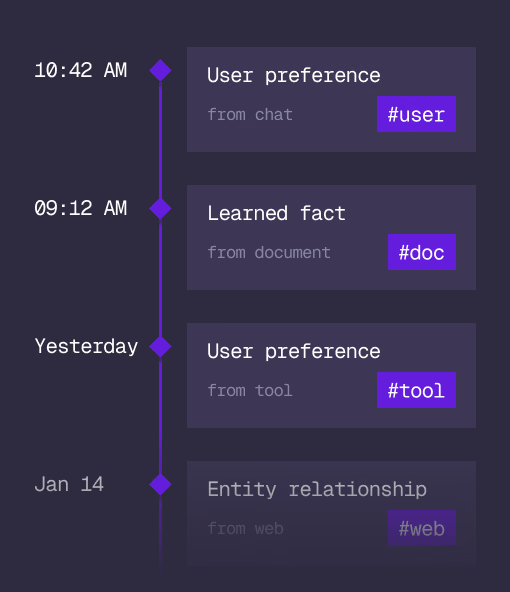
What an agent learns, with its source and its time, in the same engine.
Cloud
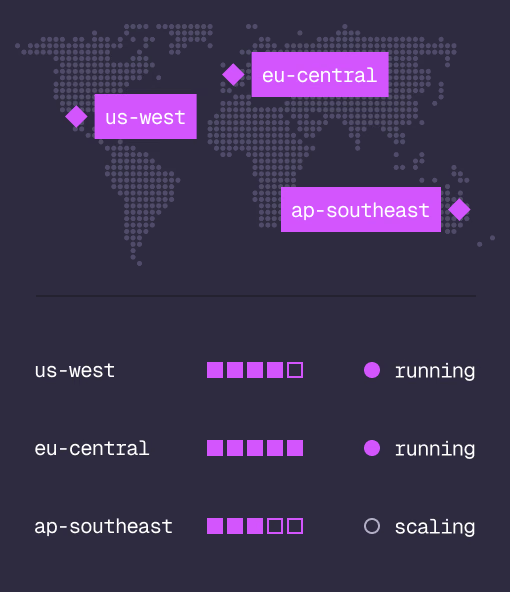
Managed clusters in the regions you choose, scaled on demand.
Studio
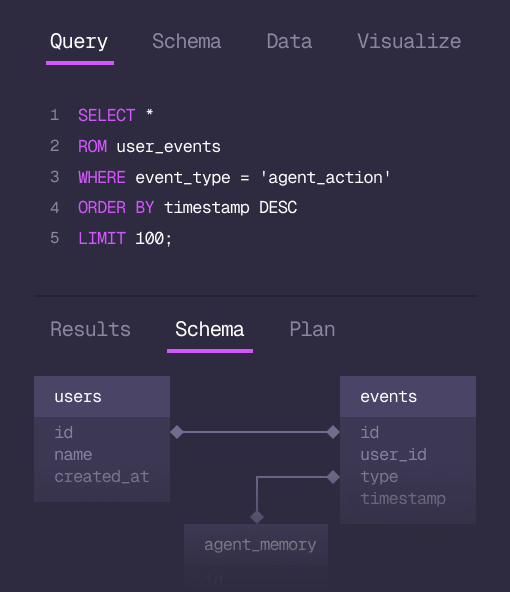
Query, explore and design the schema from the browser.
MCP
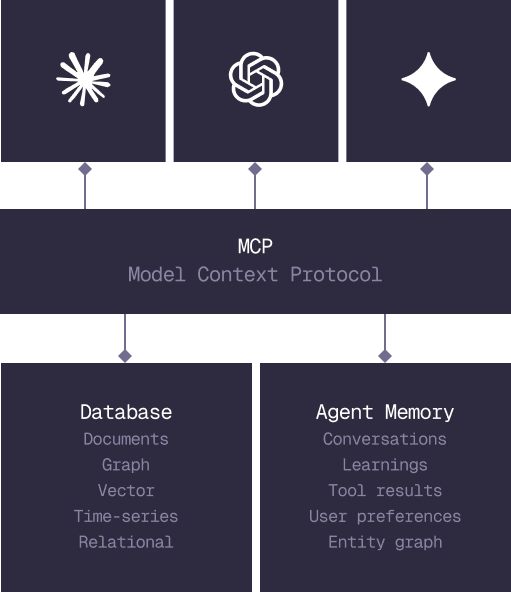
Every model that speaks MCP reaches the database and the memory directly.
IN PRODUCTION
Trusted at scale. Samsung, Nvidia, Verizon, Tencent, and Walmart run on SurrealDB.
14,000+
Developers building on SurrealDB Cloud
4M+
Developers building on SurrealDB worldwide
FROM THE TEAMS
SurrealDB gives us a foundation where we can unify semantic search, knowledge graphs, and AI-driven decision making without stitching together multiple systems. Collapsing responsibility into SurrealDB has become our default engineering posture.
VP of Engineering, Later