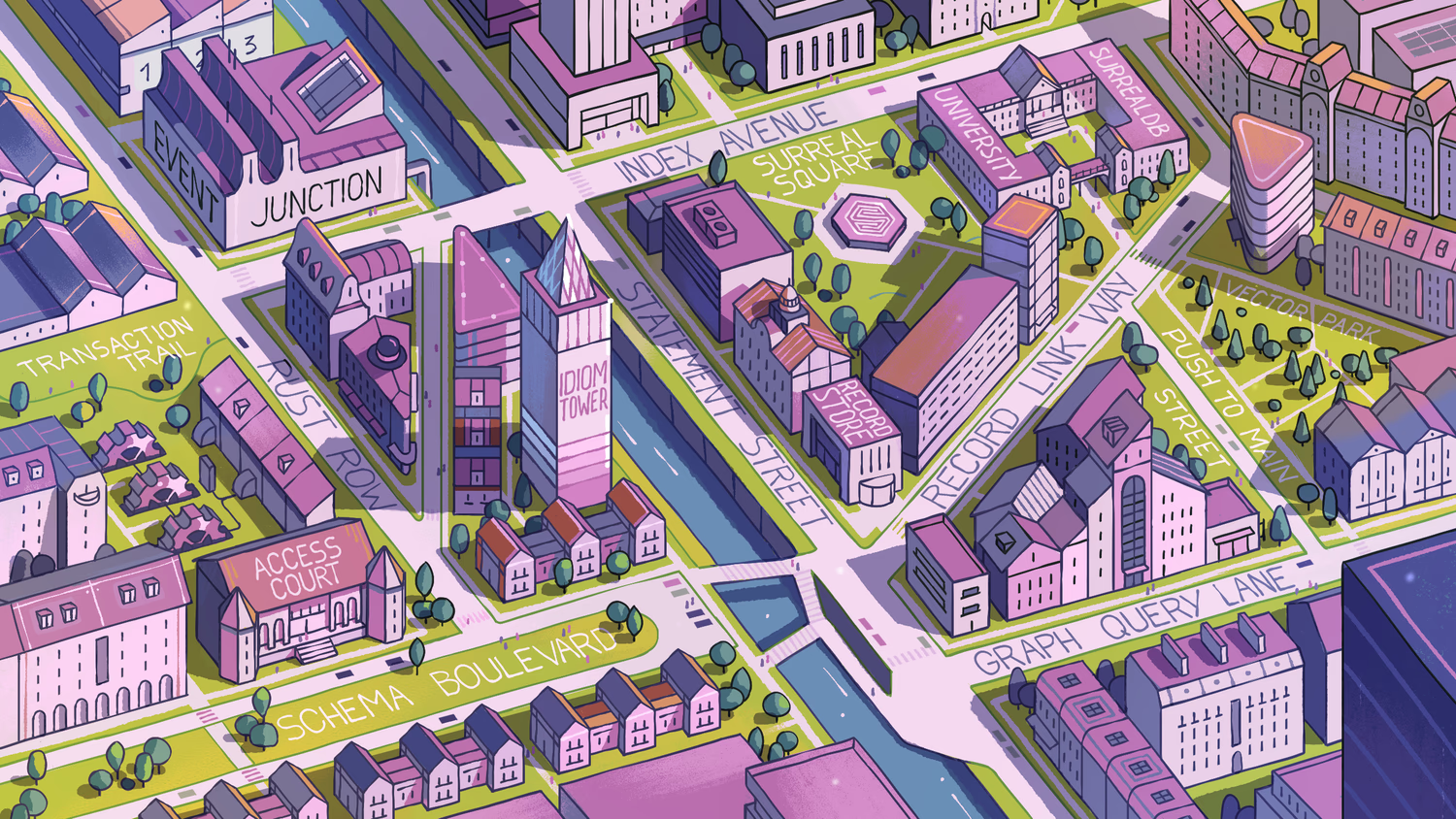
19: Basic graph relations
The record link method we used a few pages ago is the most straightforward way to make a link. Here is how we created a record link back on page 12:
UPDATE town:riverdale SET libraries = [place:surreal_library];While straightforward to use, record links are simple connections between records that don't contain any information about the link itself.
But sometimes we might also want information about the link - the relation - between two records. If a library adds a new customer, it would be nice to have a field that shows when the person became a customer, such as SET customer_since = d'2025-02-11'.
And a field like customer_since doesn't belong to person or a place, but to the relation between the two.
To accomplish this, we can use a second type of link called a graph edge. These edges are created and queried using their own syntax that uses arrows.
This arrow syntax is easiest to get used to by thinking about the links and queries we want to make. You can query in one direction using -> arrows to the right:
| I want to know... | Path | Path explanation | Possible metadata |
|---|---|---|---|
| ...where people work | person->works_at->place | person to works_at to place | When did the person start? How much is the salary? |
| ...which books people like | person->likes->book | person to likes to book | How much does the person like a book? |
Or the other direction using <- arrows to the left.
| I want to know... | Path | Path explanation | Possible metadata |
|---|---|---|---|
| ...who works at a place | place<-works_at<-person | place to being "worked at" by a person | Same as above |
| ...who likes a certain book | book<-likes<-person | book to being liked by a person | Same as above |
As the paths show, we aren't dealing with direct links this time, but a table in the middle that has a certain name (like works_at or likes). The table in the middle is a graph edge, which always contains two fields called in and out. The in field is where the ID goes for the record that does something, and the out field for the record goes that has something done to it.
And the table in the middle can contain other fields, just like regular records do.
Now that we have the basics down, we'll start making some graph relations in the next page.
THE PLATFORM
Everything an application and its agents know. Five surfaces, one engine.
Database
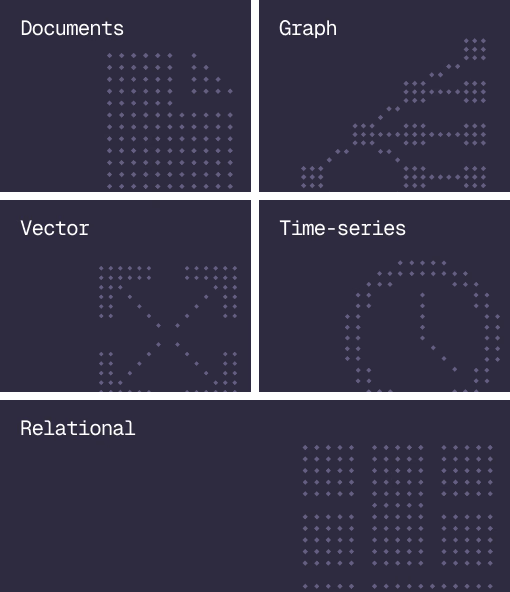
Document, graph, vector, time-series and relational in one engine.
Agent Memory
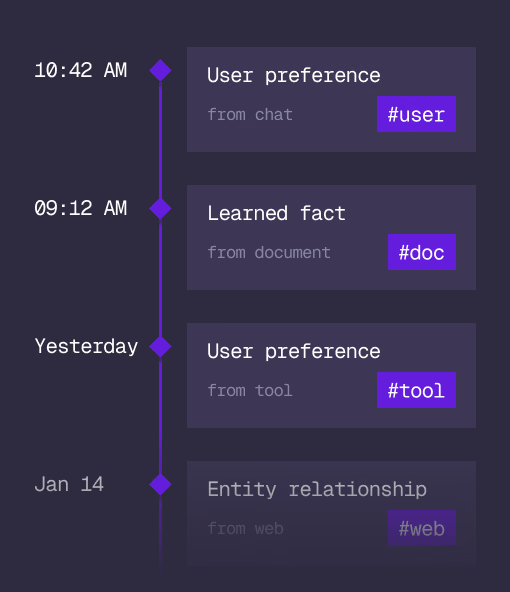
What an agent learns, with its source and its time, in the same engine.
Cloud
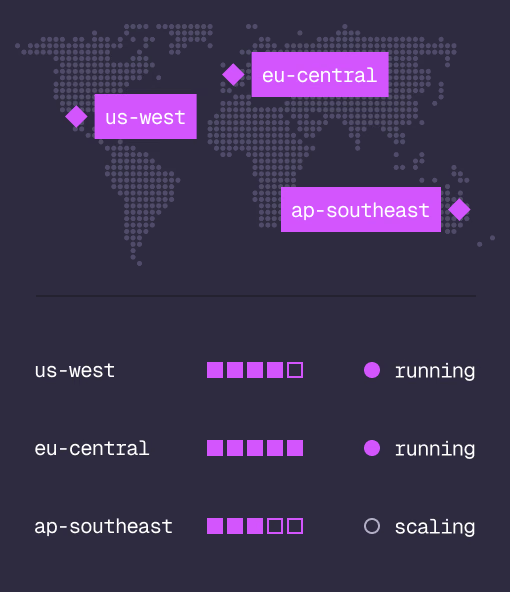
Managed clusters in the regions you choose, scaled on demand.
Studio
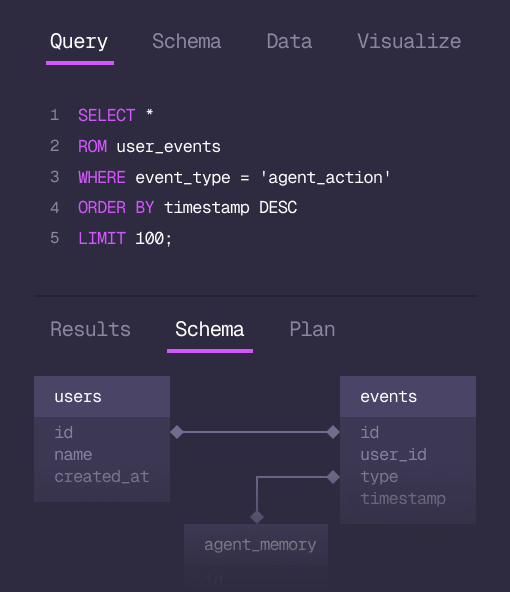
Query, explore and design the schema from the browser.
MCP
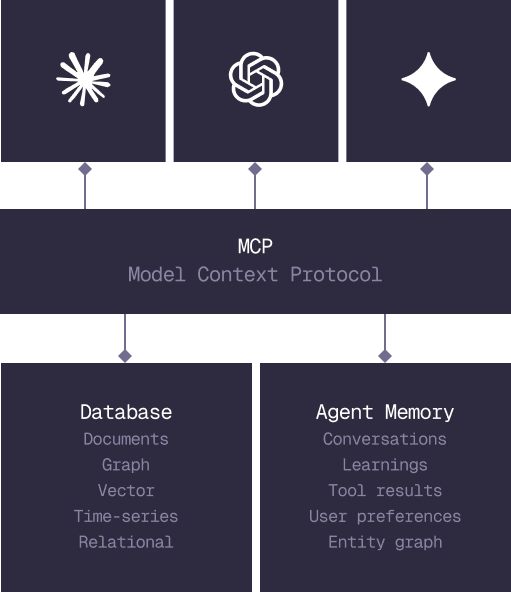
Every model that speaks MCP reaches the database and the memory directly.
IN PRODUCTION
Trusted at scale. Samsung, Nvidia, Verizon, Tencent, and Walmart run on SurrealDB.
14,000+
Developers building on SurrealDB Cloud
4M+
Developers building on SurrealDB worldwide
FROM THE TEAMS
SurrealDB gives us a foundation where we can unify semantic search, knowledge graphs, and AI-driven decision making without stitching together multiple systems. Collapsing responsibility into SurrealDB has become our default engineering posture.
VP of Engineering, Later