
20: Creating graph edges
To create a graph relation, we can use the RELATE statement. The syntax for this statement is RELATE record->graph_table_name->record, leading to quite readable syntax since graph tables are usually a verb or similar word ("place employs person", "person likes book", and so on).
Here is what some typical RELATE statements look like.
[
  {
    id: wrote:7l04nq3umzufbemaldlz,
    in: writer:one,
    out: blog:one
  }
][
{
id: likes:jd17lotl4nnyf06jl2ng,
in: reader:one,
out: magazine:one,
stars_out_of_ten: 7.5f
}
]Using this syntax, we can now create the employees inside a FOR loop and link them to the library at the same time.
Inside the query below is an array of objects that contain the employee data. Inside each loop, we can create a single person record using the ONLY keyword and assign the output to a parameter called $created. This parameter can then be used in the statement RELATE $created->works_at->place:surreal_library.
Now that the relations have been created, we can look at the works_at table to see what is inside. Querying in this way is no different from any other table.
Each works_at record has its own random ID, has a person at the in field (the initiator of the relation), and a place at the out field (the target of the relation).
[
  {
    id: works_at:3o8n3jmqx1uok41rjxq7,
    in: person:g94fc1nqsraaatplddyh,
    out: place:surreal_library
  },
  {
    id: works_at:f3ghd88elmvs1jwfhpoc,
    in: person:qpk3htqruhvd469pox0r,
    out: place:surreal_library
  },
  {
    id: works_at:j2yf2jdnmponak0v3q0q,
    in: person:6kittp2n5lwpjzgu29jt,
    out: place:surreal_library
  }
]
You can always query graph edges in this way if you want. For example, this query shows all the details for all the people at the in part of works_at, which in this case shows our person records.
[
  {
    in: {
      age: 45,
      id: person:f0z8cabmok8m9xn00lfu,
      name: 'Samm Schwartz'
    }
  },
  {
    in: {
      age: 30,
      id: person:zfdzeawmuqh2mm498edj,
      name: 'Sara Bellum'
    }
  },
  {
    in: {
      age: 25,
      id: person:ocp2l14l4nbgo60mnhgt,
      name: 'Lydia Wyndham'
    }
  }
]
However, the -> and <- arrows used to create relations are also used to quickly move from one path to the next, and it is this syntax that is usually used when querying them. We'll give this syntax a try on the next page.
THE PLATFORM
Everything an application and its agents know. Five surfaces, one engine.
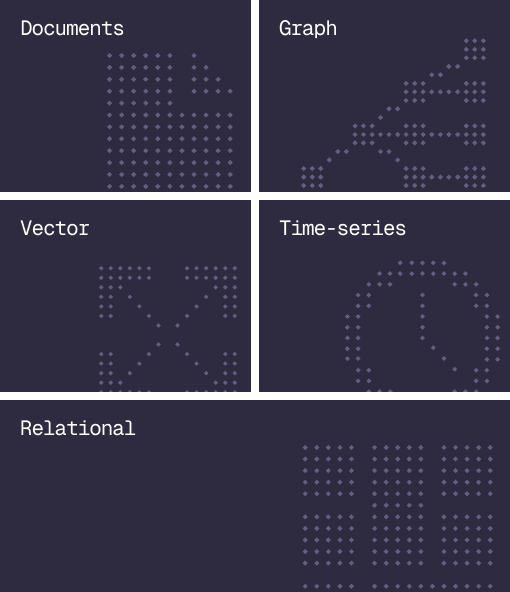
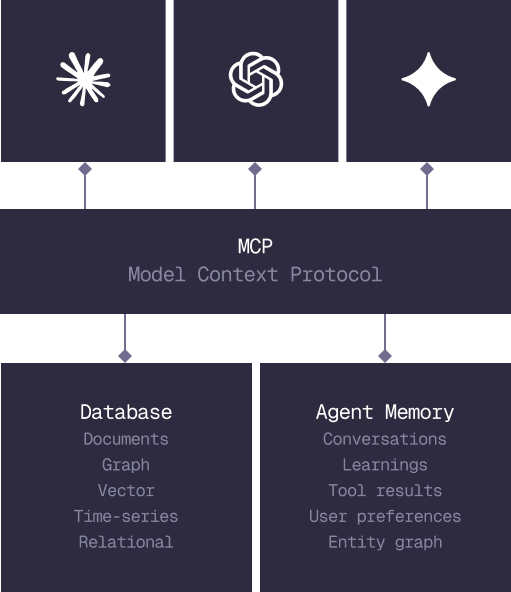
Database
Document, graph, vector, time-series and relational in one engine.
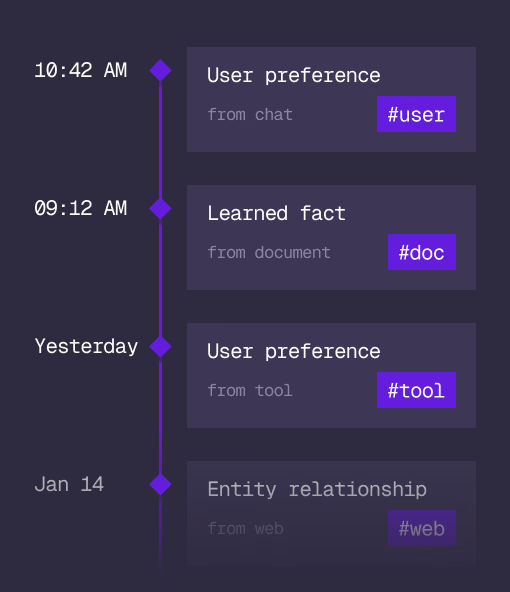
Agent Memory
What an agent learns, with its source and its time, in the same engine.
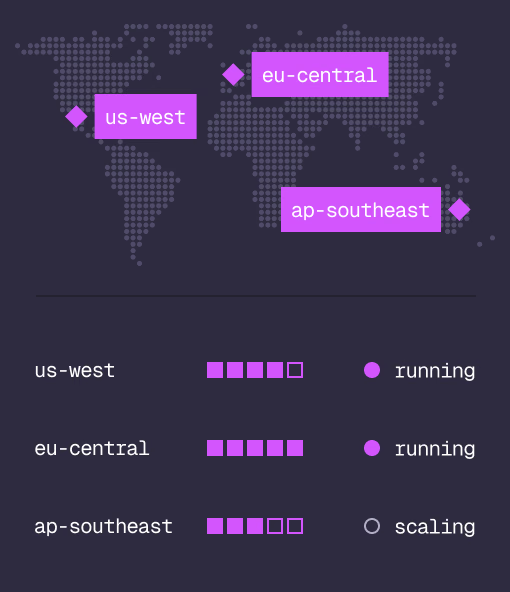
Cloud
Managed clusters in the regions you choose, scaled on demand.
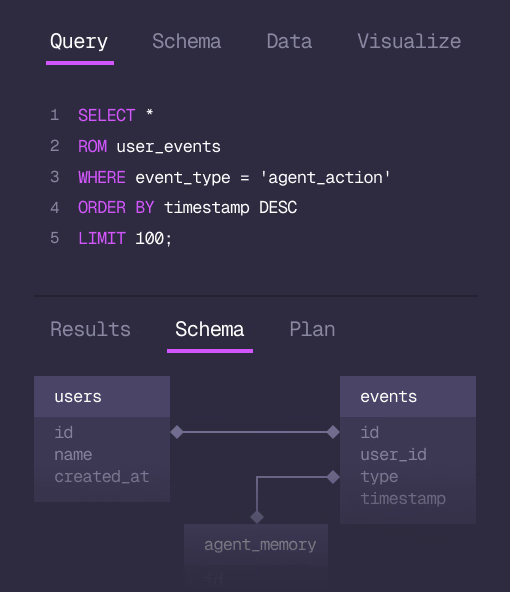
Studio
Query, explore and design the schema from the browser.
MCP
Every model that speaks MCP reaches the database and the memory directly.
IN PRODUCTION
Trusted at scale. Samsung, Nvidia, Verizon, Tencent, and Walmart run on SurrealDB.
14,000+
Developers building on SurrealDB Cloud
4M+
Developers building on SurrealDB worldwide
FROM THE TEAMS
SurrealDB gives us a foundation where we can unify semantic search, knowledge graphs, and AI-driven decision making without stitching together multiple systems. Collapsing responsibility into SurrealDB has become our default engineering posture.
VP of Engineering, Later