



















01 |INSTALL THE CLI
Choose your platform. One command installs the CLI and the server as a single executable.

Install on macOS
On macOS, run the SurrealDB install script, or install with Homebrew. Either way you get the command-line tools and the SurrealDB server as a single executable.

Install on Linux
The preferred way to get going on Unix systems is the SurrealDB install script. Run the following in your terminal and follow the on-screen instructions.

Install on Windows
On Windows, install the SurrealDB command-line tool by running the following in PowerShell.

Install on Docker
Docker lets you run SurrealDB without installing any CLI tools locally. The container includes the full CLI for import/export and for running a server.
02 |VERIFY AND RUN
Confirm the install, then start. Check the CLI is on your path and bring up a local server.
Check the version
Confirms the CLI is on your path and which release it is.
Start a local server
An in-memory instance on port 8000, with a root user for the session.
Persist to disk
The same server with its data kept in a SurrealKV directory.
Open a SQL shell
An interactive SurrealQL prompt against the running server.
THE PLATFORM
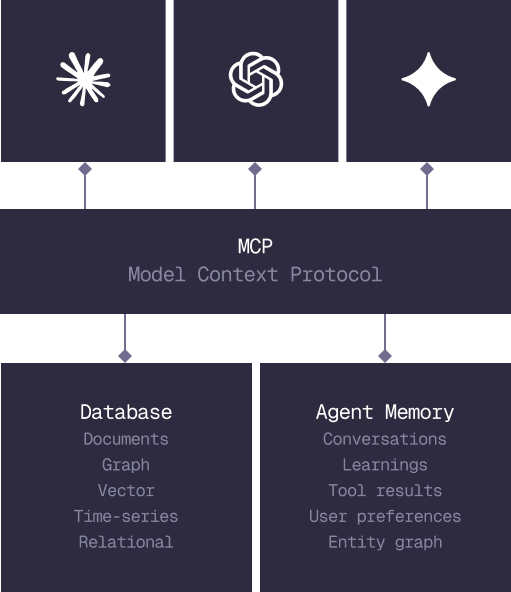
Everything an application and its agents know. Five surfaces, one engine.
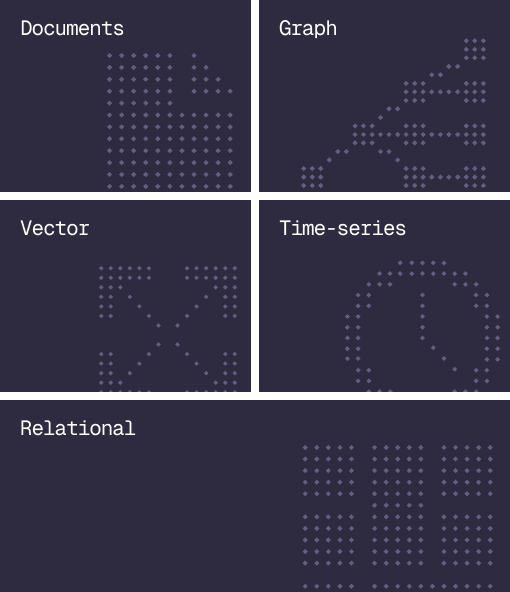
Database
Document, graph, vector, time-series and relational in one engine.
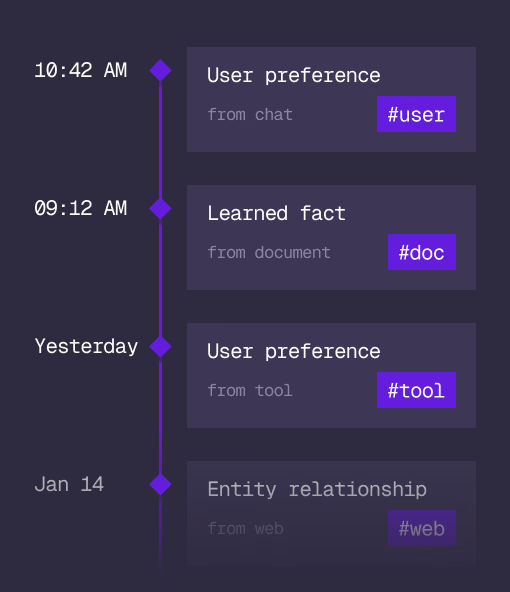
Agent Memory
What an agent learns, with its source and its time, in the same engine.
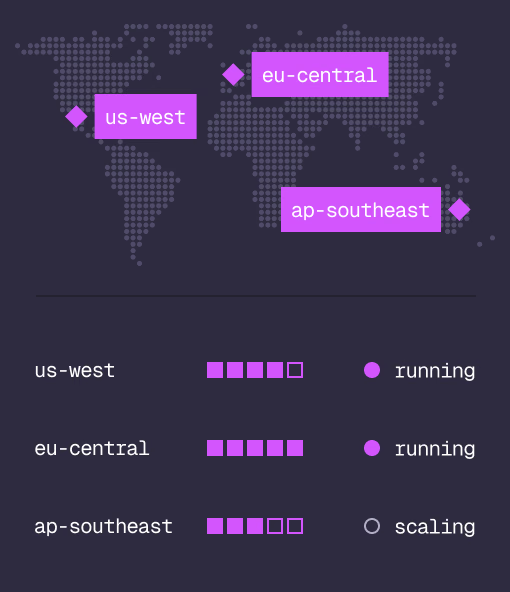
Cloud
Managed clusters in the regions you choose, scaled on demand.
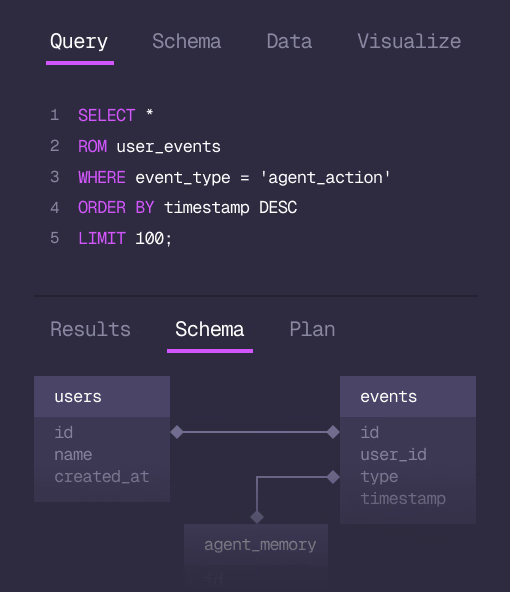
Studio
Query, explore and design the schema from the browser.
MCP
Every model that speaks MCP reaches the database and the memory directly.
IN PRODUCTION
Trusted at scale. Samsung, Nvidia, Verizon, Tencent, and Walmart run on SurrealDB.
14,000+
Developers building on SurrealDB Cloud
4M+
Developers building on SurrealDB worldwide
FROM THE TEAMS
SurrealDB gives us a foundation where we can unify semantic search, knowledge graphs, and AI-driven decision making without stitching together multiple systems. Collapsing responsibility into SurrealDB has become our default engineering posture.
VP of Engineering, Later
GET STARTED