Instances serve the HTTP API, so anything that speaks HTTP can query them.
That includes cURL, Postman, a serverless function, and a language without an SDK.
To get the URL, open the instance in SurrealDB Studio, select Connect, then select HTTP cURL.
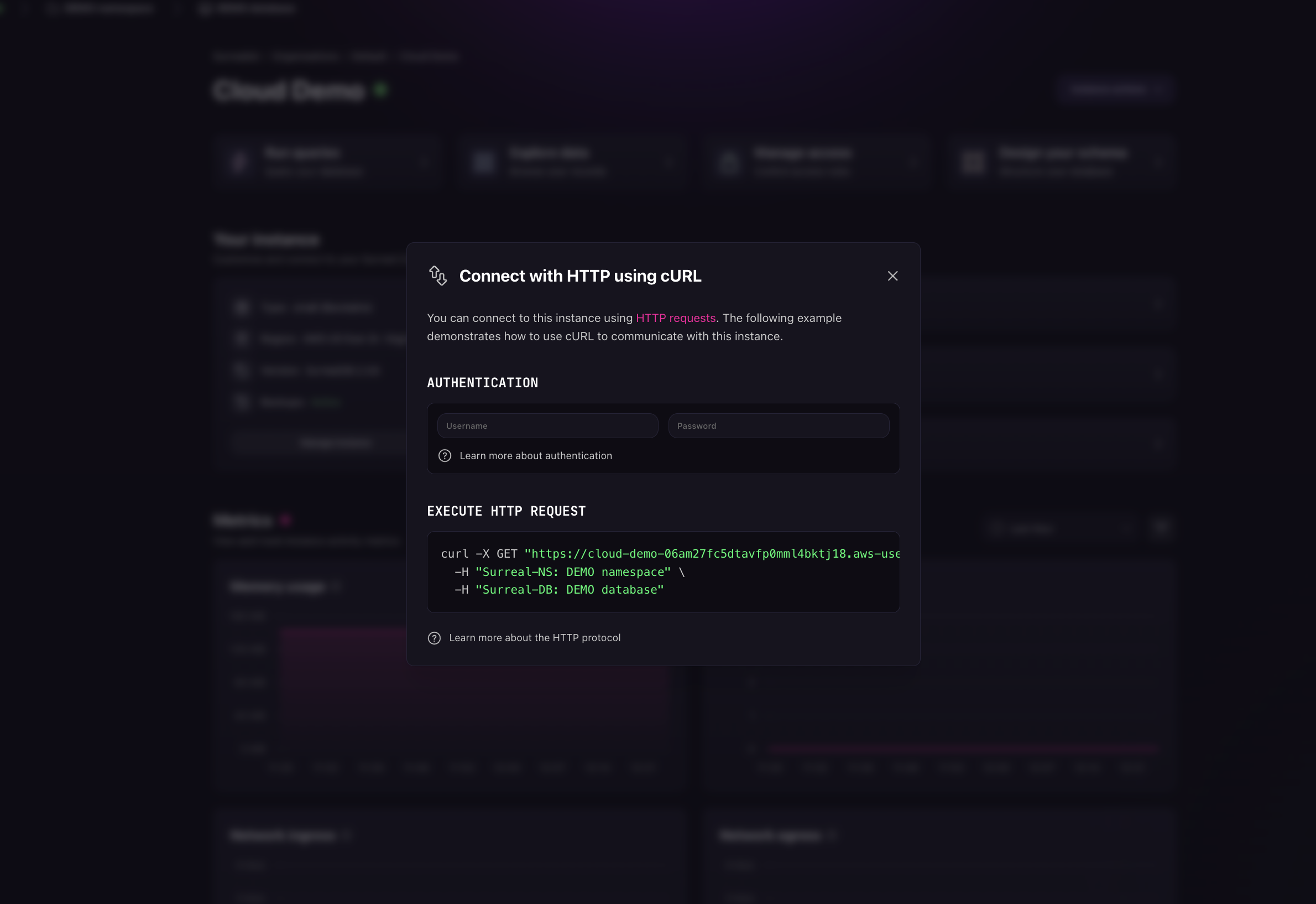
The generated command is cURL, but the URL and headers work in any HTTP client. Paste them into Postman or your own code unchanged.
Send a query
Post SurrealQL to /sql. Name the namespace and database in headers, and authenticate with a bearer token:
curl -X POST "https://<endpoint>/sql" \
  -H "Surreal-NS: main" \
  -H "Surreal-DB: main" \
  -H "Authorization: Bearer <token>" \
  -H "Accept: application/json" \
  -d "SELECT * FROM person LIMIT 10;"
The response is a JSON array with one result object per statement in the request.
Request size limits
Instances run the SurrealDB defaults for request size, and those defaults differ per endpoint.
| Endpoint | Limit |
|---|---|
/sql | 1 MiB |
/rpc | 4 MiB |
/import | 4 GiB |
| WebSocket message | 128 MiB |
A request over the cap is rejected with 413 Payload Too Large. The 1 MiB cap on /sql is the one large queries tend to reach first.
If a payload does not fit, you have three options:
Use an SDK. Most, including Rust and JavaScript, default to the WebSocket engine and its 128 MiB per message.
Stay on HTTP but change endpoint. Send the query through
POST /rpc, which accepts 4 MiB.Load bulk data through import.
POST /importaccepts up to 4 GiB per request. See Import and export.
The full table is in request size limits. A self-hosted server sets these caps with environment variables. Instances run the defaults.