Open an interactive SurrealQL shell against an instance with the SurrealDB CLI.
Use the shell for ad-hoc queries, for checking a schema definition, and for scripting a one-off change.
Prerequisites
Install the CLI. See the installation guide. It is a single executable and does not need a local server.
Open a shell
surreal db sql connects to the endpoint and opens a prompt:
surreal db sql \
  --endpoint wss://<endpoint> \
  --ns main --db main \
  --token <token>
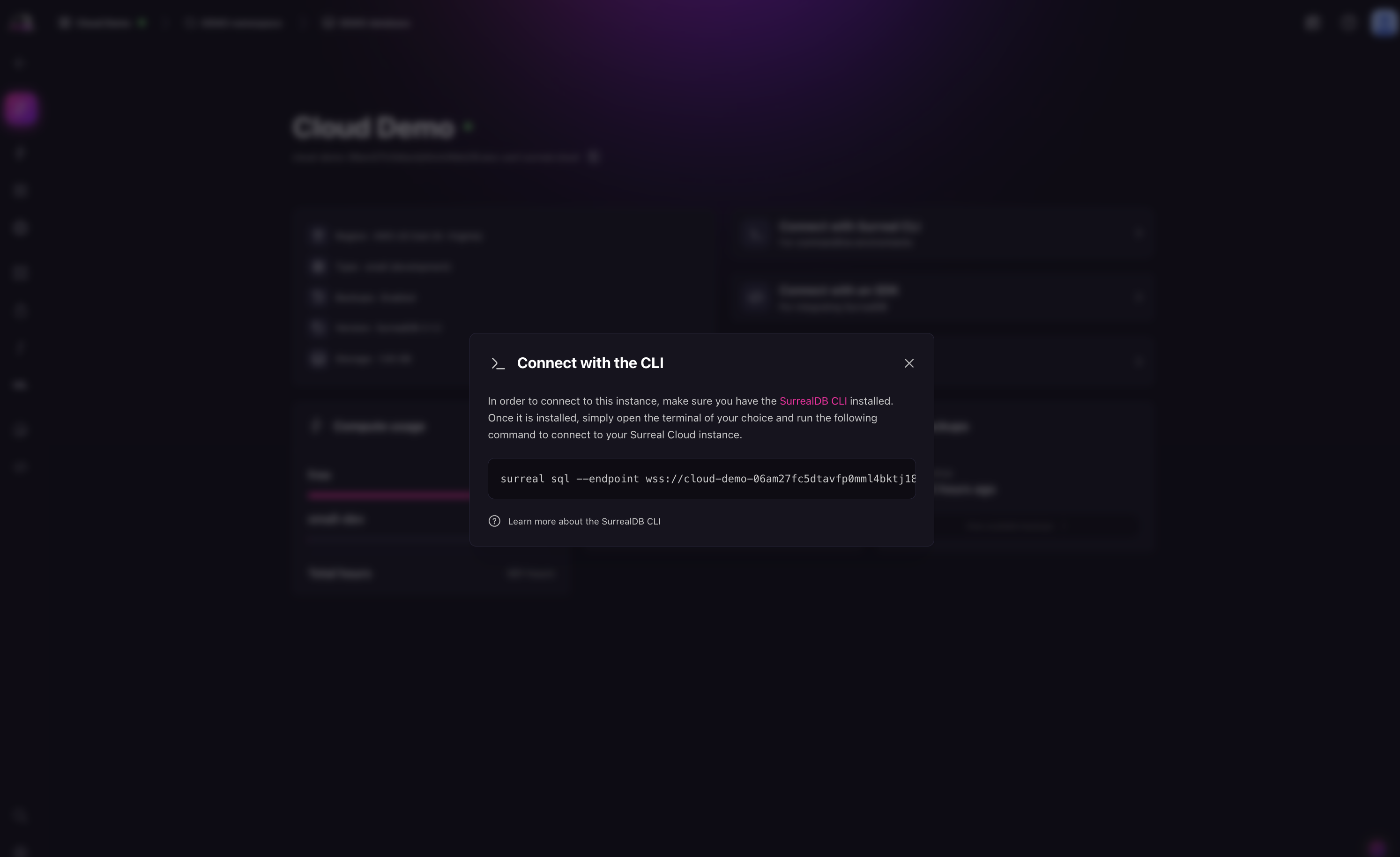
The Connect menu of the instance in SurrealDB Studio generates this command with your endpoint and token filled in.
The --token value is a JSON Web Token that authenticates the session. Treat it as a credential, because it grants whatever the authenticating user or access method grants. Keep it out of shell history and out of committed scripts. Where a script needs a token, mint one at runtime with surreal cloud instance token rather than store it.
You can authenticate with --user and --pass instead if the instance has a system user defined. See DEFINE USER.
Next steps
SurrealDB CLI: every command and flag.
surreal cloud: the management-plane CLI.
surreal cloud instance sqlopens the same shell against a named instance without you supplying an endpoint, and runssurreal db sqlto do it.