Invite people to your organisation, and give each one the role that matches the work they do.
The Team section of the organisation in SurrealDB Studio holds membership. Each member holds exactly one role, and that role decides what the member can see and change across every instance in the organisation.
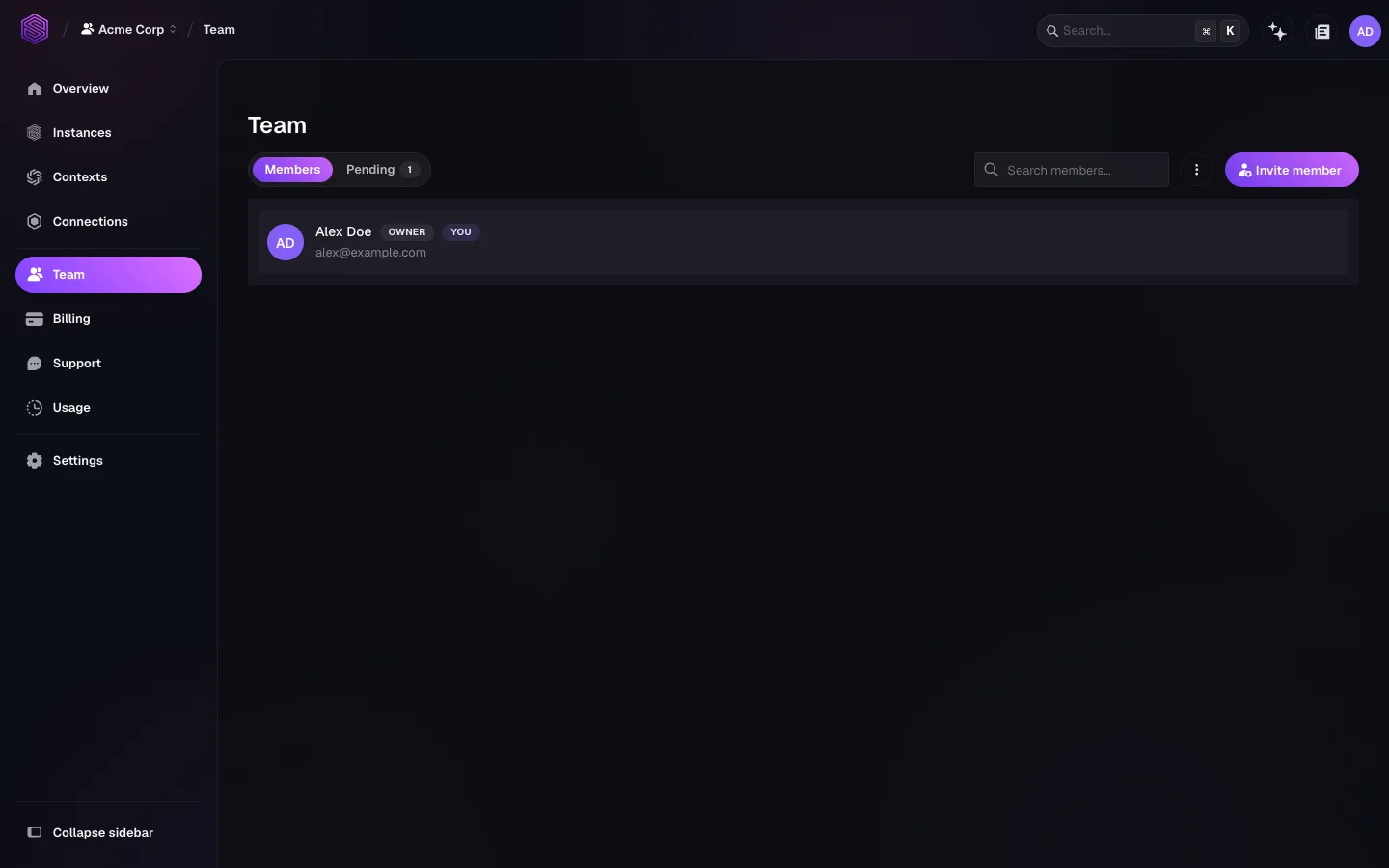
The Members tab lists the people who accepted an invitation. The Pending tab lists invitations that have been sent but not yet accepted.
Invite a member
Open Team.
Select Invite member.
Enter the email address of the person you invite.
Choose the role that person holds.
Send the invitation.
The invitation appears under Pending until the person accepts it. An invitee without an account creates one first, then joins the organisation on the role you chose. See Accounts and sign-in.
Invite the address of a named person rather than a shared mailbox, above all for the Admin and Owner roles. A shared mailbox hides which person acted, and you cannot withdraw it from one reader who leaves.
surreal cloud team invite sends an invitation. surreal cloud team list reports current membership, which helps when you review access across several organisations. See surreal cloud organisations.
What each role can do
The person who creates an organisation is its Owner. An Owner invites members as Admin or Member.
| Action | Owner | Admin | Member |
|---|---|---|---|
| View instances and team | Yes | Yes | Yes |
| Deploy, pause, and delete instances | Yes | Yes | No |
| Change instance configuration and capabilities | Yes | Yes | No |
| Invite and remove members | Yes | Yes | Own membership only |
| Change another member's role | Yes | No | No |
| View invoices | Yes | Yes | No |
| Change billing and payment details | Yes | No | No |
An Admin operates the infrastructure of the organisation, but does not control its payment details or its access list. A Member reads what the organisation holds, and can end its own membership.
Each role is a fixed set of permissions. An enterprise adds roles you compose yourself, which govern the administration of members, domains, and single sign-on rather than of instances.
Least privilege
Grant the lowest role that lets a person do their work, then review the member list at regular intervals.
Three actions need particular attention, because each one causes loss or exposure that is hard to reverse:
Delete an instance: destroys the data in it. See Configure an instance.
Change network access: decides which external destinations a query can reach.
Restore a backup: creates a new instance that holds a copy of production data.
Every Owner and every Admin can run all three. To let someone operate instances without these permissions, use a separate organisation rather than a lower role.
Remove access when a person leaves the project. A member who has left keeps the Admin role until you remove the membership.
Related pages
Organisations: The organisation view and its settings.
Accounts and sign-in: How an invitee creates an account.
surreal cloud organisations: Teams, invitations, and tokens from the command line.