• Start
Sign In

Referrals

Share a referral link to earn credits and rewards when someone signs up through it.

Share your referral link to earn rewards when someone signs up through it.

Every account gets its own referral link. Rewards range from account credit to items from the SurrealDB store.

  1. Copy your referral link from the referrals page.

  2. Share the link with the people you recommend SurrealDB to.

When a person signs up through your link, the reward is credited to your account.
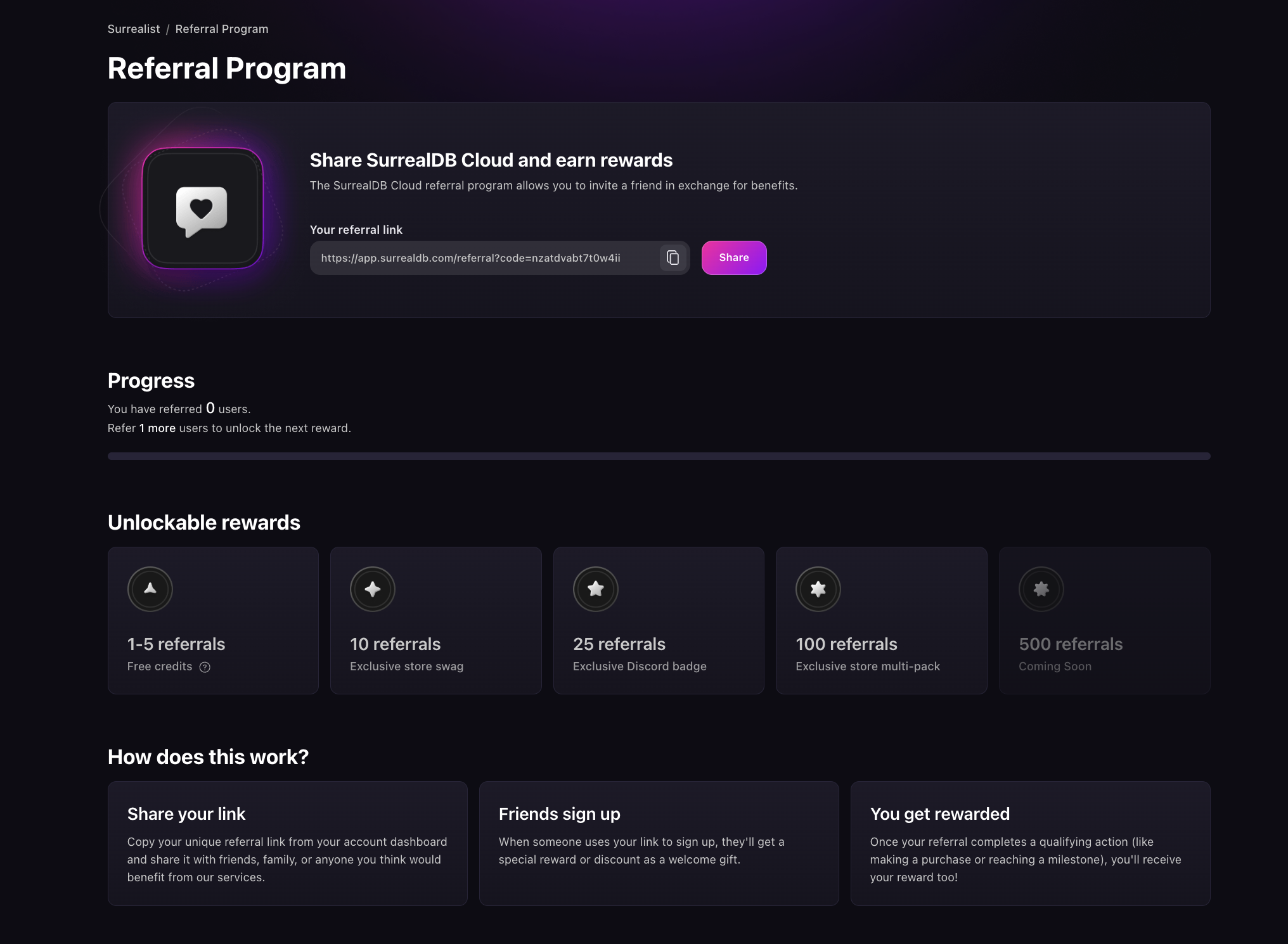
The Referral Program page in SurrealDB Studio, showing a card with your personal referral link, a copy button and a Share button, a Progress section counting the users you have referred and how many more unlock the next reward, an Unlockable rewards row of cards for free credits, store items and a Discord badge at rising referral counts, and a How does this work section explaining that you share your link, a friend signs up, and you get rewarded.

The same page tracks the sign-ups attributed to your link and the rewards they earn. Credit applies to future invoices for your organisation. See Billing.

Was this page helpful?