To get started, install the SurrealDB CLI on your local machine.
Getting started
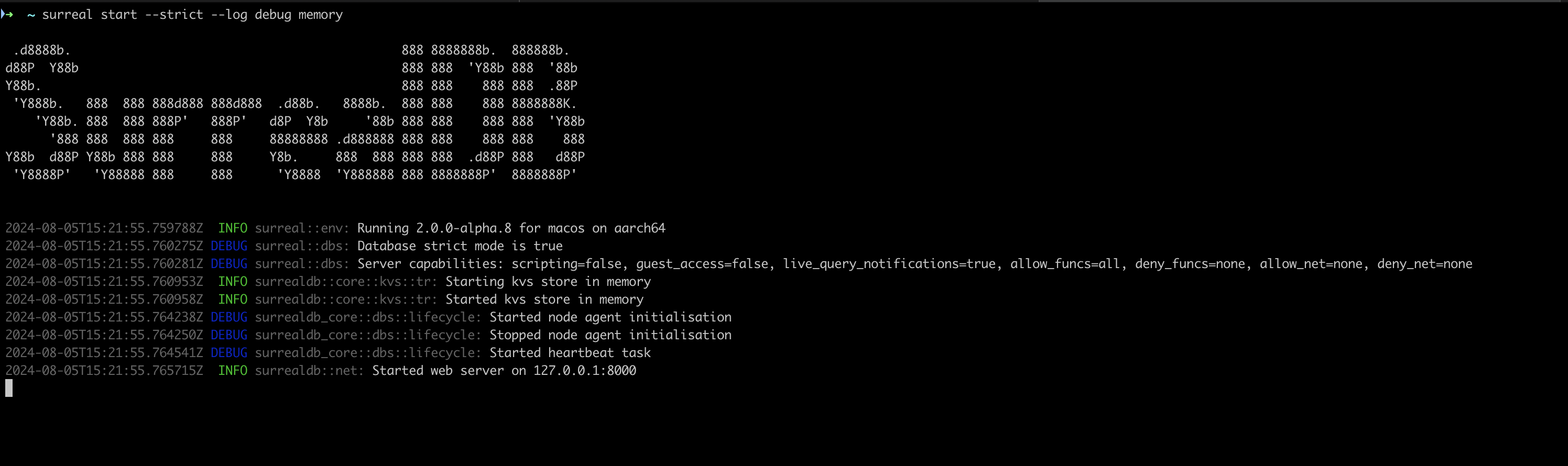
After installing the SurrealDB CLI, you can start writing SurrealQL queries by running the surreal db start command in your terminal. You can also add the --help flag to view the available options and commands.
To start a SurrealDB server, run the surreal db start command, using the options below. This example serves the database at the default location (http://localhost:8000), with a username and password.
surreal db start --user root --pass secretThe server is actively running, and can be left alone until you want to stop hosting the SurrealDB server.
Running queries
Open a second terminal and connect with surreal db sql. You can stay in the interactive REPL, or pipe a one-shot query.
To open a REPL:
surreal db sql --endpoint http://localhost:8000 --ns main --db main --user root --pass secret --prettysurreal db sql --endpoint memory --ns main --db main --user root --pass secret --prettyTo run a simple SELECT without staying in the REPL:
echo 'SELECT * FROM person;' | surreal db sql --endpoint http://localhost:8000 --ns main --db main --user root --pass secret --pretty --hide-welcome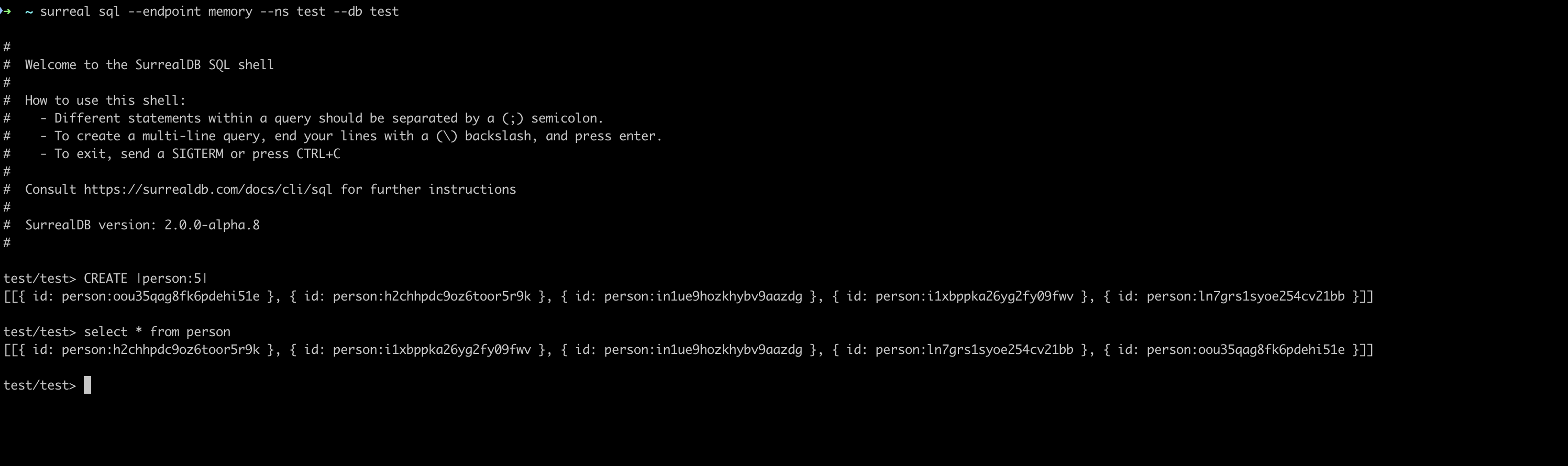
Learn more
Learn more about the available commands and options in the SurrealDB CLI documentation.