



SurrealDB Cloud supports connection via HTTP. This allows you to connect to your SurrealDB Cloud Instance using curl or any HTTP client. To get started, select the Connect button on your Instance. Then select HTTP cURL.
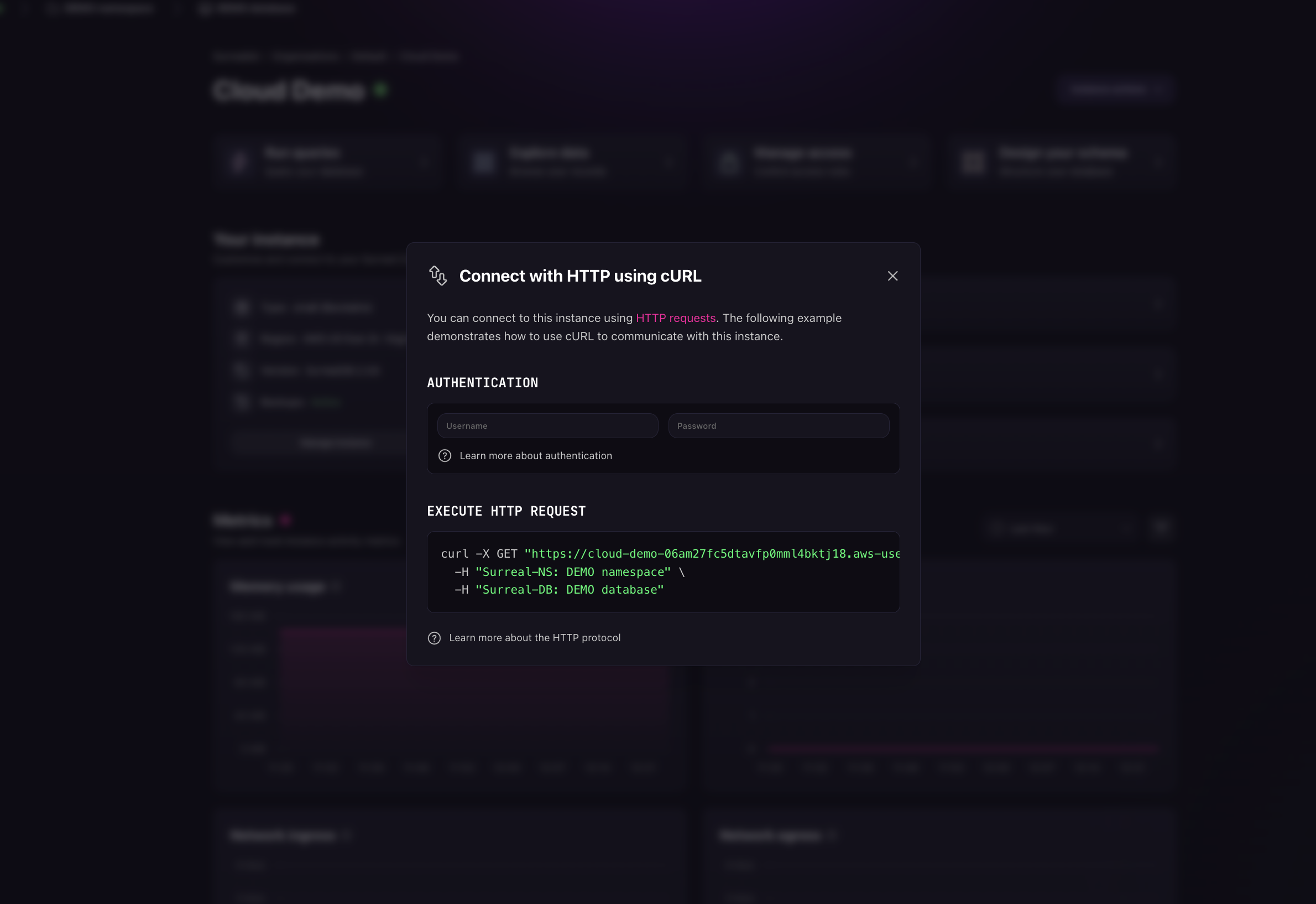
The URL provided can be used in any HTTP client, but by default it is set to use curl. Use the URL in your HTTP client to connect to your SurrealDB Cloud Instance from clients like Postman or any other HTTP client.
Connect to your SurrealDB Cloud instance
Once you have filled in the credentials, copy the URL and connect to your SurrealDB Cloud Instance. Below is an example of the connection URL in curl.
curl -X GET "YOUR_ENDPOINT" \
  -H "Surreal-NS: DEMO namespace" \
  -H "Surreal-DB: DEMO database"
Request size limits
Cloud instances run the SurrealDB defaults for request size, and those defaults differ per endpoint. The /sql endpoint accepts 1 MiB, which is the limit large queries sent over plain HTTP tend to reach first. A request over the cap is rejected with 413 Payload Too Large.
If a payload does not fit:
Connect through a client SDK such as Rust or JavaScript instead. Most use the WebSocket engine by default, which allows up to 128 MiB per message.
To stay on HTTP, send the query through
POST /rpc, which accepts 4 MiB.For bulk data loading, use
POST /import, which accepts up to 4 GiB per request. See Migrating data.
The full table is in request size limits. These limits are set by environment variables on a self-hosted server, while Cloud instances run the defaults.