



You can run SurrealDB Cloud with AWS Marketplace so subscription charges and related usage appear on your existing AWS bill. This is useful when your organisation standardises on AWS procurement, reserved-instance style commitments, or consolidated invoicing across vendors.
Subscribe and link billing
Open the SurrealDB Cloud listing in AWS Marketplace and choose Subscribe (or Continue to subscribe), then confirm the contract and pricing terms.
Complete AWS account and payment linkage as prompted. Charges for the Marketplace subscription are billed through AWS, not a separate card on surrealdb.com.
Follow the set-up or configuration steps shown after subscription to connect the Marketplace purchase to your SurrealDB Cloud organisation—typically by signing in to SurrealDB Cloud and authorising the link.
Provision instances
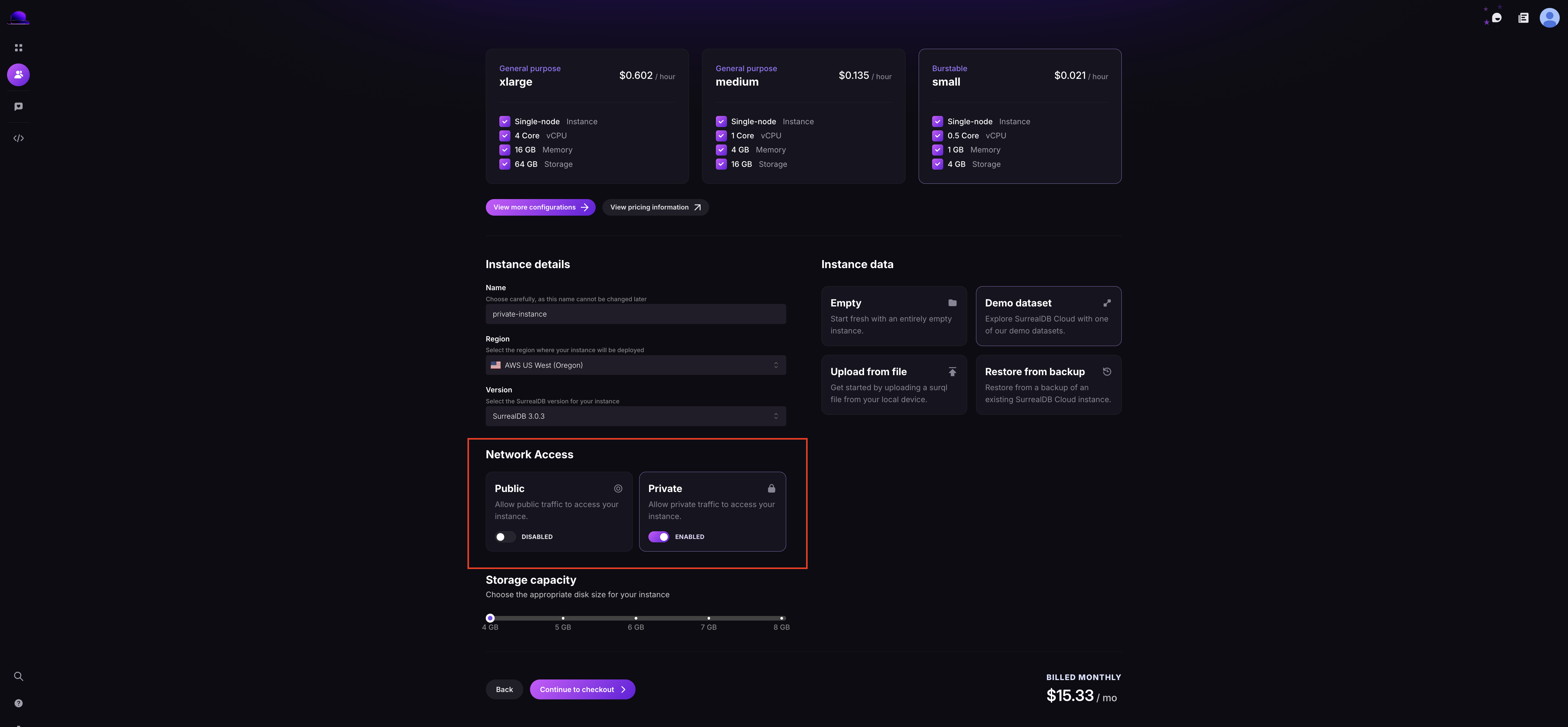
Once billing is linked, create and manage instances from the SurrealDB Cloud dashboard or SurrealDB Studio as usual. Instance creation, regions, and capabilities follow the same flows as direct Cloud sign-up; the difference is who invoices you (AWS) and how renewals appear in the Marketplace console.
If you change or cancel the Marketplace subscription, follow AWS guidance and ensure your SurrealDB Cloud organisation remains on a valid plan so instances are not affected unexpectedly.