Available since: v3.0.0
Telemetry (OTLP) and GET /metrics (Prometheus pull) tell you what the database is doing from the outside (requests, statements, resources). The Tokio console shows what the Tokio runtime is doing on the inside: which async tasks exist, how long they spend polled versus waiting, and where scheduling stalls appear. It is aimed at contributors and advanced operators debugging performance or deadlocks, not at replacing production metrics.
SurrealDB embeds Tokio console support behind environment variables. It is disabled by default; enable it only on trusted hosts (for example local development or a dedicated staging instance).
Install the console CLI
The server exposes data to the console subscriber; you still need the Tokio console client on your machine.
Install Rust and Cargo if you do not already have them.
Install the CLI:
cargo install --locked tokio-consoleStart SurrealDB with console support enabled (see below), then run
tokio-consolein another terminal. By default it connects to127.0.0.1:6669.
Enable console support on the server
Set the following before starting surreal:
SURREAL_TOKIO_CONSOLE_ENABLED- set totrueto turn on the subscriber.SURREAL_TOKIO_CONSOLE_SOCKET_ADDR- optional; overrides the default listen address127.0.0.1:6669.SURREAL_TOKIO_CONSOLE_RETENTION- optional; overrides the default6s(six seconds) for how long to retain data for completed events.
The socket listens only on the address you configure; keep it on loopback unless you fully understand the exposure (the stream describes internal task behaviour).
What you will see
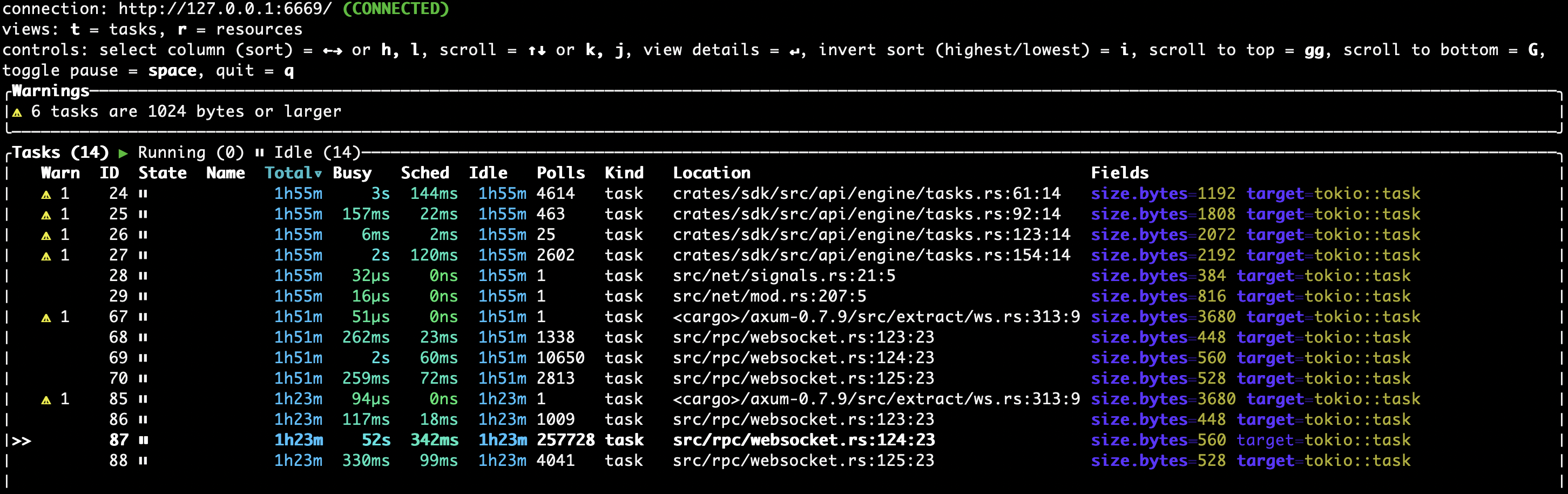
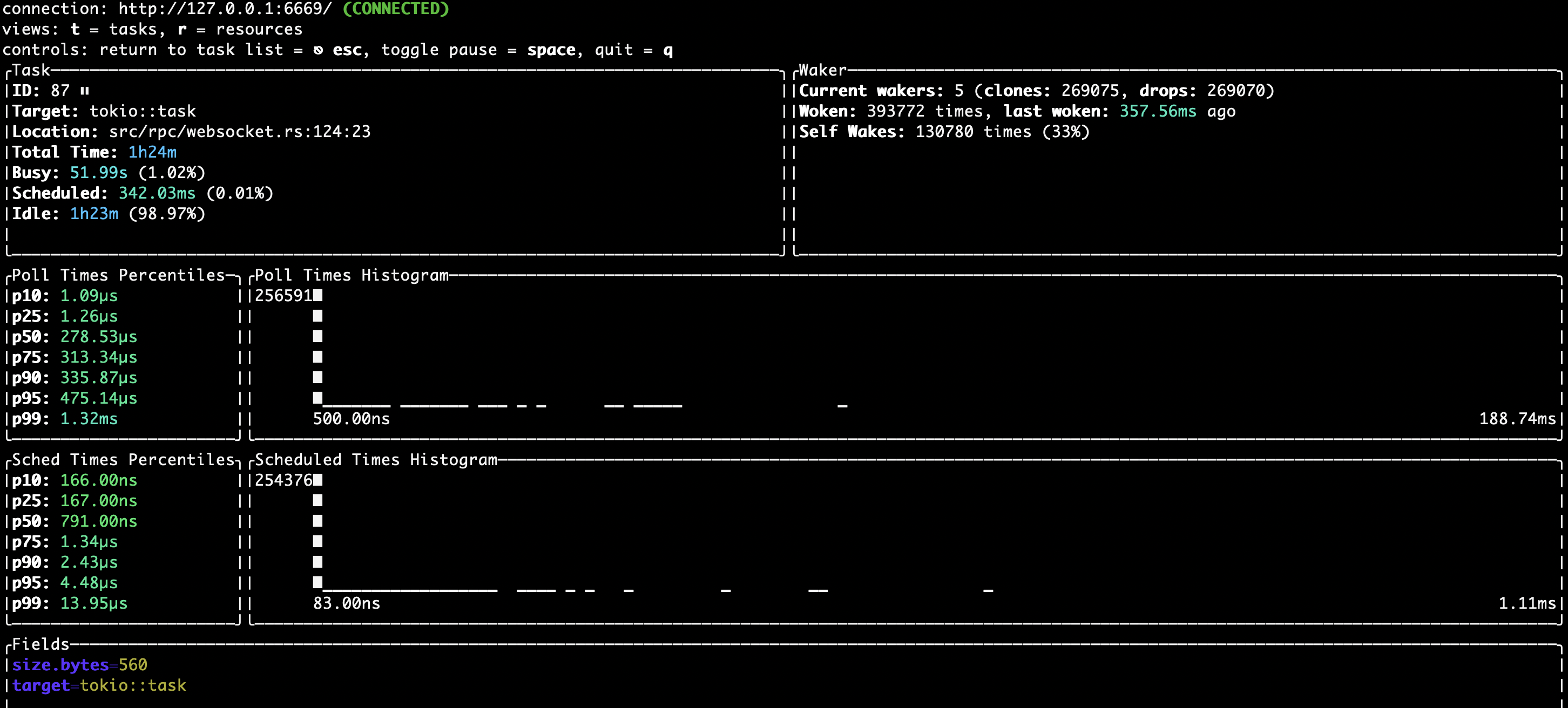
Typical uses for the tokio console are: spotting tasks that rarely get polled, comparing poll percentiles after a change, and correlating spikes in load with specific async workloads.