SurrealDB offers three paid support plans: Standard, Business Critical and Premium. Each commits to published initial response targets, from 8 business hours for a Sev (Severity) 1 on Standard to 30 minutes on Premium. A plan applies to the whole organisation and is added to an annual contract.
Community help is free and open to everyone. A support plan is what lets you raise a technical ticket. Account and billing tickets are open to every organisation, with or without a plan.
Support plans
Each plan sets the coverage hours, the number of named contacts, and the channels your organisation can reach support through.
| Community (free) | Standard | Business Critical | Premium | |
|---|---|---|---|---|
| For | Anyone building on SurrealDB | Development teams | Production applications | Mission-critical applications |
| Coverage | Best effort, no commitment | 09:00 to 17:00, business days | 24x7 | 24x7 |
| Response-time targets | None | Yes | Yes | Yes |
| Named contacts | Anyone on your team | 5 | 10 | 20 |
| Channels | Discord and GitHub Discussions | Tickets via the SurrealDB Studio support portal | Tickets via the SurrealDB Studio support portal | Tickets via the SurrealDB Studio support portal, plus a dedicated Slack or Teams channel |
| Technical account manager | No | No | No | Yes |
Plans are priced as a percentage of your annual contract and can be added to an organisation at any time. To add one, enquire about paid support or speak to your account manager.
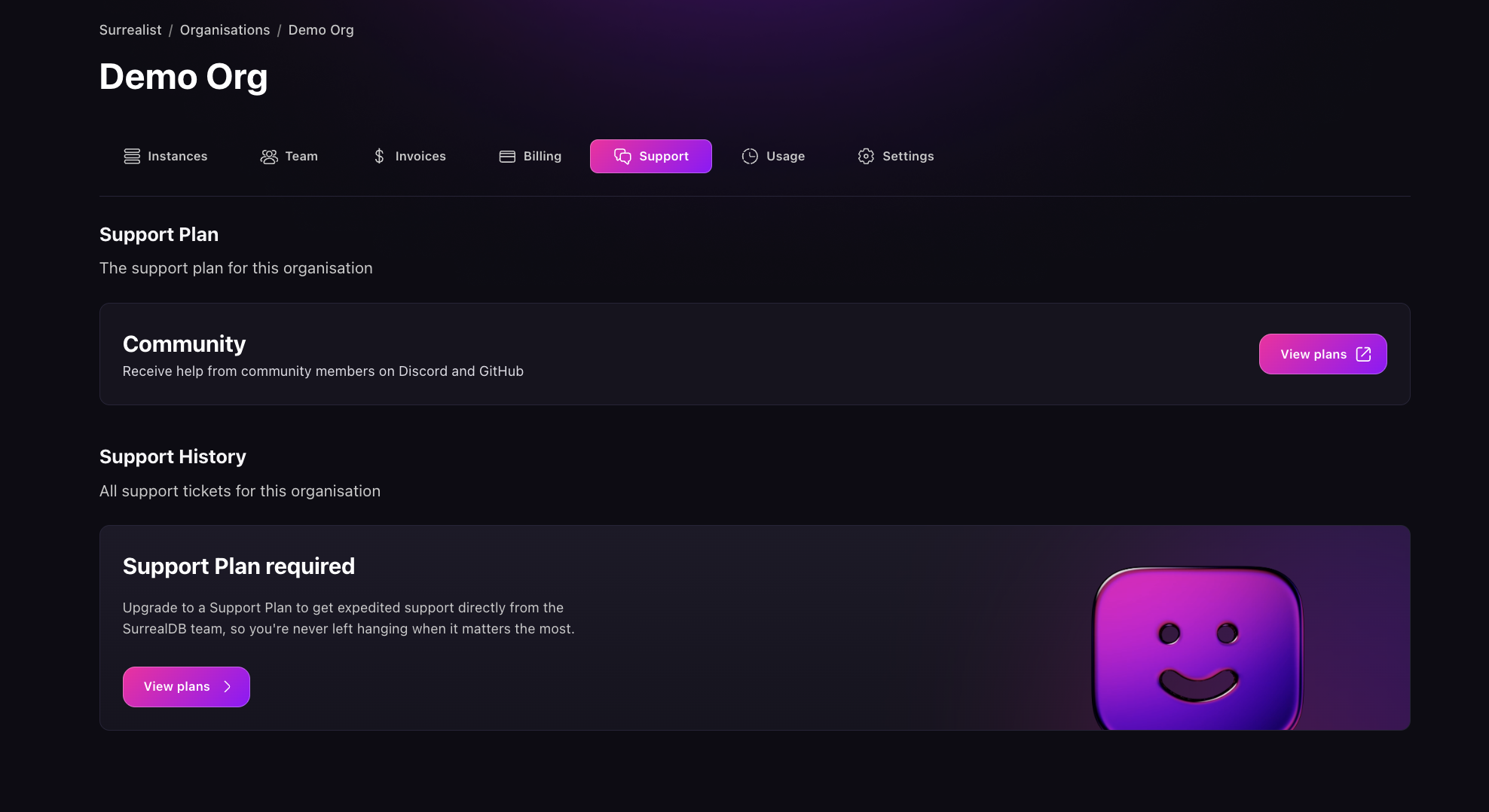
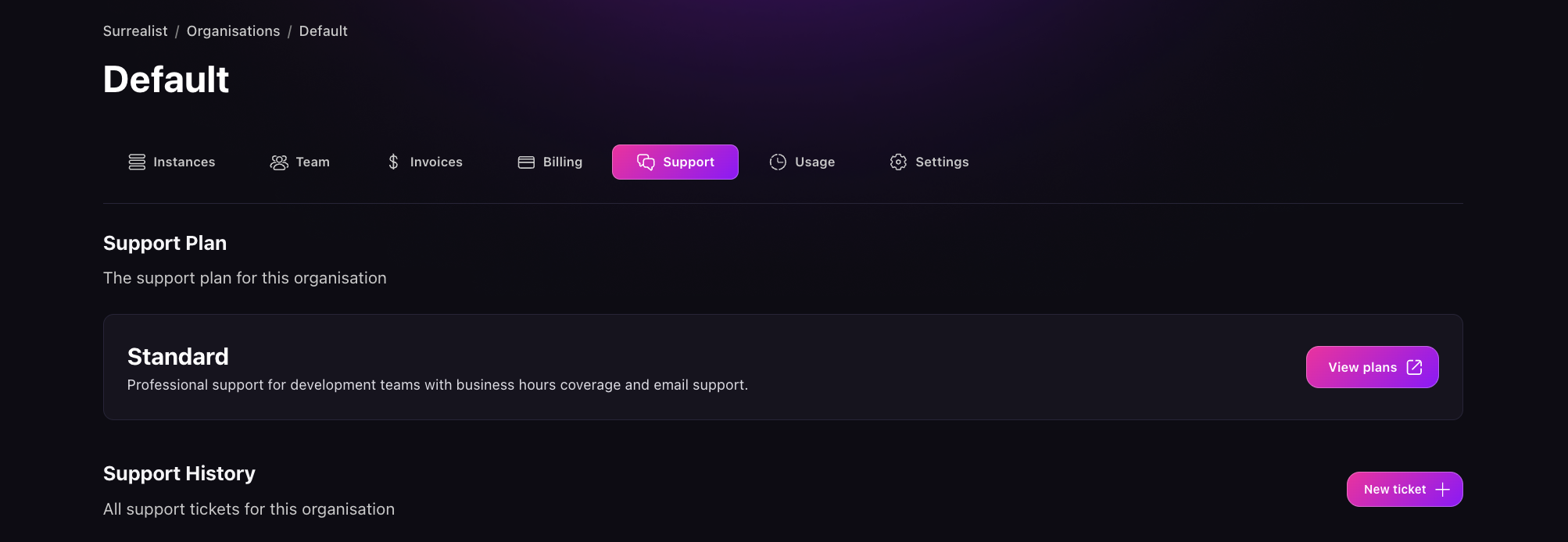
With a plan in place, Support in the organisation sidebar shows your plan and every ticket for the organisation. Without one, it shows View plans, which opens the pricing page.
Severity levels
You choose the severity when you raise a ticket. Choose it against business impact rather than against how urgent the work feels.
| Severity | Definition |
|---|---|
| Sev 1 | Production is down or unusable, or production data is at risk. No workaround. |
| Sev 2 | Production is running in reduced capacity. No workaround, or the workaround is not sustainable. |
| Sev 3 | A fault with a workaround available, or a non-production environment is affected. |
| Sev 4 | A question, a documentation issue, or a feature request. No operational impact. |
Initial response targets
| Severity | Standard | Business Critical | Premium |
|---|---|---|---|
| Sev 1 | 8 business hours | 2 hours | 30 minutes |
| Sev 2 | 12 business hours | 4 hours | 1 hour |
| Sev 3 | 24 business hours | 8 business hours | 4 business hours |
| Sev 4 | 24 business hours | 24 business hours | 24 business hours |
An initial response target is the time to the first substantive response from a SurrealDB support engineer. Targets are not guarantees, and they are not times to resolution.
Business hours are 09:00 to 17:00 on business days in your organisation's assigned support region, which is set in your contract.
What a support plan covers
A support plan covers every SurrealDB product on your contract, including SurrealDB, SurrealDB Cloud and Agent Memory, whether you run them in the cloud or self-hosted. In scope:
Faults and unexpected behaviour in the product
Configuration, deployment, upgrade and migration questions
Performance triage, including query and index behaviour
Availability, backup and recovery for Cloud instances
Forward-deployed engineers are available to work alongside your team on deeper pieces of work, scoped separately from your support plan. Speak to your account manager.
Support covers the software SurrealDB provides. Infrastructure and third-party services from other suppliers sit outside it.
Raise a ticket
Tickets are raised from SurrealDB Studio. A paid support plan is required to raise a technical ticket. Account and billing tickets are open to every organisation.
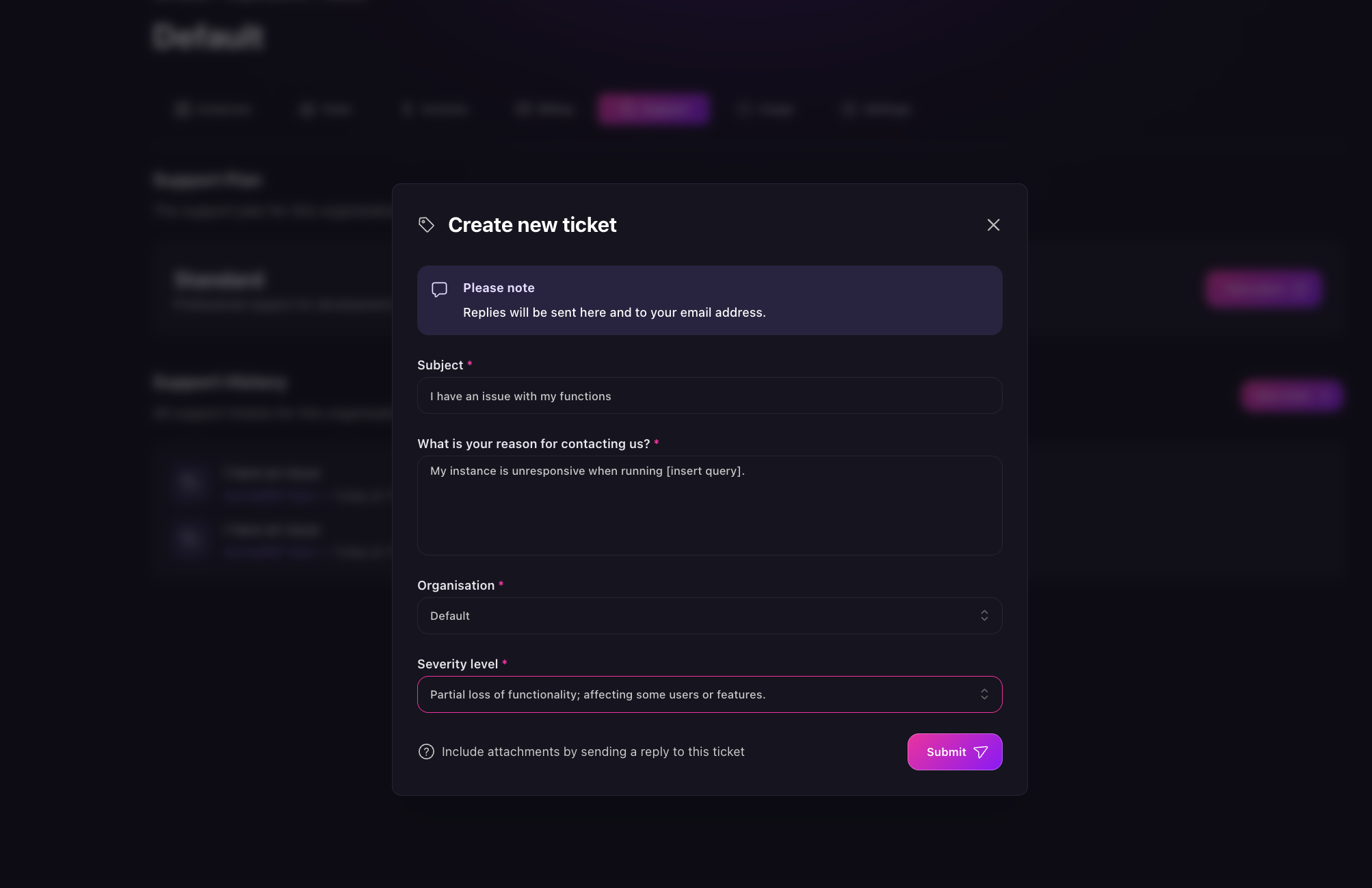
Open Support in the organisation sidebar.
Select New ticket.
Enter a Subject that names the problem.
Describe the problem under What is your reason for contacting us?
Choose the Organisation the ticket belongs to.
Choose the Severity level.
Select Submit.
In the description, state what you expected, what happened, and when the problem started. Include the instance id and the organisation id, which you can copy from Studio. Both save a round trip.
For a Sev 1, also include the time the incident began, the error returned, and whether the instance is reachable. Response targets run from the moment the ticket is submitted.
Studio opens the ticket after you submit it. Replies appear in the ticket and also go to your email address. To attach a log, a query, or a screenshot, add it to a reply.
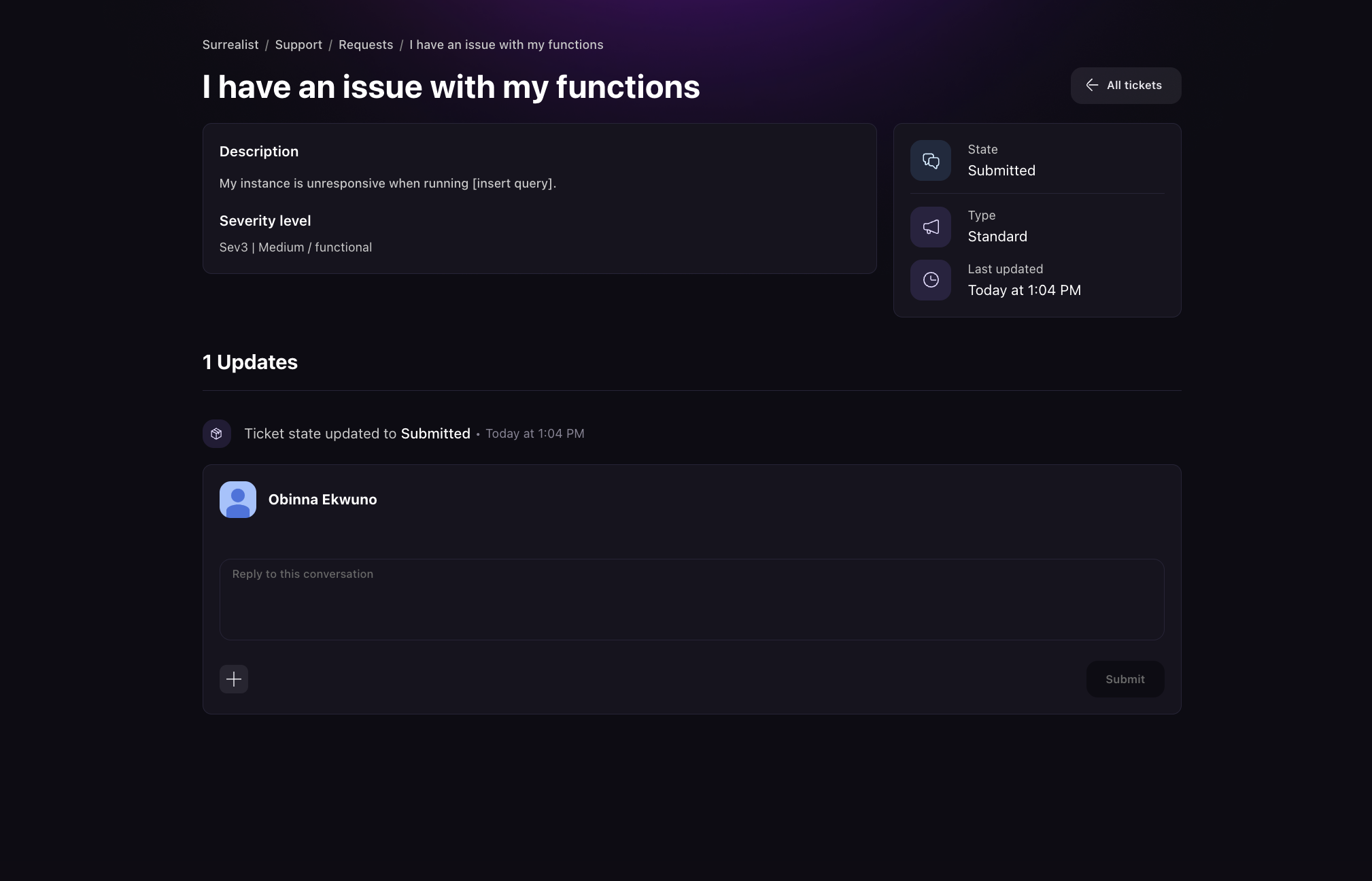
All tickets at the top right of the Support section lists every open and closed ticket for the organisation.
Escalation and incidents
To escalate, raise a new ticket at the severity the problem now warrants. Alerting is triggered by new tickets, so a reply on an existing ticket raises no alert. Where the new ticket covers the same problem, say so in the description and the two can be merged once the issue is resolved.
For platform-wide incidents, check the status page before raising a ticket.
Account and billing questions
Every organisation can raise an account or billing ticket in SurrealDB Studio, with or without a paid support plan. Open Support in the organisation sidebar and select New ticket.
You can also write to support@surrealdb.com from the address associated with your account. See Billing.
Community support
The SurrealDB Discord answers most questions. #surrealdb-cloud covers managed instances, and #help or #general cover everything else. SurrealDB Ambassadors and the SurrealDB team read the server and escalate the issues that need it.
GitHub Discussions suits a question whose answer others will search for later, such as how to model some data or why a query behaves as it does. A question there stays public and searchable, and a Q&A post can have an answer marked as the solution. Use GitHub issues instead to report a bug.
Use the community for questions that carry no confidential detail. Raise a ticket for anything that involves your data, your credentials, or your billing. Community help carries no response-time commitment.
Report a security issue
Send a security report to security@surrealdb.com rather than to Discord or a ticket. For a vulnerability in SurrealDB itself, submit a report through GitHub Security Advisories rather than a public issue. The disclosure policy is in the FAQs.